


bluelivesmatter13
Members
-
Joined
-
Last visited
Everything posted by bluelivesmatter13
-
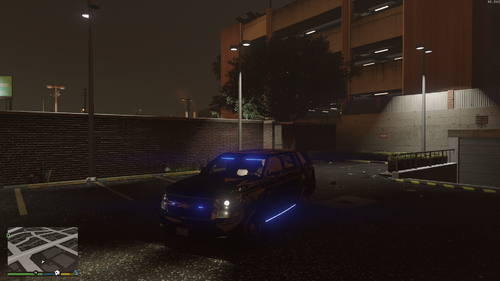 Ok I just reinstalled the .ytd and that fixed it
 -
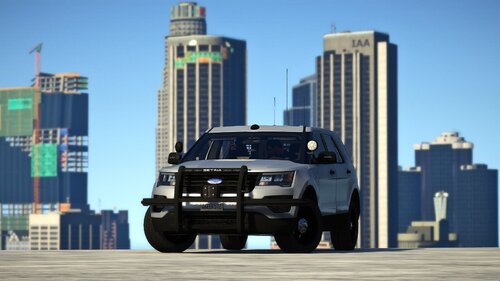
It is a great car and I love it to death but for me it is white, is there any way I can fix it so it is black?
-
 I'm trying to install this but every time I try to use the package installer on Open IV on the .oiv file it always says "error loading package". Any advice for how to deal with this?
- 2,349 comments
- 238 reviews
-
 Alright I'll give that a try, thank you!
 -
I absolutely love the vehicles and have a lot of fun with them. I have a little issue though. It installed in both FBI slots which I don't mind in itself. The issue is that one of the vehicles works perfectly except the turning is wicked sensitive so when I turn at an intersection the thing flips. The other vehicle I use more as it does not suffer from this handling issue. The problem with this vehicle is that whenever I am rolling code the rear bar lights turn off when I get to code 3. When I hit code 2 those lights work fine but when I get to 3 they turn off. I can hit k on my keyboard but that doesn't make the lights switch, it only turns them on. If you had any advice to fixing either of these issues that would be really helpful! Either way like I said the vehicles are great and if we cant figure out a solution it's all good.
