
gptiatg
Members
-
Joined
-
Last visited
Everything posted by gptiatg
-
I would love for there to be a way where I find less drugs (and other illegal stuff) on peds, or there be a less likely chance of them being intoxicated, either drunk or high. Currently it seems like every single traffic stop I make ends in a arrest because the person is giving off some kind of smell or something. I know this could possibly make the game boring for some people, but I think I would enjoy the more realistic aspect of having more normal traffic stops. If there is already a way to configure this, just let me know. Also if I could have posted this in a better forum let me know. I usually don't post so thank you.
-
In my opinion Compulite is much better and easier to use, I tried Computer + for a short time but I found Compulite to work much better with the court cases etc. It also come with a mobile tablet so you dont have to get in the vehicle to use it.
-
-
-
This isnt here for me...
-
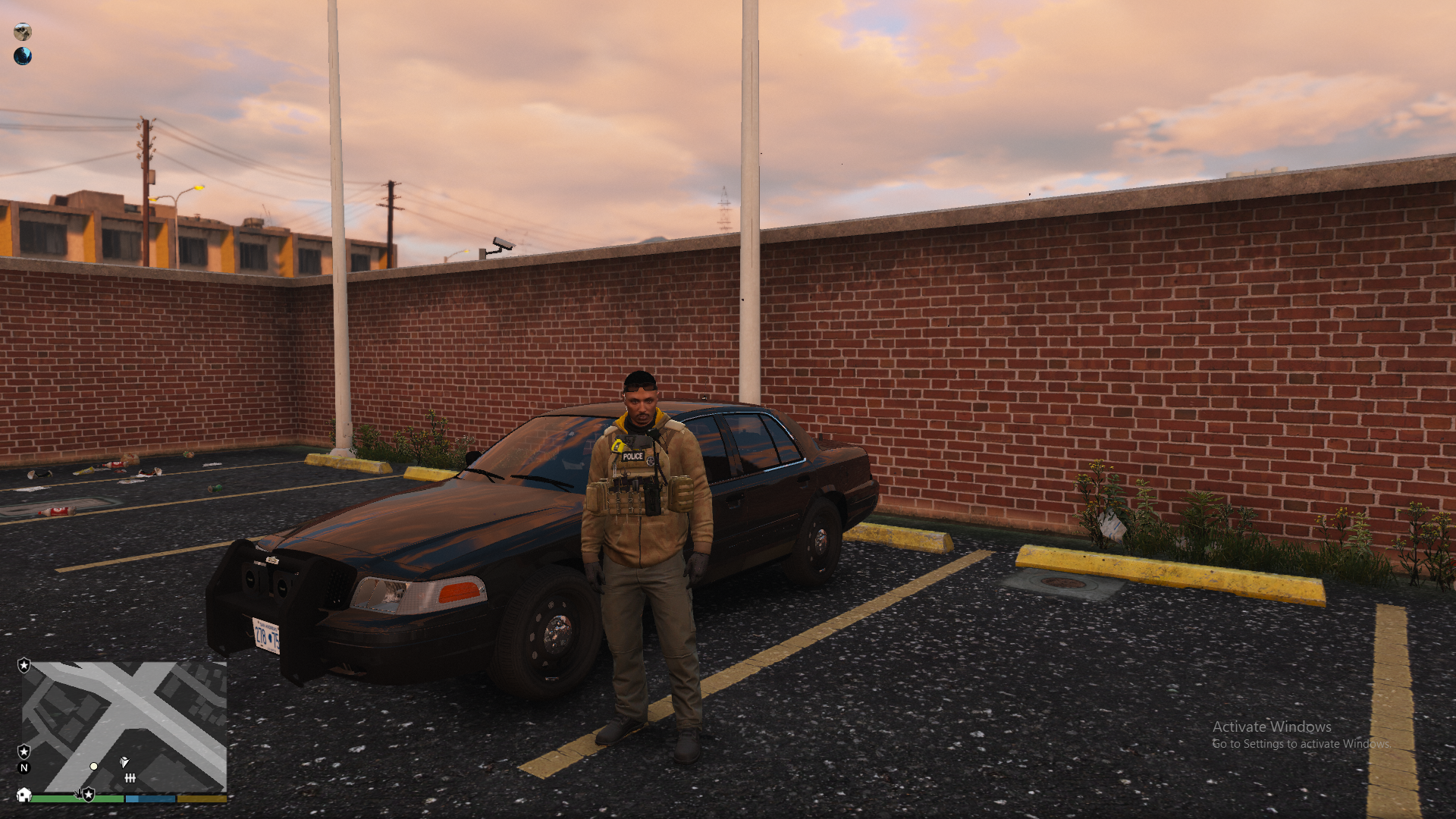
 What do I do with these texture files? And how can I select these vests in game?
- 552 comments
- 44 reviews