Skip to content
View in the app

A better way to browse. Learn more.

LCPDFR.com

A full-screen app on your home screen with push notifications, badges and more.

To install this app on iOS and iPadOS
  1. Tap the Share icon in Safari
  2. Scroll the menu and tap Add to Home Screen.
  3. Tap Add in the top-right corner.
To install this app on Android
  1. Tap the 3-dot menu (⋮) in the top-right corner of the browser.
  2. Tap Add to Home screen or Install app.
  3. Confirm by tapping Install.

baklazhan

Members
  • Joined

  • Last visited

  1. baklazhan replied to baklazhan's topic in Legacy
    Hmm.. Strange. I keep getting the message that the current version is not supported even on re-installed GTA
  2. baklazhan replied to baklazhan's topic in Legacy
    Is scripthook running for you or just LSPDFR and Rage and other plugins?
  3. baklazhan changed their profile photo
  4. baklazhan started following Update
  5. baklazhan posted a topic in Legacy
    Hi, has anyone got previous version of the game and is there any possibilities to use it for "backup". I want to downgrade the current version so scripthook and everything else keeps working because now for some reason the game just loads with LSPDFR but when i try to go on duty, nothing happens, I ain't even getting the message to press E to go on duty.
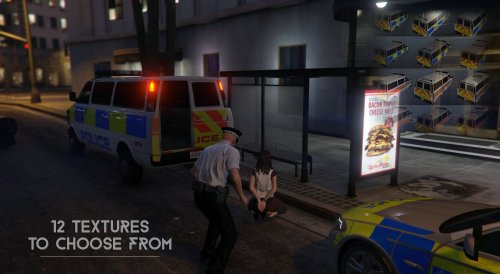
  6. Hi, im looking for British police3 vehicle but i can't find any, does anyone knows one?
  7. The pictures doesn't load. Can anybody upload pictures with all options?

Account

Navigation

Search

Search

Configure browser push notifications

Chrome (Android)
  1. Tap the lock icon next to the address bar.
  2. Tap Permissions → Notifications.
  3. Adjust your preference.
Chrome (Desktop)
  1. Click the padlock icon in the address bar.
  2. Select Site settings.
  3. Find Notifications and adjust your preference.