CorporalUnitedCode
Members
-
Joined
-
Last visited
Everything posted by CorporalUnitedCode
-
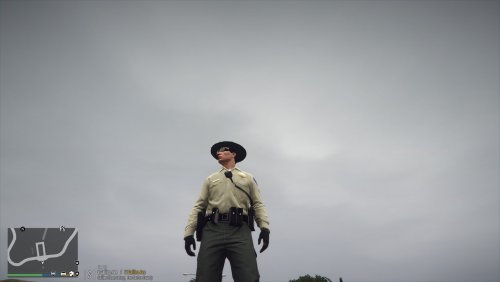 Right here I believe
 -
 This is amazing! Just wondering how do I change the color of the holster to black?
- 47 comments
- 14 reviews
-
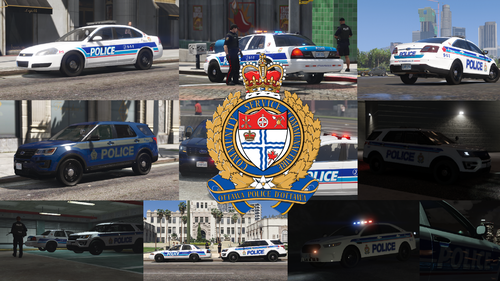 Finally! A better texture pack than the older one, will this be including more vehicles along the way?
- 7 comments
- 1 review
-
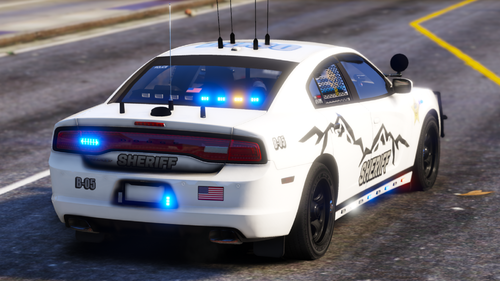 That ELS looks pleasing, can't wait to try it out later
 -
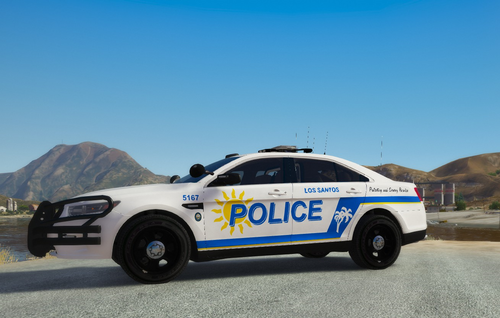 Just played 3 hours with this, amazing and simple instructions.
 -
-
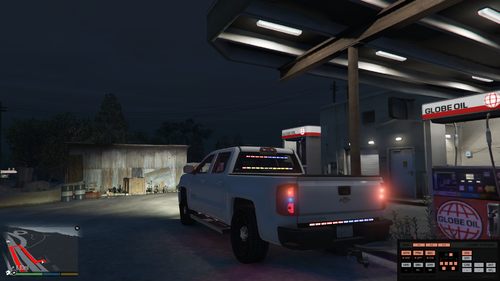 Just installed, I hope I did this right. I didn't install the mcmods image because I didn't know where to put it. It loads up and you can see it in the garage, when I click the ok to spawn it and go on duty I crash.
- 1 comment
- 2 reviews
-
Just did that and it works, thanks a lot man.
-
So I'm new to LSPDFR and just downloaded the basic requirements like STP and Ultimate Backup, which both work. But when I do a breathalyzer test or field tests on a person, it doesn't show me the results. Nor does when I get their ID it shows me the information.
-
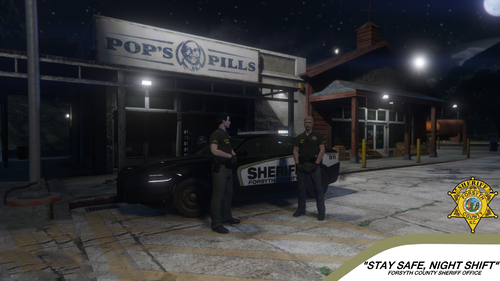 From your Youtube videos it looks very promising, and I see you've put in much work. So good job.