HashTagHell
Members
-
Joined
-
Last visited
Everything posted by HashTagHell
-
 As for now, you can turn off your antivirus and download it, or when you get the alert from your AntiVirus, click into it and allow the download, then download it again. I can assure anyone it's safe. Astro wouldn't hurt us.
 -
-
 Good grief. I just did this manually yesterday. This is an excellent idea.
 -
.thumb.png.4ab504d37fbd8b768097f8ccbc502e95.png) @Stobe This pack has always been a favorite of mine. Is there any chance of getting more (updated) vehicles added?
@Stobe This pack has always been a favorite of mine. Is there any chance of getting more (updated) vehicles added?- 77 comments
- 13 reviews
-
 I noticed there's no longer a VisualV specific version or Brighter Daytime version included. Does this version cover all?
- 110 comments
- 20 reviews
-
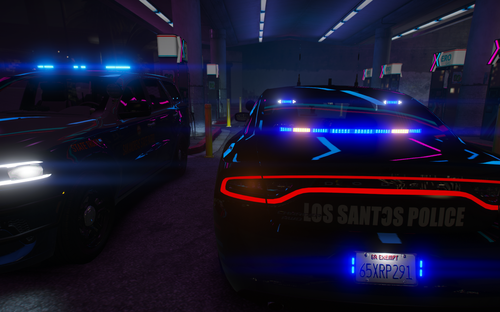 Any way you can pin point which liveries go with which pack? A few of those vehicle packs have a ton of unnamed liveries and it makes it hard to know what is what.
 -
-
 Installed perfectly. The issue I'm having is it shows "unknown county" when in parts of Blaine/Sandy area. Any help?
- 560 comments
- 28 reviews
-
I don't seen to be able to find the file. Am I just blind?
-
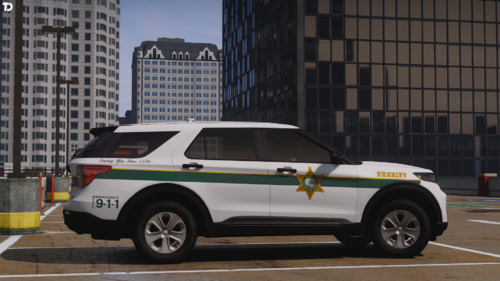 I know it may be a lot to ask, but would it be at all possible to link the vehicles?
 -
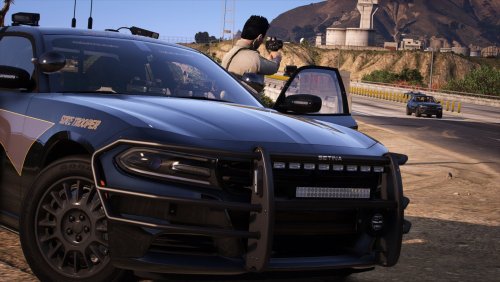 Man, you were extremely quiet about this release.😂 Good stuff bro. Everything looks awesome.
- 18 comments
- 7 reviews
-
-

- 1
-
-
-
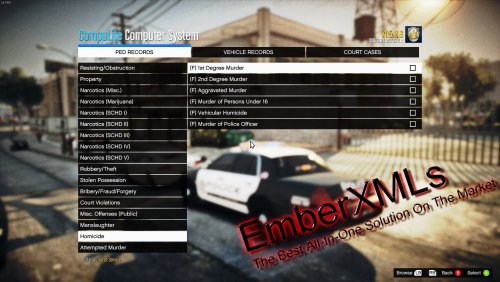 I cannot count the times that I didn't like something (not just here) anywhere, and I just chose not to use it. If I was going to go back and forth with what I thought someone should do, I would probably chose to do it myself and show them up. I appreciate what you've done with this mod, and I personally think it's the best out to date. PS: XML files can be manipulated if the format is that much of a thorn in one's hip.
- 96 comments
- 9 reviews
-
-
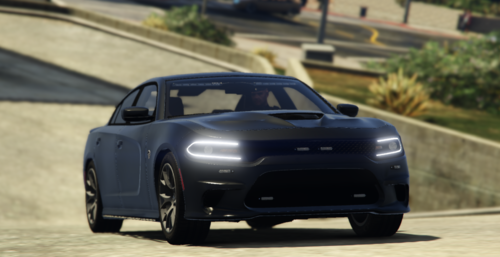 Yes. The xml files go into: \Rockstar Games\Grand Theft Auto V\ELS\pack_default
 -
Did you remember to put the xml in the els folder?
-
Change it to this in the vehicle meta: 140.000000 140.000000 350.000000 350.000000 500.000000 500.000000
-
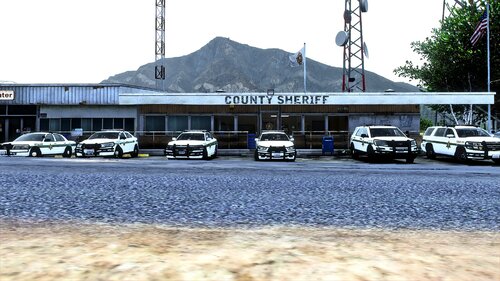 Very cool Stacie.
 -
-
Sweet. Very clean looking. I'll be back when the r&b version is done.
-
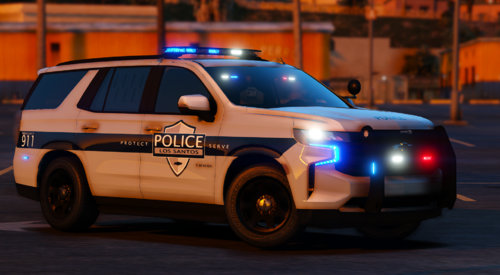 Nice. Needs a few more vehicles. Would make a nice pack.
 -
 Thank you. Absolutely appreciate your work, and glad you choose to touch it up.
- 485 comments
- 78 reviews
-
-

- 1
-
-
@BlueGhostThis will probably sound silly and I apologize in advance, but if I just installed the update yesterday do I just need the trailer zip?
- 485 comments
- 78 reviews
-
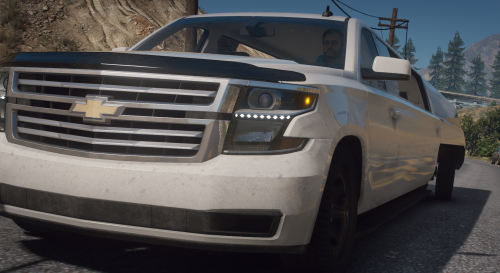 Well, if there were a vehicle to represent what 2020 has been... Thank you.
 -



.thumb.png.4ab504d37fbd8b768097f8ccbc502e95.png)