Skip to content
View in the app

A better way to browse. Learn more.

LCPDFR.com

A full-screen app on your home screen with push notifications, badges and more.

To install this app on iOS and iPadOS
  1. Tap the Share icon in Safari
  2. Scroll the menu and tap Add to Home Screen.
  3. Tap Add in the top-right corner.
To install this app on Android
  1. Tap the 3-dot menu (⋮) in the top-right corner of the browser.
  2. Tap Add to Home screen or Install app.
  3. Confirm by tapping Install.

Daniel B

Members
  • Joined

  • Last visited

  1. Fixed and fixed! Thank you for letting me know 🙂 I'll probably make a pack when I get chance 🙂
    • 201 downloads
    • Version 1.1
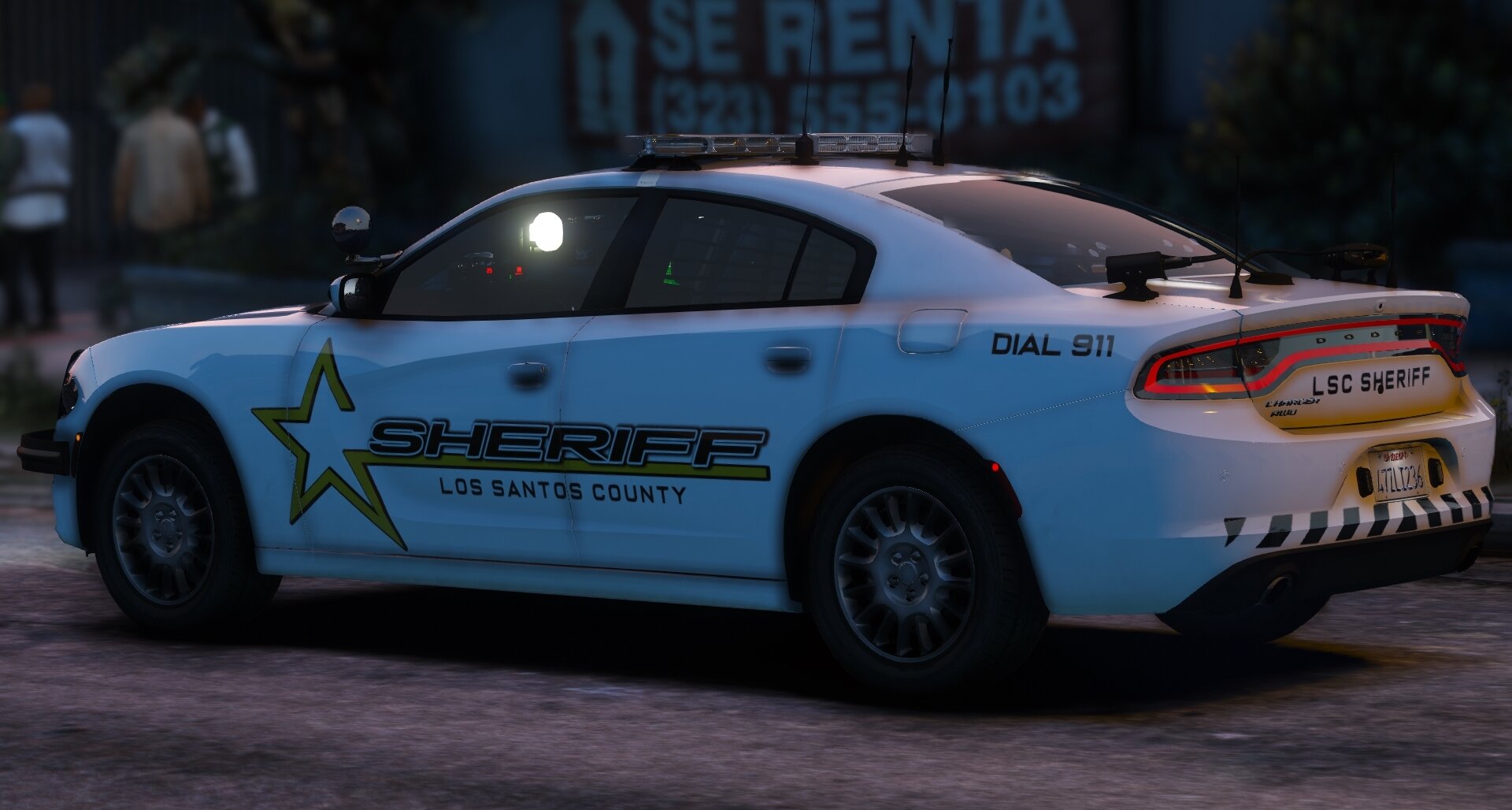
    This livery has been sitting on my PC for a while and I never did anything with it so why not release it. This livery is made to fit Rednecks 2016 Ford Explorer. This FPIU is a private model but may fit on others. Feel free to use on other models but don't edit it to make it fit another. TOS - Feel free to use on FiveM - Do not claim my work as your own. - Do not upload this livery to any other website - Daniel B (ItsDanFTW)

Account

Navigation

Search

Search

Configure browser push notifications

Chrome (Android)
  1. Tap the lock icon next to the address bar.
  2. Tap Permissions → Notifications.
  3. Adjust your preference.
Chrome (Desktop)
  1. Click the padlock icon in the address bar.
  2. Select Site settings.
  3. Find Notifications and adjust your preference.