



redoo
Members
-
Joined
-
Last visited
Everything posted by redoo
-
I can't enter a police station and no cops or police cars are spawning out front.
-
-
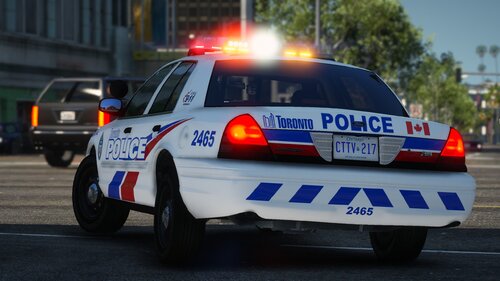 Hey, is TPS 15 and 16 included i can't seem to find them?
 -
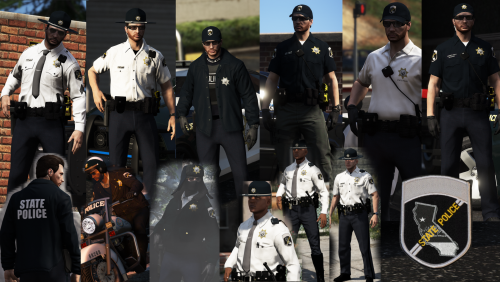 I don't have a eup folder in update.rpf the backup is working fine but i can't find the eup folder
- 67 comments
- 5 reviews
-
Whenever i see or load Police4 the game crashes and i get an error message saying "Please Reboot and Restart Game" which i have done and it has done nothing PLEASE HELP!
-
Do you have any add on packs?
-
I had a issue before where when i issued a traffic stop my computolite system and traffic policer menu weren't working at all, so i reinstalled them and now my game is crashing constantly. Keep in mind before my traffic stop stuff stopped working everything was fine.
-
Idk if this will work for you but: When in game press F4 and open the console Type the following in console: forceduty This worked for me should work for you.
-
Keep trying to launch lspdfr, this happend to me but it seemed to be nothing but a fluke so keep launching over and over again. It is a common issue.
-
-
Do i put the Ambient stuff in my LSPDFR.ini?
-
I don't think it's possible, the game only sees the cars that have the names of the original cars in the game.
-
 Have you installed a gameconfig? Here: https://www.gta5-mods.com/misc/gta-5-gameconfig-300-cars Do what it says to do on the page and install it then try playing.
- 964 comments
- 158 reviews
-
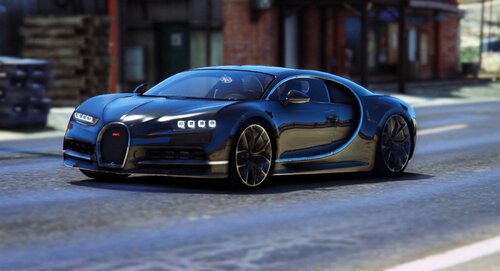 Seems great



