
lobsterninja
Members
-
Joined
-
Last visited
Everything posted by lobsterninja
-
From the album: Fun Times in GTA V
-
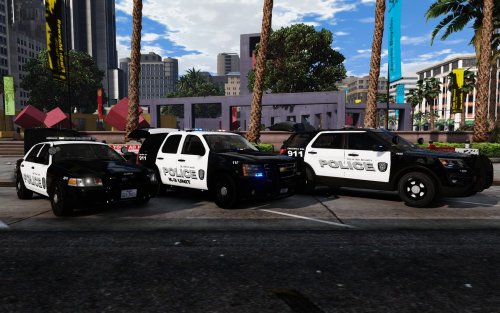
Just some random pictures from along the way.
-
From the album: Fun Times in GTA V
-
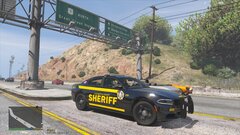
From the album: Fun Times in GTA V
-
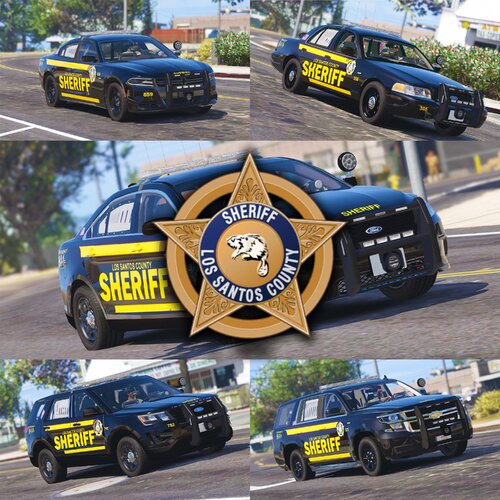 Great job on these skins. Actually went out and found a model charger they would work on as the one I had at the time didn't align correctly. Enjoying them now though. Great work man!
- 11 comments
- 4 reviews
-
-

- 1
-
-
I actually changed the model to a different one. I had a '15 charger I was using but found an '18 and now using these skins! Looks good, I like it!
- 11 comments
- 4 reviews
-
-
- 1
-
-
I was looking forward to using these on a model charger I have but they just don't fit right, not your fault, took a shot in a dark if it would work. Pack looks good though, been wanting something different, just like these. I do like them a lot!
- 11 comments
- 4 reviews
-
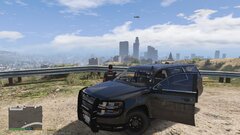
From the album: Fun Times in GTA V
-
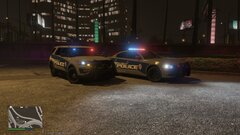
From the album: Fun Times in GTA V
-
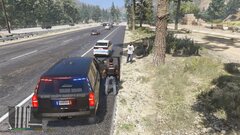
From the album: Fun Times in GTA V
-
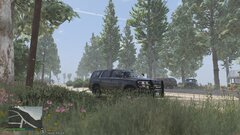
From the album: Fun Times in GTA V
-
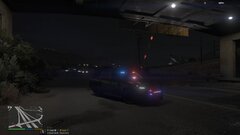
From the album: Fun Times in GTA V
-
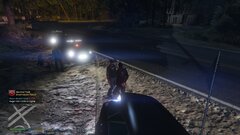
From the album: Fun Times in GTA V
-
From the album: Fun Times in GTA V
-
From the album: Fun Times in GTA V
-
From the album: Fun Times in GTA V
-
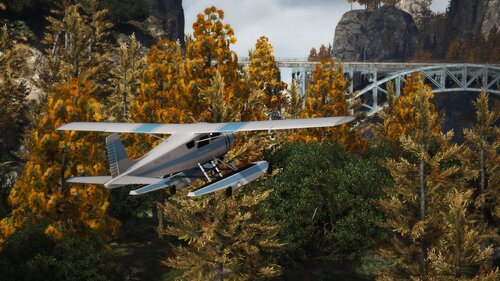 Always been hesitant to do map updates or mod it, but glad I took the time to do this one. Amazing! All of it! Well worth the download.
- 52 comments
- 17 reviews
-
-
- 1
-
-
Little late to the party on this one, but that's badass. Just installed it and did a quick run through the trees, amazing!
- 52 comments
- 17 reviews
-
-
- 1
-
-
yay!
-
 Great pack, definitely worth the download.
 -
-
-
Yo, welcome from another new guy. Been playing about 2 weeks now, well configuring for about two weeks, think I almost got it figured out. It's a blast and addicting.
-
Thank you, I look forward to it. Still trying to figure things out. I've got most of it down, just trying to get the lights to work now through ELS, hoping to get that figured out here shortly too with some topics I found here.
-
Ok, I think I figured it out thanks to a youtube video