


Andro174
Members
-
Joined
-
Last visited
Everything posted by Andro174
-
Good afternoon. I have a problem connecting the plugin. When I launch RPH, it starts to load, and when the "Lauching game" label is lit, Rockstar services start working, after they are connected, the normal GTA5 launch occurs without the plugin, and RPH remains suspended with the label "Lauching game".". Antivirus is disabled. I've already reinstalled everything several times. I don't know what to do next?
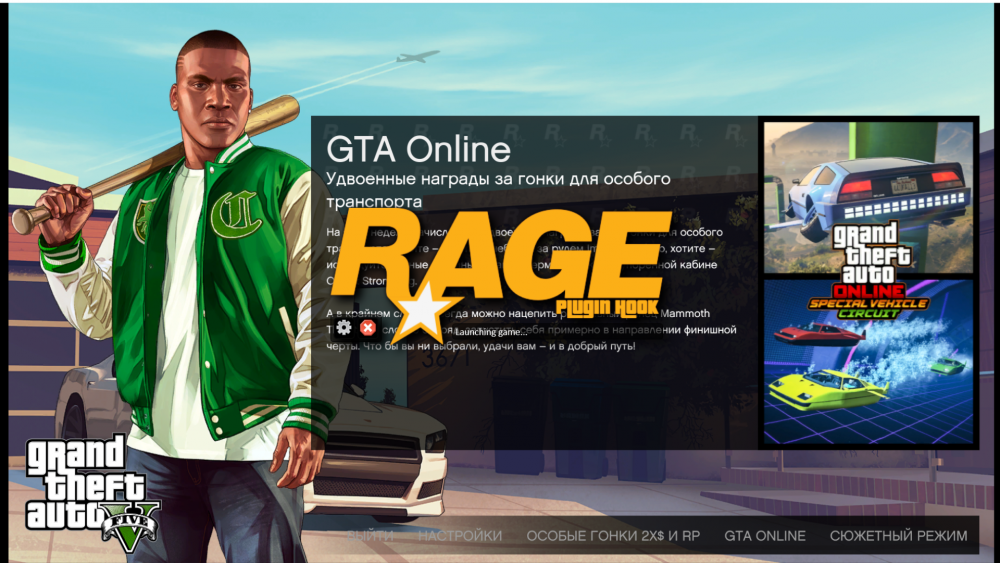
-
Добрый день. У меня проблема с подключением плагина. Когда я запускаю RPH, он начинает загружаться, и когда горит ярлык «Lauching game», сервисы Rockstar начинают работать, после того как они подключены, обычный запуск GTA5 происходит без плагина, а RPH остается зависшим с надписью «Lauching game». ». Антивирус отключен. Я уже все переустанавливал несколько раз. Я не знаю, что делать дальше?
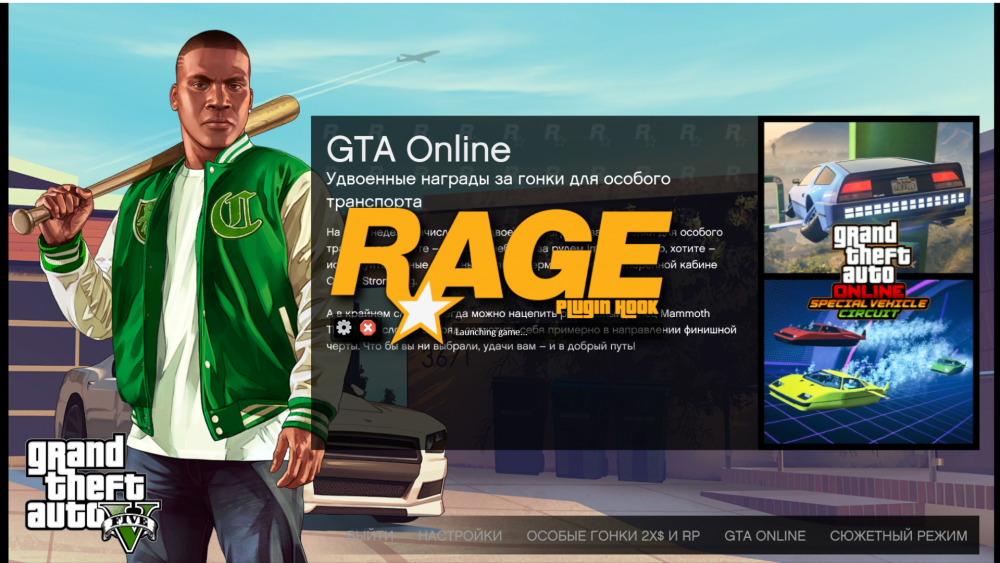
-
У меня такой же проплём! Пожалуйста, помогите мне!

