


Bravuogn
-
Joined
-
Last visited
Everything posted by Bravuogn
-
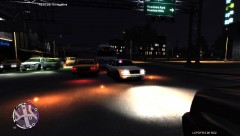
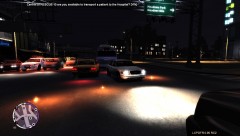
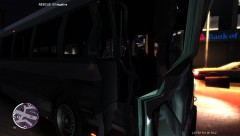
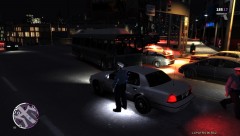
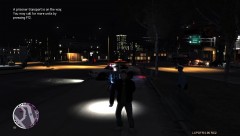
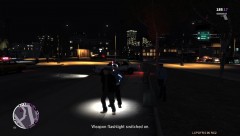
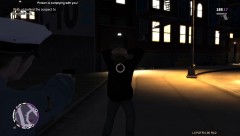
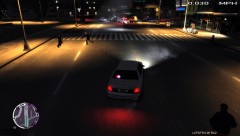
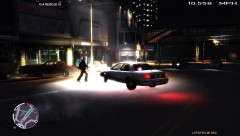
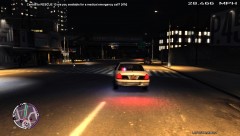
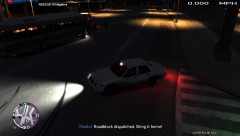
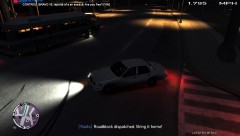
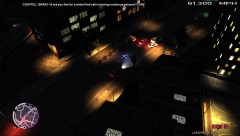
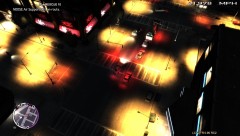
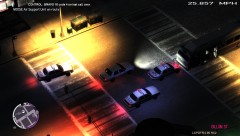
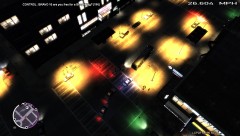
Police work can be hard work. Sometimes it's even quite boring, especially hours of traffic stops. But today police officers in Broker (LC) had a special task: stop a maniac in his bus!
-
 EFLC 2013 03 19 16 53 56 05
-
 EFLC 2013 03 19 16 53 54 64
-
 EFLC 2013 03 19 16 52 09 17
-
 EFLC 2013 03 19 16 51 44 88
-
 EFLC 2013 03 19 16 51 19 67
-
 EFLC 2013 03 19 16 51 12 82
-
 EFLC 2013 03 19 16 50 53 19
-
 EFLC 2013 03 19 16 50 34 19
-
 EFLC 2013 03 19 16 50 29 44
-
 EFLC 2013 03 19 16 50 25 84
-
 EFLC 2013 03 19 16 50 17 66
-
 EFLC 2013 03 19 16 50 16 18
-
 EFLC 2013 03 19 16 49 52 99
-
 EFLC 2013 03 19 16 49 31 68
-
 EFLC 2013 03 19 16 49 17 12
-
 EFLC 2013 03 19 16 49 09 57
-
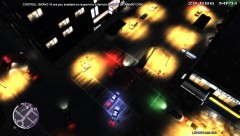 EFLC 2013 03 19 16 49 06 46
-
-
From the album: Bus Driver Joe On The Run
-
From the album: Bus Driver Joe On The Run
-
From the album: Bus Driver Joe On The Run
-
From the album: Bus Driver Joe On The Run
-
From the album: Bus Driver Joe On The Run
-
From the album: Bus Driver Joe On The Run
-
From the album: Bus Driver Joe On The Run
-
From the album: Bus Driver Joe On The Run
-
From the album: Bus Driver Joe On The Run
-
From the album: Bus Driver Joe On The Run
-
From the album: Bus Driver Joe On The Run
-
From the album: Bus Driver Joe On The Run
-
From the album: Bus Driver Joe On The Run
-
From the album: Bus Driver Joe On The Run
-
From the album: Bus Driver Joe On The Run
-
From the album: Bus Driver Joe On The Run
-
From the album: Bus Driver Joe On The Run
-
-
-
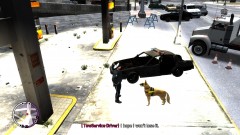 Well, that's the most important part of the car :)
 -
Random pictures of my every day work as a LCPD officer.
-
From the album: Bravuogn's impressions
Jerry Lee and I, we both were shocked when Victoria suddenly wasn't anymore. She didn't make it through a hard police chase. After the suspect rammed into a gas station, her and our car were blown up. Fortunately, Jerry Lee and me survived with only minor injuries. The suspect died immediately due to her fatal injuries. Sadly, our beloved Ford Crown Victoria didn't make it either. At least, a good cup of coffee calms down a little... -
Wow, looks awesome! Does your modding change anything concerning the pc resources required? Will it work on laptops? Probably not. :)
-
Really an awesome mod! I love it. And I haven't experienced any bad bugs so far (I know, you shouldn't say that ;) ). Keep up the magnificent work. EDIT: I have to correct myself. After having been shot by 3 bikers in a row in an unexpected moment, I dediced to give my partner a second chance for saving my a**. ;)

