Raven Miller
Members
-
Joined
-
Last visited
Everything posted by Raven Miller
-
-
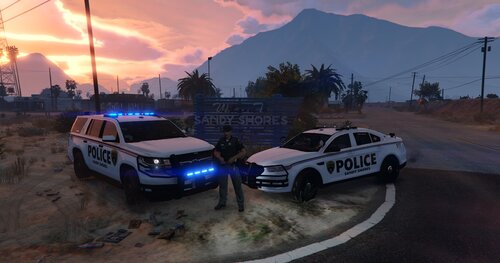
 I'm having issue with Sheriff, i installed everything as it said i should with the Meta file but the textures came out weird
- 95 comments
- 24 reviews
-
 When i look in OpenIV i am able find the individual vehicles but when i do as you're telling me to it opens a preview of the model, not a place for the JPG Files included in the download link
 -
where's the Car files for OpenIV? all i got was 2 pictures when downloaded the file
-
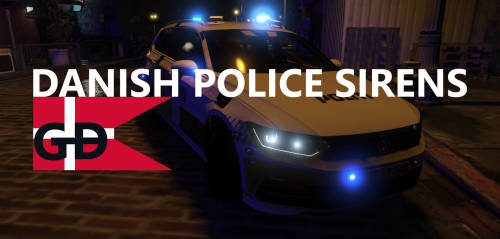 You need a Vehicle.oac file for people being able to install the sounds or then i'm missing out on something. if it's the second thing about me missing out, then please let me know how to install this