


Mort.
Members
-
Joined
-
Last visited
Everything posted by Mort.
-
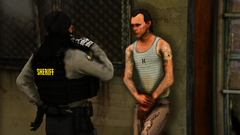 Yo, where did you get that sexy ass jacket?
 -
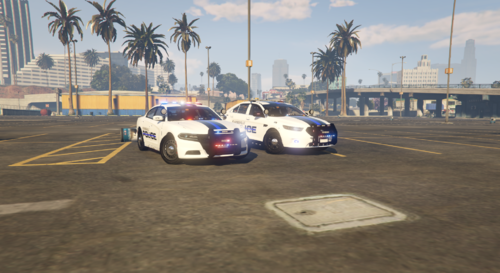 This is my first 2 skins. In this pack I have a 2016 Taurus and a 2016 Charger. In this pack I changed a couple things, such as the Charger as not back thin blue line, The blue line through the POLICE on the sides of the cars and the rear bumpers, and the POLICE on the back of the Taurus along with the Charger. I got the templates from one of my favorite ELS modelers Torz , the pack I used was his San Andreas State Trooper Pack. I have more vehicles to come, maybe the Unmarked 2013 FPIU (Explorer), 2014 Charger, and maybe the 2011 CVPI (Crown Victoria) or the 2013 Tahoe.

