RX7ZONE
Members
-
Joined
-
Last visited
Everything posted by RX7ZONE
-
Dude youre my hero! I deleted rivatuner and disabled overlay. RHP works ! Thanks
-
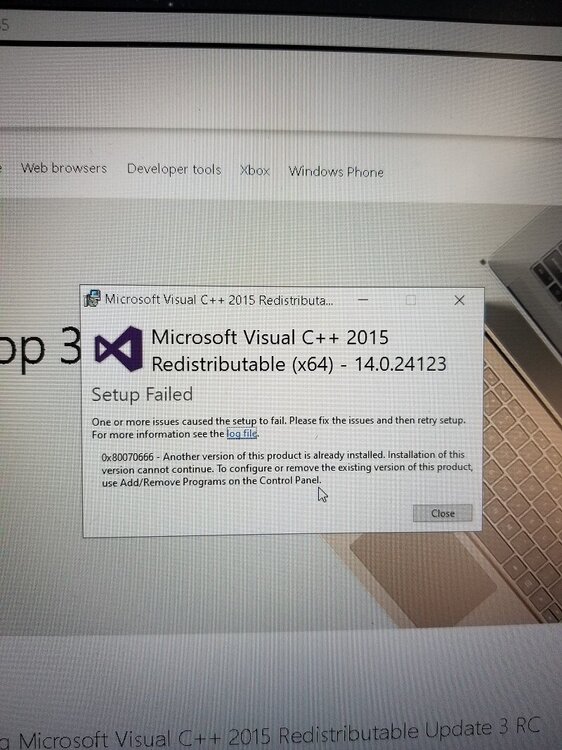
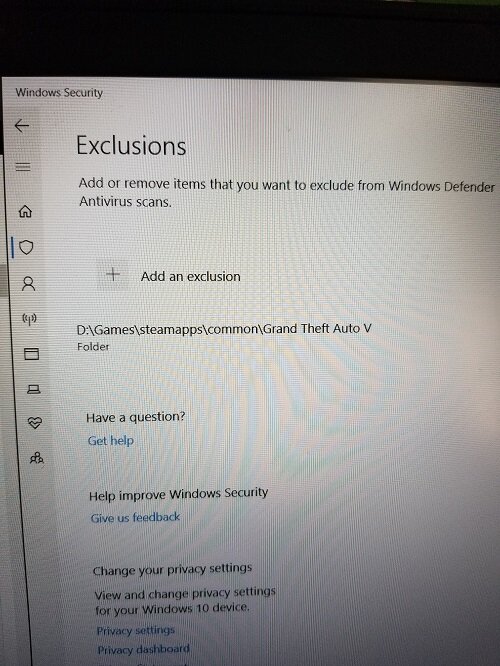
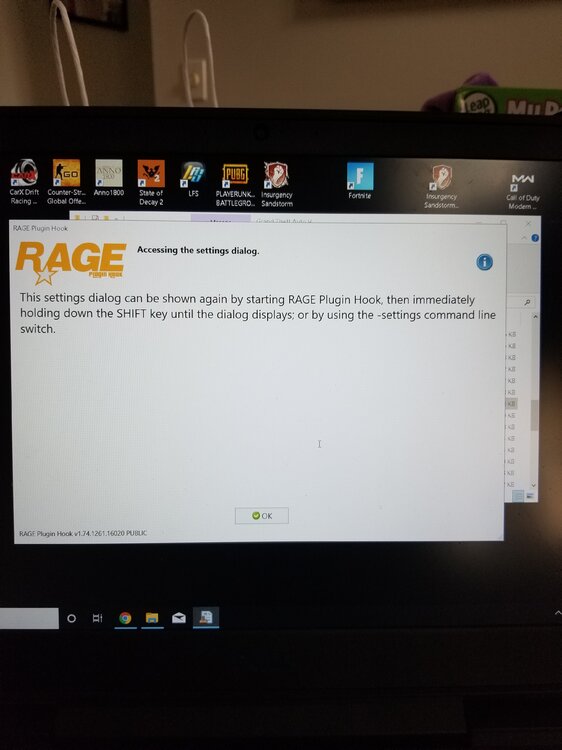
I was only able to install Microsoft Visual C++ 2010 SP1 Redistributable Package (x64)... ( it actually gave me the option to repair and not install) The other 2 downloads failed, giving me a error message that the files are already installed on my computer. I added the folder to windows security. (pic) I reinstalled LSPD .046 manual and Rage I then launched RPH exe. I got the disclaimer, then the settings screen opened. Before I was able to click on "save and launch" it closed on its own. I reopened RPH and immediately clicked on "save and launch" and I got a screen saying " Accessing the settings dialog (pic). I clicked "ok", it closed and nothing happened. Now nothing happens when I try to open RPH exe.
-
Even though i have windows 10 I should still download those microsoft requirements?
-
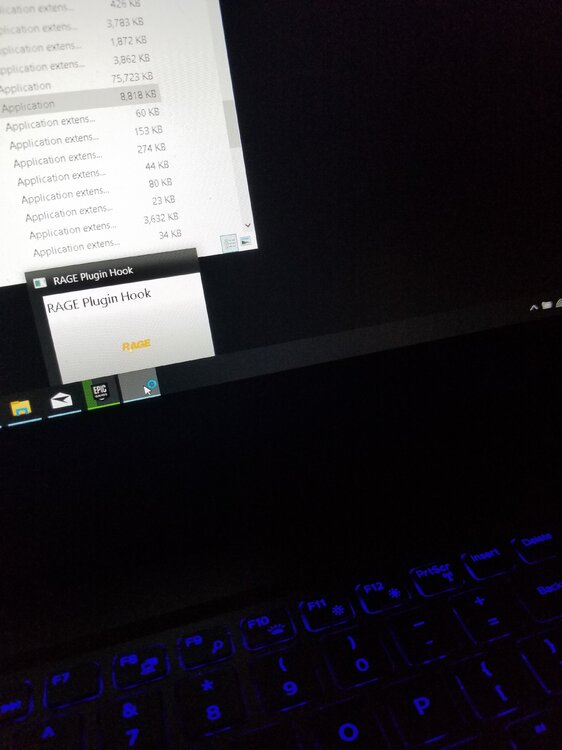
hey guys, Its my first time modding so its a fresh start. I downloaded the latest LSPDFR and RPH. I extracted the LSPD(046), using WinRaR, and then RPH into the GTA V folder ("D:\Games\steamapps\common\Grand Theft Auto V") I clicked on RPH exe, accept disclaimer, backup game version and the settings windows opens. I then clicked on "save and launch" it closes and nothing happens. When i try to reopen RPH exe. it attempts to open (as shown in the pic) but then it disappears and nothing happens. I have windows 10 I made sure the plugin and LSPDFR folders have the proper files I've tried the dragging the files instead of extracting I tried disabling windows firewall I tried running RPH as admin I verified the game via steam What im I doing wrong???