AtomicWolF94
Members
-
Joined
-
Last visited
Everything posted by AtomicWolF94
-
 Sorry to be a pain but where do i put the downloaded files? im quite new to all the modding
- 132 comments
- 39 reviews
-
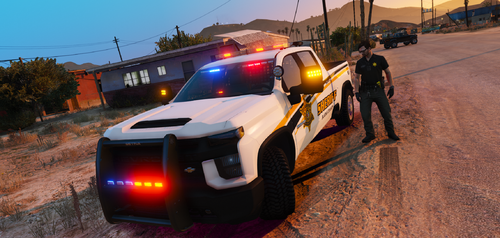 sorry to be a pain but it appears that i am unable to get sirens to activate, everything else is fine. Do i have to edit one of the files included? any help is much appreciated
- 36 comments
- 2 reviews