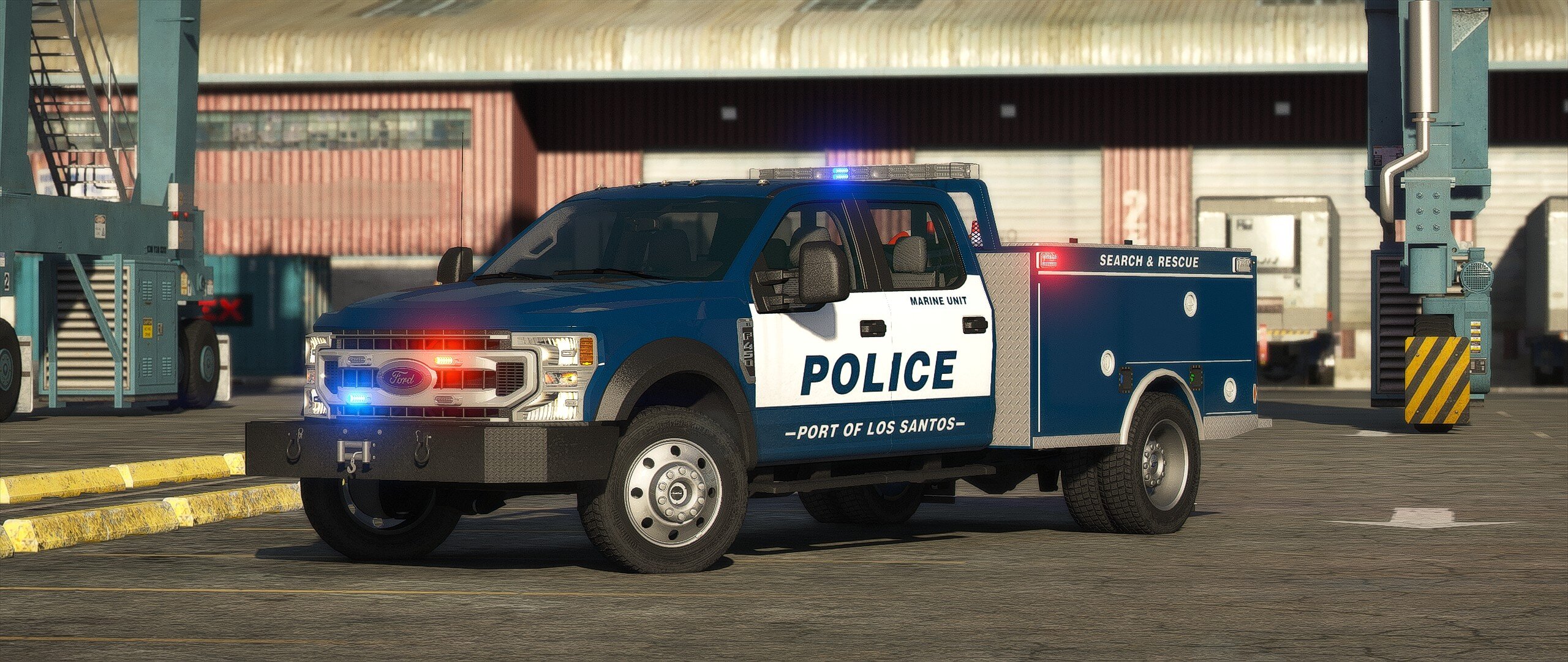

BC DESIGNS
Members
-
Joined
-
Last visited
Everything posted by BC DESIGNS
-
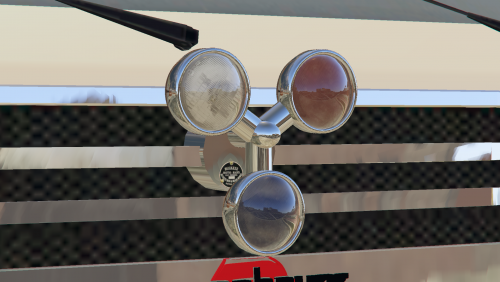 There is a way you do it with two siren dummies One set to rotate, the other set as a steady burn light under the rotating siren Like this: -siren1 (rotating mesh) -siren2 (emissive mesh) Getting it right is a pain in the ass, but that is how it is done
 -
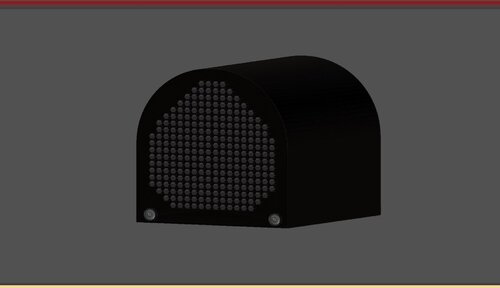 if you will open it .. and check it deep you will see why Yeah I did and I don't see why Everything about this could be a normal map instead of modeled Also, 24,000 polys is ridiculous for such a small part. You could have easily used normals for the screws and the speaker grill and it will look just as good
 -
-
 Bro took screenshots in my ambo box like I wouldn't notice Nice work!
 -
-
From the album: BC DESIGNS WIP
-
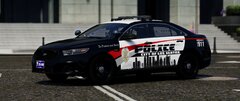
From the album: BC DESIGNS WIP
-
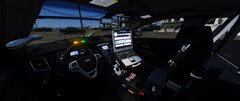
From the album: BC DESIGNS WIP
-
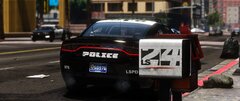
From the album: BC DESIGNS WIP
-

From the album: BC DESIGNS WIP
-

From the album: BC DESIGNS WIP
-
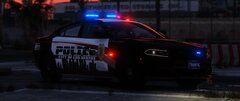
From the album: BC DESIGNS WIP
-

From the album: BC DESIGNS WIP
-
 Oh if you had it a while ago it did replace. I updated it so it doesn't now
 -
Actually this dlc does not replace any vehicles
-
Menyoo is horribly outdated, I would advise not using it for anything Ahhh yeah. The .oiv only allows me to do so much
-

From the album: BC DESIGNS WIP
-
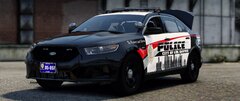
From the album: BC DESIGNS WIP
-
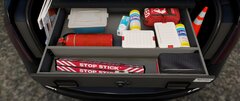
From the album: BC DESIGNS WIP
-

From the album: BC DESIGNS WIP
-
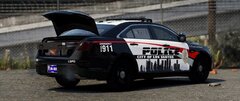
From the album: BC DESIGNS WIP
-
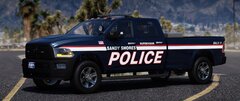
From the album: BC DESIGNS WIP
-
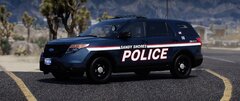
From the album: BC DESIGNS WIP
-

From the album: BC DESIGNS WIP
-
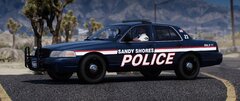
From the album: BC DESIGNS WIP