THE RARE DJMAN
Members
-
Joined
Everything posted by THE RARE DJMAN
-
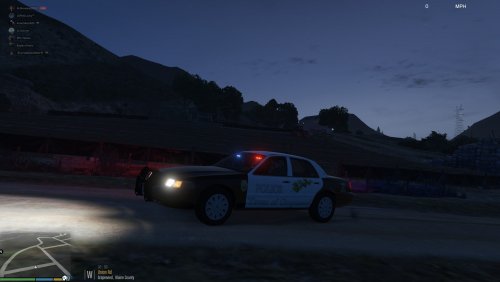 this looks like a great skin pack but where are the links to the cars?
 -
![[WIP] 2013 FDNY Seagrave Aerialscope II (Tower Ladder)](//s3-gallery.int-cdn.lcpdfrusercontent.com/gallery/album_547/sml_gallery_2101_547_139385.png) hello! is there anyway you can give this file out? ive been looking for this ladder for a while
hello! is there anyway you can give this file out? ive been looking for this ladder for a while -
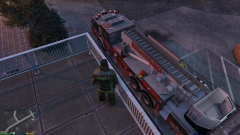 what is the possibility of you giving this model out? ive tried looking for some, and the only other one i found is on a facebook page that im not too key on.
 -
its actually normally not lspdfr and or the callouts, half the time it means your too close of the spawning of the callout or the time of your game is wrong for the callout
-
-
ive found out this problem too its normally caused by your graphics settings. if you go into your pause menu(in the game)/settings/graphics then go down to texture quality i think its called make sure its on normal if not put it too normal. if it is on normal or if it continues if you know what you have done before this occurred (like installing a plugin) then maybe remove it then see if it works if still not then im sorry just redo your gta
-
I’ve also tried that mod and it doesn’t work for me... it looks to be a really good mod but I can’t get it to even load. I’ve watched 9999 videos on how to do it but none of them work can someone give me the proper instructions on where to put files to where and what I’m I missing out. I’ve also found out (this is prob why) I don’t have a scripts folder and when I make it nothing works do I need to install a mod for it too work? Is so where is that file

![[WIP] 2013 FDNY Seagrave Aerialscope II (Tower Ladder)](http://s3-gallery.int-cdn.lcpdfrusercontent.com/gallery/album_547/sml_gallery_2101_547_139385.png)