


Peewee28
Members
-
Joined
-
Last visited
Everything posted by Peewee28
-
Well yea it opens and runs fine with it renamed, but as I said that gets rid of all of my car models etc i entered in the game because everything is under mods folder not _mods. So would I have to copy data in _mods or something ?
-
Try with mods folder renamed correct ?
-
AWESOME man, thanks that work. Will I need to change the name back to mods ? Because when I did so all my car models etc disappeared and the game had crashed again.
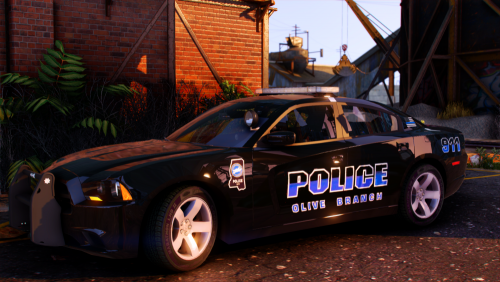 I live in southaven man, any chance you could do a southaven police department pack ?Thanks man alright, ill install assorted callouts, to see how it will turn out on my game.I have that im referring to a actual calloutNeed callout for just NPC traffic stop assistance, will assorted callouts crash my game still if only that is enabled ? OR is there any calllouts out there with traffic stop backup ?THANKS ! 🙂I cannot find out how to call tow or coroner. can someone help ?



Account
Navigation
Search
Configure browser push notifications
Chrome (Android)
- Tap the lock icon next to the address bar.
- Tap Permissions → Notifications.
- Adjust your preference.
Chrome (Desktop)
- Click the padlock icon in the address bar.
- Select Site settings.
- Find Notifications and adjust your preference.
Safari (iOS 16.4+)
- Ensure the site is installed via Add to Home Screen.
- Open Settings App → Notifications.
- Find your app name and adjust your preference.
Safari (macOS)
- Go to Safari → Preferences.
- Click the Websites tab.
- Select Notifications in the sidebar.
- Find this website and adjust your preference.
Edge (Android)
- Tap the lock icon next to the address bar.
- Tap Permissions.
- Find Notifications and adjust your preference.
Edge (Desktop)
- Click the padlock icon in the address bar.
- Click Permissions for this site.
- Find Notifications and adjust your preference.
Firefox (Android)
- Go to Settings → Site permissions.
- Tap Notifications.
- Find this site in the list and adjust your preference.
Firefox (Desktop)
- Open Firefox Settings.
- Search for Notifications.
- Find this site in the list and adjust your preference.