ggghi
Members
-
Joined
-
Last visited
Everything posted by ggghi
-
This seems to have fixed it. Thank you!
-
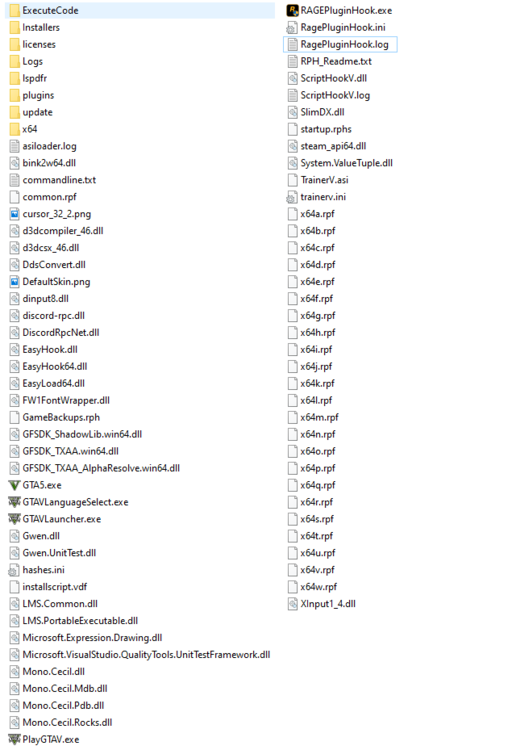
After installing LSPDFR on a clean (updated) game, the game crashes after just a few minutes. I originally installed it using the installer however I have tried to install it manually as well. I have ScriptHookV installed and the only other mod installed is Simple Trainer. I have no addons for LSPDFR installed either. All of the features of LSPDFR seem to work as if I really book it I can make it to the police station to the character creation screen and can begin creating one before it crashes again randomly. My log files seem to always end with "PoolWatcher: Found new ped and set them as cop: null," so I can only assume that is the issue. I attached the files in my GTA V folder and my latest log. Thanks in advance for the help! RagePluginHook.log