


SnowGlitch
Members
-
Joined
-
Last visited
Everything posted by SnowGlitch
-
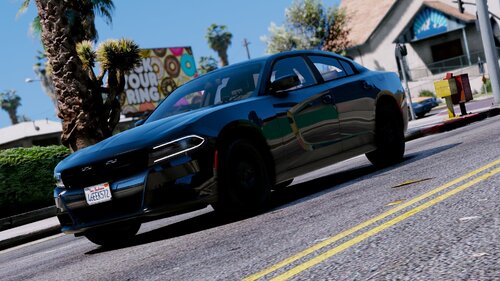 I love the car design etc. But only if the lights would work. Because now im driving a car without lights they just dont turn on they are literly extra customisation options for the vehicle but the rest is fine. Maybe it has something to do wit how i installed it but i literly followed the instalation path in the readme.
- 11 comments
- 6 reviews
