



MrDaxDev
Members
-
Joined
-
Last visited
Reputation Activity
-
 MrDaxDev got a reaction from Exoticjello for a file, Back cap gang unit [FiveM-Ready] ONLYThis is for fivem only.
How to install : You need to have patreon key to stream it. location [YourServerFolder] eup-stream / stream = copy and paste the folders, get into your server and restart eup-stream, it might take time to re-stream five thousand files again. or restart the server to start it again freshly.
Credits
Emerson tac vest (paid model)
@Alin23 (Converted the hat) from franklin to mp model.
HANAKOS safariland holster.
Only hat is uploaded, it's converted from franklins model to mp so it's a free cap, but other credits for me i have no permission to re upload them. if you want the safari land holster search it in lspdfr website. want the vest? contact emerson tac like as i paid for the model.
-
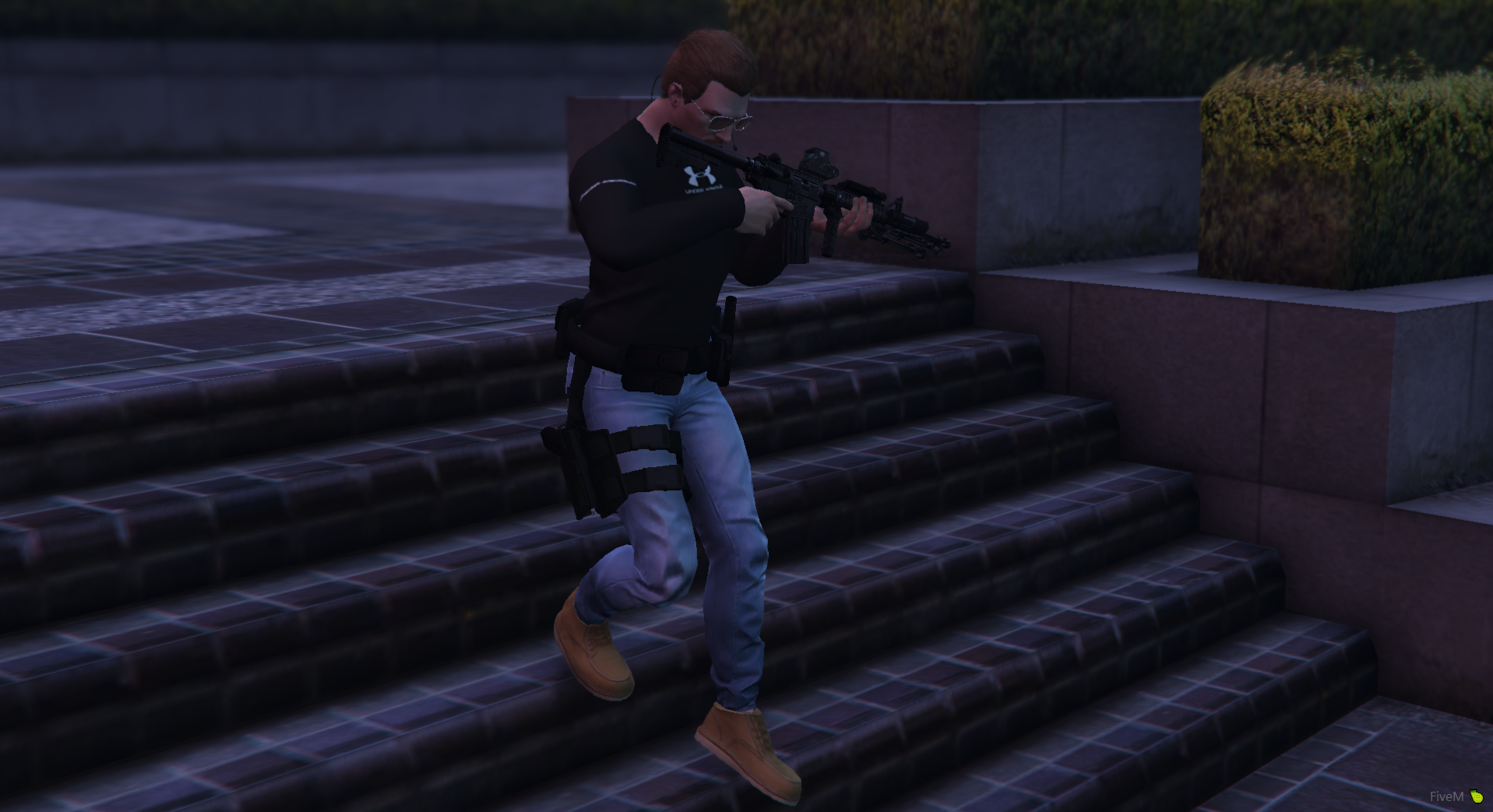
MrDaxDev got a reaction from LibertyDesigns for a file, FivePD GANG UNIT Long sleevesDecided to make a gang unit long sleeves for fivePD server
Install ?
FOLDER [eup-stream] then copy & Paste

