
DjBonez
Members
-
Joined
-
Last visited
Everything posted by DjBonez
-
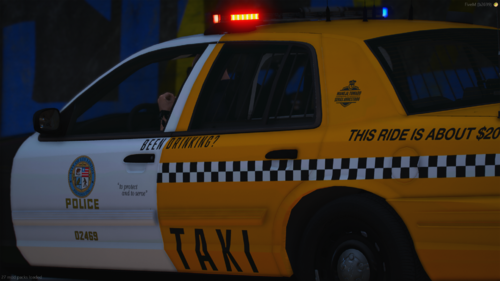 This is a simple skin i made that fits the underwood vic model i plan on making more, just have to sit down and do it, this is my first skins i have made since GPM shut down and im happy to be back, so enjoy also dont mind the plate in the pics
 -
So, simple run down, i have NVE and i have to load into gta with out using RPH, so when i get passed the legal pages, and i enter the landing zone (were you can change your settings, enter story mode or online mode, ect.), and when i get in there i have to open RPH and then i can play LSPDFR, however; LML completely overwrites this and makes it were i cant open RPH because it auto loads me into the game and skips the landing zone, is there anyway to fix this if there is please let me know. if any one has any questions on this topic post a reply on this post or DM me on discord:@ DjBonez#0325
-
ok i will try this thank you by the way
-
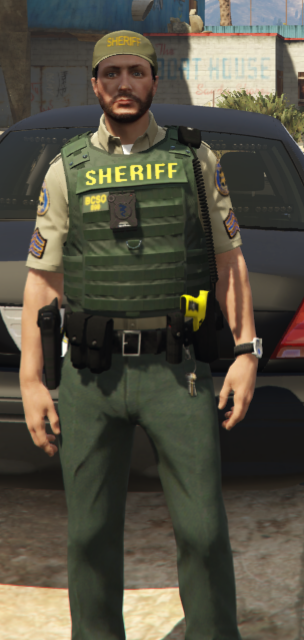
i want to have my Ai backup and static Ai police wear a outfit i made, how would i do this here is the outfit for reference if it helps