tragicEM
Members
-
Joined
-
Last visited
Everything posted by tragicEM
-
RANDOM 5 PICS #7
-
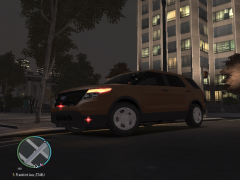
From the album: RANDOM 5 PICS #7
-
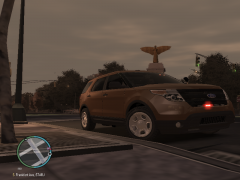
From the album: RANDOM 5 PICS #7
-

From the album: RANDOM 5 PICS #7
-
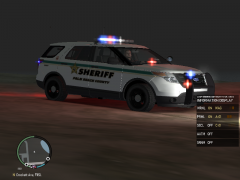
From the album: RANDOM 5 PICS #7
-
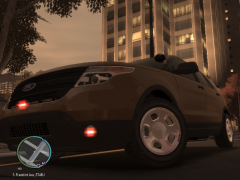
From the album: RANDOM 5 PICS #7
-
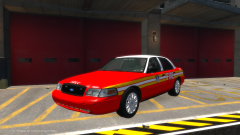 please do.. it may bring me back to the vic's
 -
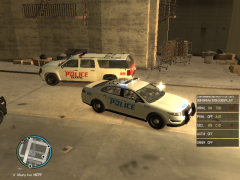 spotlight is nice on this car.. one fav feature
 -
 forgot I tinted the front window
 -
RANDOM PICS #6
-

From the album: RANDOM 5 PICS #6
-
From the album: RANDOM 5 PICS #6
-
-
From the album: RANDOM 5 PICS #6
-
-
-
RANDOM 5 PICS #5
-
From the album: RANDOM 5 PICS #5
-
From the album: RANDOM 5 PICS #5
-
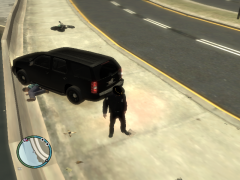
From the album: RANDOM 5 PICS #5
-
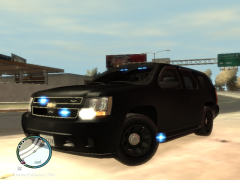
From the album: RANDOM 5 PICS #5
-
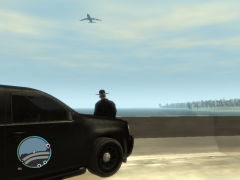
From the album: RANDOM 5 PICS #5
-
im running a dell precision 690 server with a Quadro FX 3450/4000 SDI 256mb with 4 gig .. with a max of 32 gigs for which I will be adding in the coming weeks.. my opinion of a good gaming setup already made and not that costly... roughly 450 to start with basics with a lot of room for upgrades the way you want it.. $3200 fully maxed and setup though that prices range from..
-
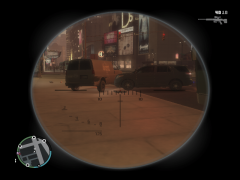 thanks it works
 -
RANDOM 5 PICS #4