


David White
Members
-
Joined
-
Last visited
Everything posted by David White
-
Yeah me too
-
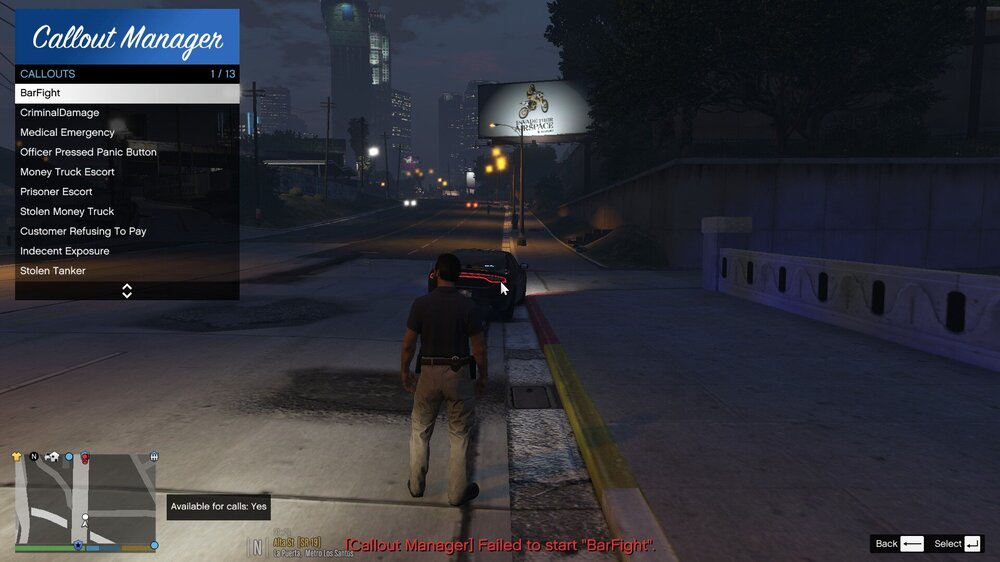
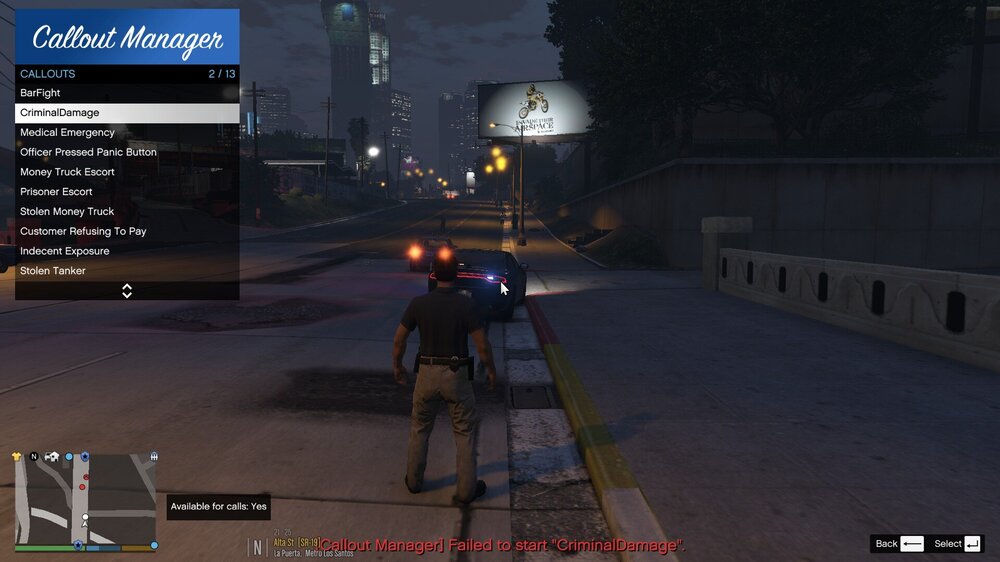
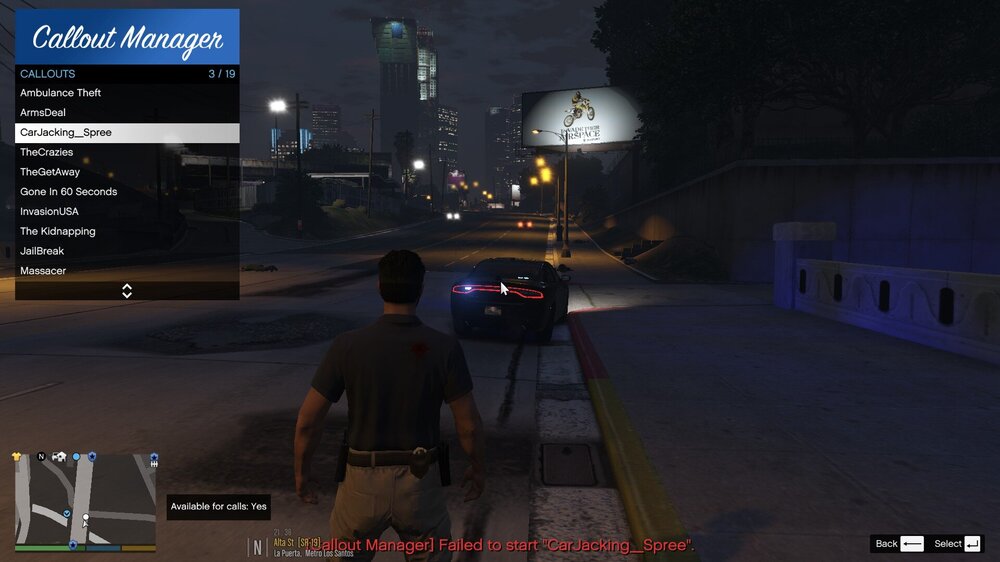
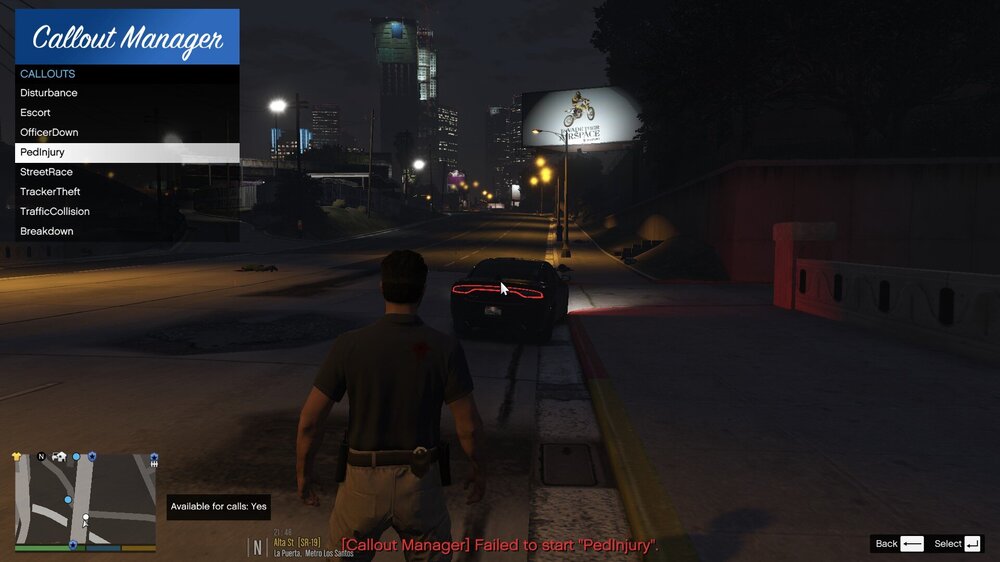
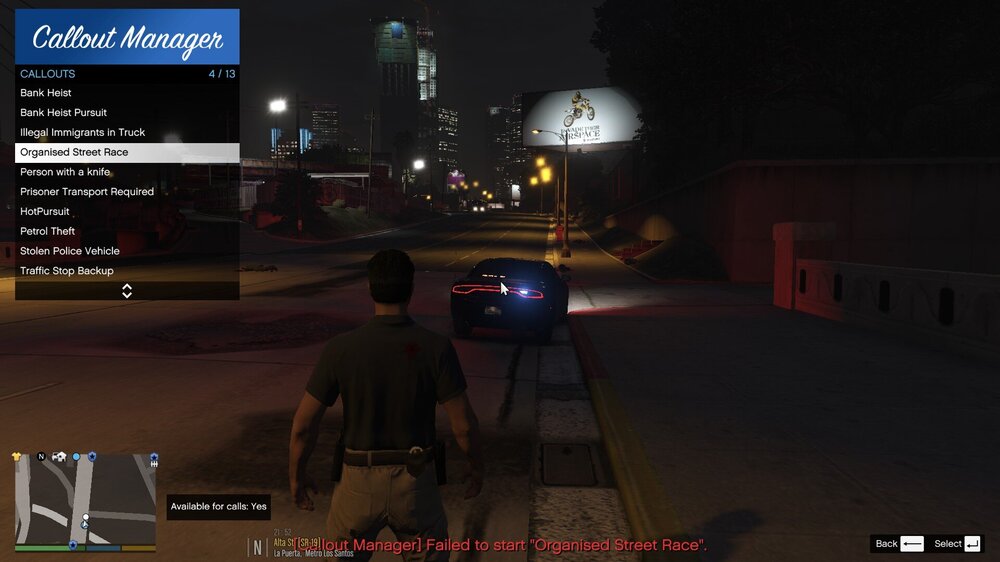
Thanks buddy it´s working again! But I have 2 other problems. First problem is that some Callouts don´t work If I run them. (pictures) Second problem is that I have constantly have 30 FPS If I´m on duty. How can I get more FPS?
-
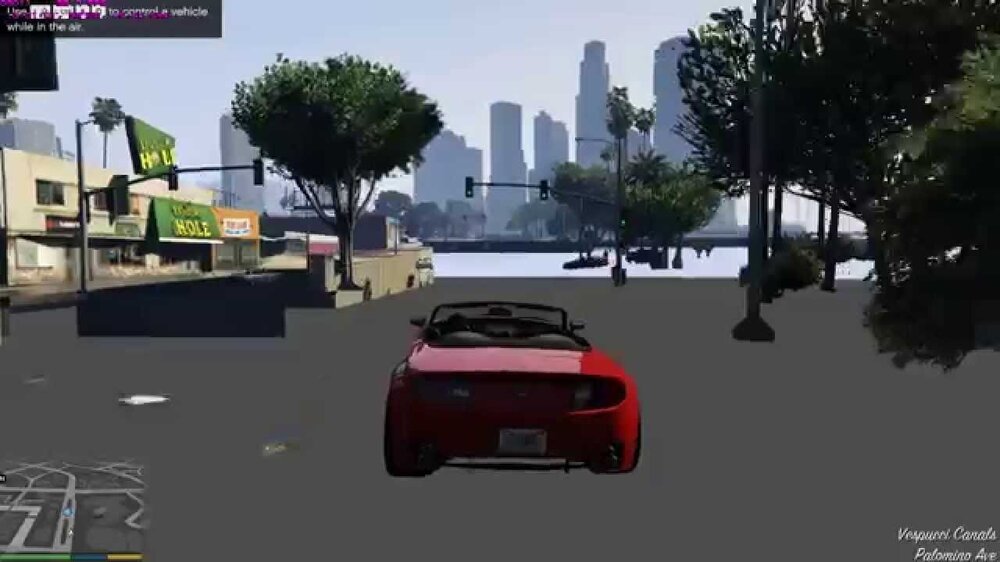
Hello everyone, If I go on duty my graphics are like in the picture that I found in the Internet down below. But only If I go on duty. I tried to drive around with all Plugins loaded and unloaded and it's working perfect. But If I go on duty, the graphics are like in the picture.. I named my mods folder to "_mods" to see If it´s because of the mods folder and I´ve found out that it is because the mods folder. But I really don´t want to install all my mods again. So is there another way? Can I just rename my ''Patchday" folder to see in what folder my isseu is? Cuz it´s only If go on duty. What should I do?
-
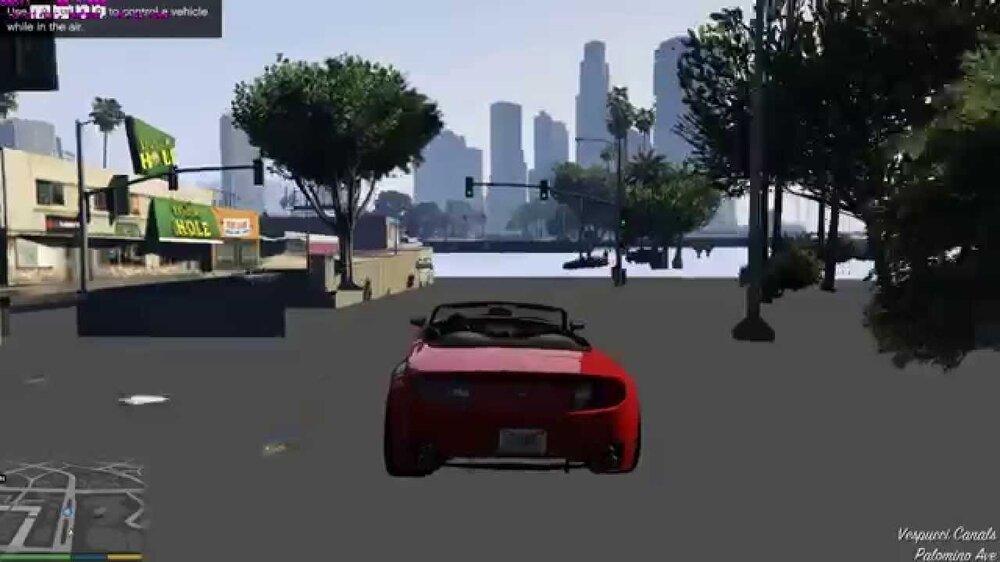
Hello everyone, If I go on duty my graphics are like in the picture that I found in the Internet down below. But only If I go on duty. I tried to drive around with all Plugins loaded and unloaded and it's working perfect. But If I go on duty, the graphics are like in the picture.. What should I do? Edit: I named my mods folder to "_mods" to see If it´s because of the mods folder and I´ve found out that it is because the mods folder. But I really don´t want to install all my mods again. So is there another way? Can I just rename my ''Patchday" folder to see in what folder my isseu is? Cuz it´s only If go on duty.
-
Here a Video of it: https://drive.google.com/file/d/1wO3rNRhHtLgIo5OqeyUUePlOq7Dq_bzJ/view?usp=sharing
-
Can someone look at my Log and tell me why it crashed please? RagePluginHook_08022020_150633.log
-
Yeah I already know but thanks!
-
Do I need the normal key anymore? Cuz If not then I would set it to anything and Set something what I need to B
-
Yeah I know. I solved the problem but thanks for the help. And I have another Question. If I want to install Ultimate Backup. What do I need to uninstall so that I can press default ,,B´´ for the Backup? Normally the normal Backup menu is poping uip If I press B
-
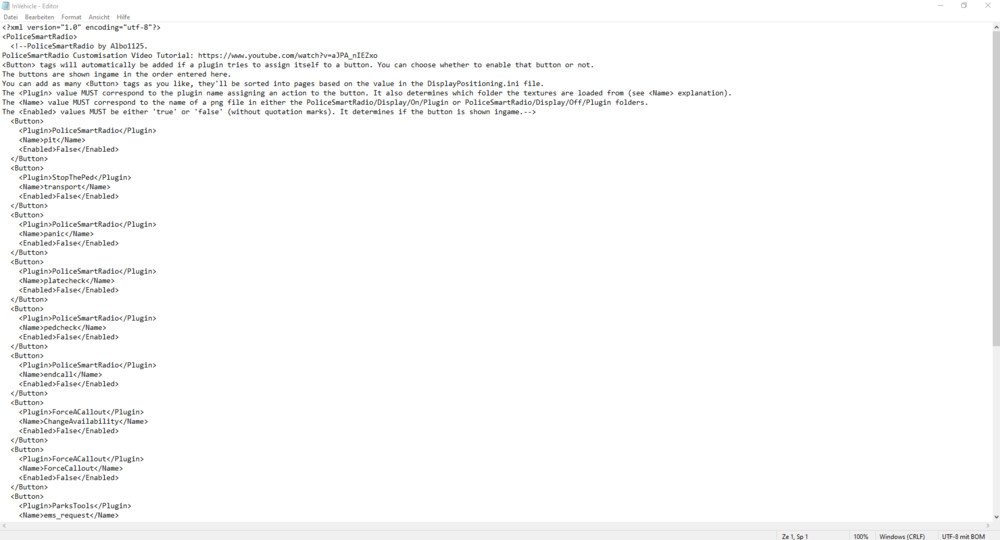
Yeah I know and I think it asked me before but I dumbass pressed no to everything. But I can just set it to true
-
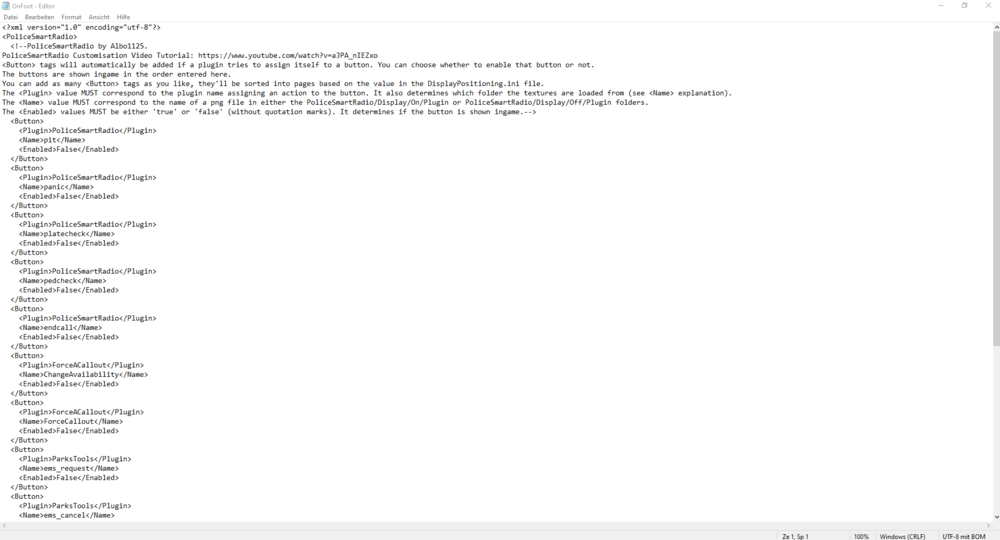
I´ve done that but all my buttons on the Police Smart Radio are gone now
-
I need some help with my Plugins. For example I just downloaded the Plugin ,,Stop the Ped´´ Do I need Arrest Manager anymore?
-
Yeah I think it´s working again but what is with my old lspdfr folder which I renamed l ´´_LSPDFR´´ ? Should I delete it?
-
Isn´t working RagePluginHook_01022020_231040.log
-
You found something?
-
RagePluginHook_01022020_134349.log
-
It´s working a little bit better but it´s still crashing..
-
If I start GTA 5 and play some minutes my Rage Plugin Hook crashes. Can someone check my Log or sth please? RagePluginHook_26012020_153928.log
-
Bro are you there?
-
Idk how to delete this comment here. Just ignore it
-
Yeah it works a lot better but It crashed again.. RagePluginHook_26012020_173944.log
-
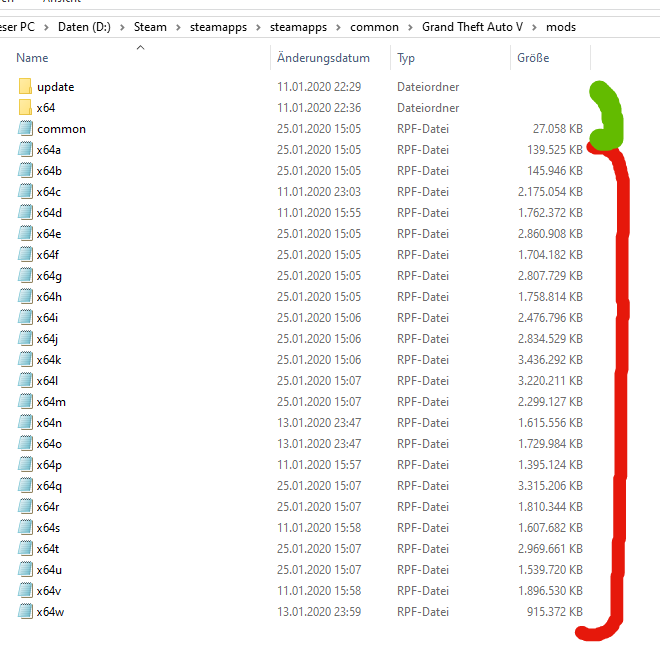
Yeah but If for example a replace car is in x64e? I need the x64e folder right? Okay. So I have done it rn and I start Gta 5 now
-
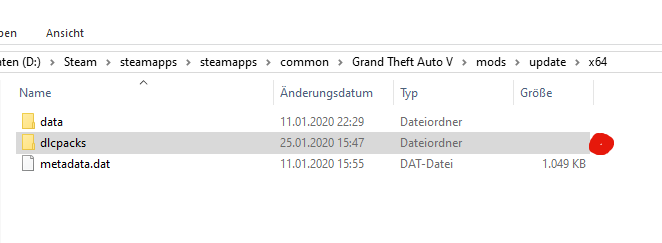
Like this? Red stuff = just copy into the new mods folder from the old mods folder and green stuff = new files (original from gta dictionary right?
-
Why? And how can I uninstall it? Do you have a better graphic Mod instead? I had Visual V before
-
You there?


