


Rick Johnson
Members
-
Joined
-
Last visited
Everything posted by Rick Johnson
-
-
 I tested it for a very long time now and it is awesome! I already uploaded an installation guide on YouTube and it's on your GTA5Mods page aswell. So it would be really awesome if you could feaure my tutorial for thos who do not really know how to install mods like this. Another info for you...all the views I already made are "just" 30% from GTA5Mods. All the other views are organic.
- 690 comments
- 28 reviews
-
-

- 1
-
-
 I love how you always add the stuff I am looking for a very long time hahaha ❤️
 -
 That would be awesome. If zou need any help in getting ideas or situations, hit me up.
- 235 comments
- 32 reviews
-
Both actually. I would like to have more aggressive people in the city. You know, the US is a pretty toxic state so I want this im my GTA too. More random events with shootouts, knife attacks and all that stuff. But yeah, mainly in all types of pursuit.
- 235 comments
- 32 reviews
-
Hey, did you install the Package into your mods folder you hopefully created?
-
-
As already mentioned, this mod should be a standard for LSPDFR in the main project. Awesome work! ❤️
- 235 comments
- 32 reviews
-
-

- 1
-
-
I needed this so long, thank you. Maybe you can also make an update where also the on foot pursuits have multiple outcomes. ❤️
- 235 comments
- 32 reviews
-
-
- 1
-
-
-
-
 Dope stuff but for me it drops the FPS really hard. Anyway, awesome and complex work!
- 1,032 comments
- 65 reviews
-
-

-
- 2
-
-
 Awesome callouts, good areas, just the performance hits can be a bit better. Overall a 5/5
- 422 comments
- 25 reviews
-
-
- 1
-
-
-
-
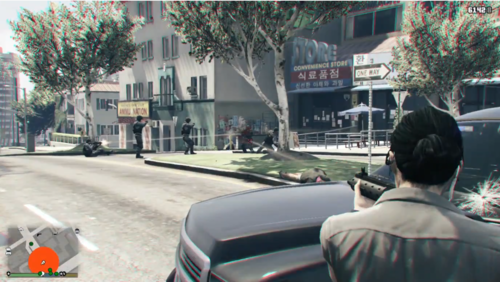 First thank you for the most needed Plugin ever.. BUT I will not use it with these keybinds...You should make an .ini file so we can edit the controls. Another improvement would be that you make it a one time press so you do not have to end the panic button. By the way I know that you said there will be an .ini file hopefully at the end of the month but this is just my opinion I wrote down here. Still thankful for this plugin!


