Pigeon Studios
-
Joined
-
Last visited
Everything posted by Pigeon Studios
-
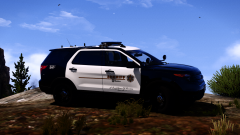
From the album: LAPD & LASD Development
© Copyright 2021 Pigeon Studios
-
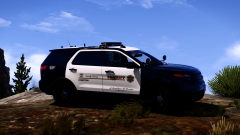
From the album: LAPD & LASD Development
© Copyright 2021 Pigeon Studios
-
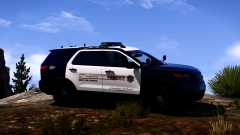
From the album: LAPD & LASD Development
© Copyright 2021 Pigeon Studios
-
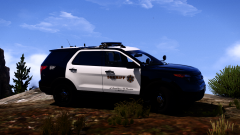
From the album: LAPD & LASD Development
© Copyright 2021 Pigeon Studios
-
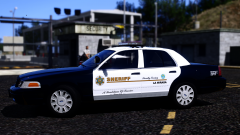
From the album: LAPD & LASD Development
© Copyright 2021 Pigeon Studios
-
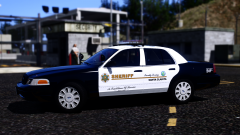
From the album: LAPD & LASD Development
© Copyright 2021 Pigeon Studios
-
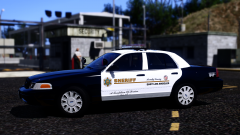
From the album: LAPD & LASD Development
© Copyright 2021 Pigeon Studios
-
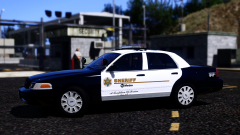
From the album: LAPD & LASD Development
© Copyright 2021 Pigeon Studios
-
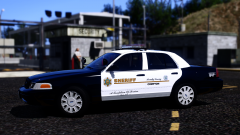
From the album: LAPD & LASD Development
© Copyright 2021 Pigeon Studios
-
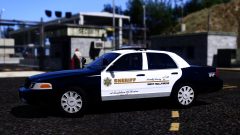
From the album: LAPD & LASD Development
© Copyright 2021 Pigeon Studios
-
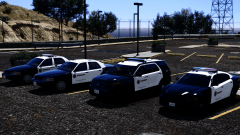
From the album: LAPD & LASD Development
© Copyright 2021 Pigeon Studios
-
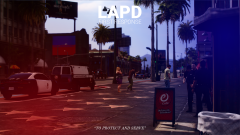
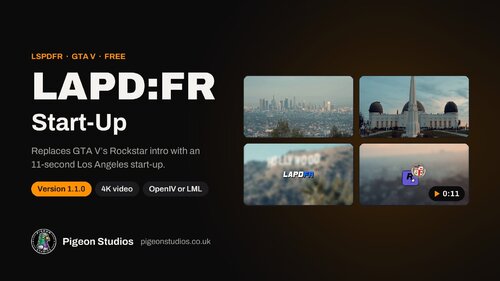 Start every session in Los Angeles. Each time GTA V starts, it plays Rockstar's logo video. The LAPD:FR Start-Up replaces it with a short cinematic Los Angeles start-up: the skyline, Griffith Observatory, the palms and the Hollywood sign, then the LAPD:FR logo, then the Rockstar logo alongside the City of Los Angeles seal. What it doesAbout 11 seconds. That's shorter than Rockstar's own 15-second video, so your game doesn't start any slower. 4K. 3840 × 2160 at 59.94 frames per second, with sound, in the Bink format GTA V uses. Two ways to install. Use OpenIV's mods folder, or Lenny's Mod Loader, which is new in 1.1.0 and usually keeps working after GTA V updates. Easy to undo. Rockstar's original video is in the download, and neither method changes your original game files. A proper guide. The README covers both install methods step by step, what to do after a title update, removal and troubleshooting. Preview RequirementsGTA V Legacy. The start-up works with any single-player setup and doesn't need LSPDFR. OpenIV with the mods folder set up, or Lenny's Mod Loader. BattlEye off in the Rockstar Games Launcher, as for every single-player mod. InstallationOpenIV mods folder Copy update\update.rpf into mods\update\ if it isn't there already. In OpenIV, right-click it and choose "Copy to mods folder". Open mods\update\update.rpf\x64\movies\ in OpenIV with Edit mode on. Drag in rockstar_logos.bik from the download's "LAPDFR Start-Up" folder and replace the existing file. Start the game. Lenny's Mod Loader Copy the whole "LAPDFR Start-Up" folder into the lml folder in your GTA V folder. Check it's turned on in LML, then start the game. After a GTA V update, OpenIV users need to copy the new update.rpf into the mods folder and add the video again. The README explains how. What's new in 1.1.0Lenny's Mod Loader support: the "LAPDFR Start-Up" folder includes an install.xml. A full README, changelog, terms of use and credits in the download. A tidier download, with the start-up in "LAPDFR Start-Up" and Rockstar's original video in "Original File". The video hasn't changed. If you already use 1.0 through OpenIV, there's nothing to do. Terms of useFree to use, and fine to show in videos and streams. Please don't re-upload it or sell it; link to this page instead. The full terms are in docs/LICENSE.md in the download. SupportAsk in our Discord or leave a comment below. You'll find the rest of our work at pigeonstudios.co.uk. CreditsLAPD:FR logo and edit by Pigeon Studios. Music: "California Love" (original version) by 2Pac; the music belongs to its rights holders. The Los Angeles footage belongs to its owners. The Rockstar logo belongs to Rockstar Games, and the City of Los Angeles seal to the City of Los Angeles. Pigeon Studios isn't affiliated with or endorsed by the City of Los Angeles, the LAPD, Rockstar Games or the LSPDFR team.
-
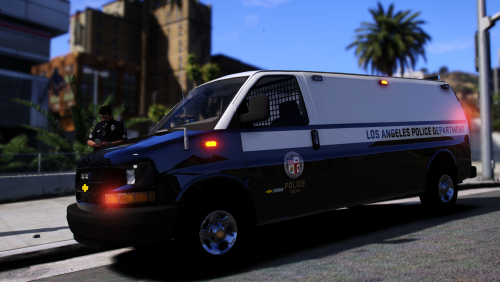 These we're rectified on another version that'll be updated in the upcoming weeks. Thank You for the input.
- 11 comments
- 1 review
-
-

- 1
-
-
Steps on installing a Livery 1. Open the policet.ytd then go to the search bar and search sign (this will show two options, express_sign_1 and express_sign_2) and replace the image with the livery you'd like to use.
- 11 comments
- 1 review
-
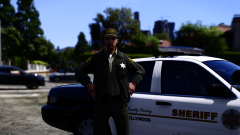
From the album: LASD Patrol
Sergeant Allison Rafferty out on Patrol in the West Hollywood division due to staff shortages.© Copyright 2021 Pigeon Studios
-
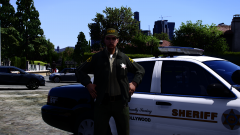
From the album: LASD Patrol
Sergeant Allison Rafferty out on Patrol in the West Hollywood division due to staff shortages.© Copyright 2021 Pigeon Studios
-
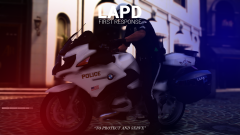
From the album: LAPDFR Loading Screens
LAPDFR Loading Screens by Pigeon Studios. Available Here:© Copyright 2021 Pigeon Studios
-
LAPDFR Loading Screens by Pigeon Studios. Available Here:
-
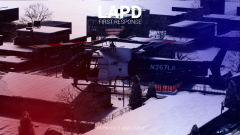
From the album: LAPDFR Loading Screens
LAPDFR Loading Screens by Pigeon Studios. Available Here:© Copyright 2021 Pigeon Studios
-
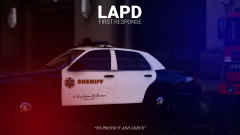
From the album: LAPDFR Loading Screens
LAPDFR Loading Screens by Pigeon Studios. Available Here:© Copyright 2021 Pigeon Studios
-
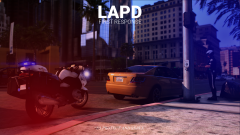
From the album: LAPDFR Loading Screens
LAPDFR Loading Screens by Pigeon Studios. Available Here:© Copyright 2021 Pigeon Studios
-
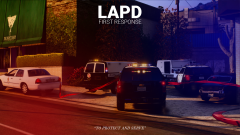
From the album: LAPDFR Loading Screens
LAPDFR Loading Screens by Pigeon Studios. Available Here:© Copyright 2021 Pigeon Studios
-
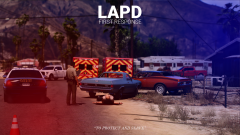
From the album: LAPDFR Loading Screens
LAPDFR Loading Screens by Pigeon Studios. Available Here:© Copyright 2021 Pigeon Studios
-
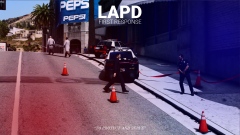
From the album: LAPDFR Loading Screens
LAPDFR Loading Screens by Pigeon Studios. Available Here:© Copyright 2021 Pigeon Studios
-
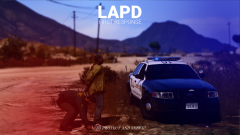
From the album: LAPDFR Loading Screens
LAPDFR Loading Screens by Pigeon Studios. Available Here:© Copyright 2021 Pigeon Studios