
7W8
Members
-
Joined
-
Last visited
Everything posted by 7W8
-
-
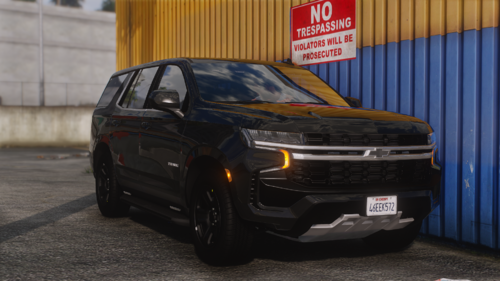 To add-on to what I said above, the rear plate lights are also not aligned evenly on each side of the plate
 -
I love this alot! Can you make every light an extra? Or maybe atleast the grille and rear plate lights so they can be removed for undercover ops 🙂 This is a fantastic model and the lighting pattern is awesome!
-
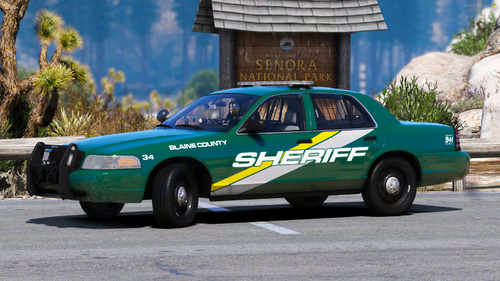 Best CVPI BCSO livery I have used in months... A+ THANK YOU
 -
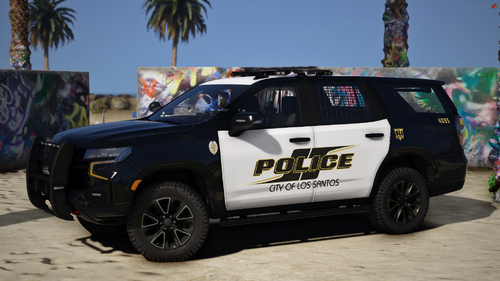 Looks crazy accurate to the irl counterpart, great job!
 -
 you colour blind?
 -
 nice, the rotary lightbar just needs a couple blue tints to them and its done i would say! does the lettering on the side say San Andreas Highway Patrol or California Highway Patrol?
 -
oh my god this is next level whats the ETA for realease?
-