Samuel Paradis
Members
-
Joined
-
Last visited
Everything posted by Samuel Paradis
-
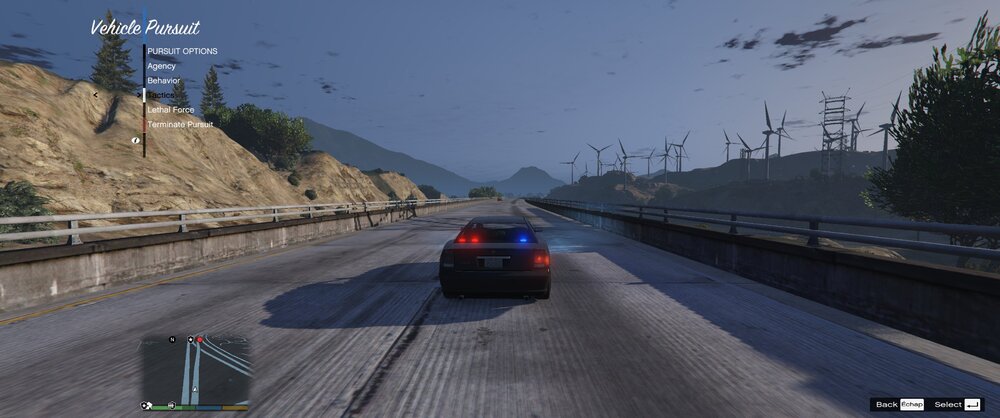
While having only LSPDFR installed, the problem is still there, but the other menus such as the M key and the B key are working fine. I think this is a bug with LSPDFR...
-
Yes but it doesn't change anything. When I start the game, the menu seems to work normally, but it seems that the more I use it, the more its display breaks.
-
Hello everyone ! I have freshly installed LSPDFR 0.4.6 and RPH, and I discover a problem with my Pursuit menu (N key ) not displaying correctly. All other menus are working fine, and I don't have any other mod or plugin installed yet. Also, I can't close this menu with the N key (I don't know if it should work normally). I have joined the actual log of this session. P.S. : I know that there is another topic with the same problem, but it was not resolved. Thank you ! RagePluginHook.log