Skip to content
View in the app

A better way to browse. Learn more.

LCPDFR.com

A full-screen app on your home screen with push notifications, badges and more.

To install this app on iOS and iPadOS
  1. Tap the Share icon in Safari
  2. Scroll the menu and tap Add to Home Screen.
  3. Tap Add in the top-right corner.
To install this app on Android
  1. Tap the 3-dot menu (⋮) in the top-right corner of the browser.
  2. Tap Add to Home screen or Install app.
  3. Confirm by tapping Install.

ZadeOfficial

Members
  • Joined

  • Last visited

  1.    ZadeOfficial reacted to a post in a topic: LSPDFR Crashing When going on duty
  2. Actually, The police model dosent seem to exist in game, but ive checked the files and its there Even my menu crashes trying to spawn it
  3. Ive removed all my old plugins, and mods, that I heard cause LSPDFR to crash, but that still isint working, no matter if I do it through the PD, or Rage commands, it always crashes. Rage log below, this log was before I removed the old plugins, but it still crashes the same, ive considered maybe is my LSPDFR version but im not sure. EDIT : I used albos troubleshooter and it found 4 errors, and were fixed, still crashes going off duty, and on duty dosent fully work, playable but callouts dont work. RagePluginHook_20012020_200752.log This log shows the force duty problem.
  4. ZadeOfficial changed their profile photo
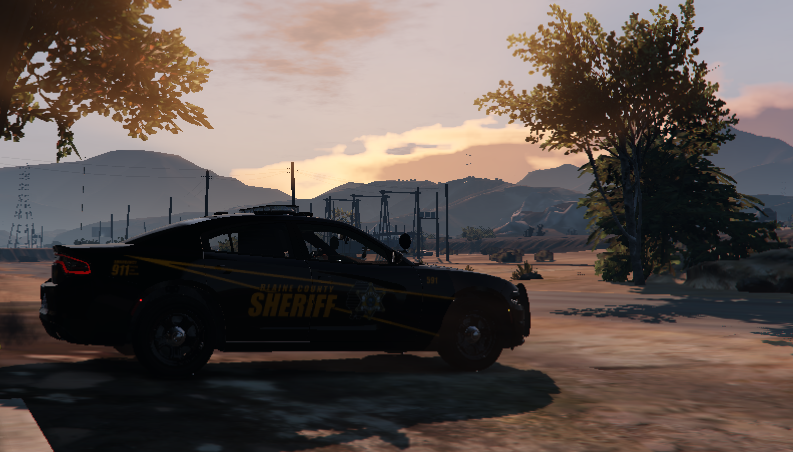
  5. Works good, only problem for me is like the front visor lights, back window lights, and lightbar freakout, like the back window lights and visor dont work, the lights on the lightbar are not on the car, flashing away and back, due to this I can only use the slicktop version of it, and have to deal with the right light bulbs working only on the back lights.

Account

Navigation

Search

Search

Configure browser push notifications

Chrome (Android)
  1. Tap the lock icon next to the address bar.
  2. Tap Permissions → Notifications.
  3. Adjust your preference.
Chrome (Desktop)
  1. Click the padlock icon in the address bar.
  2. Select Site settings.
  3. Find Notifications and adjust your preference.