



domjc317
-
Joined
-
Last visited
File Comments posted by domjc317
-
-
-
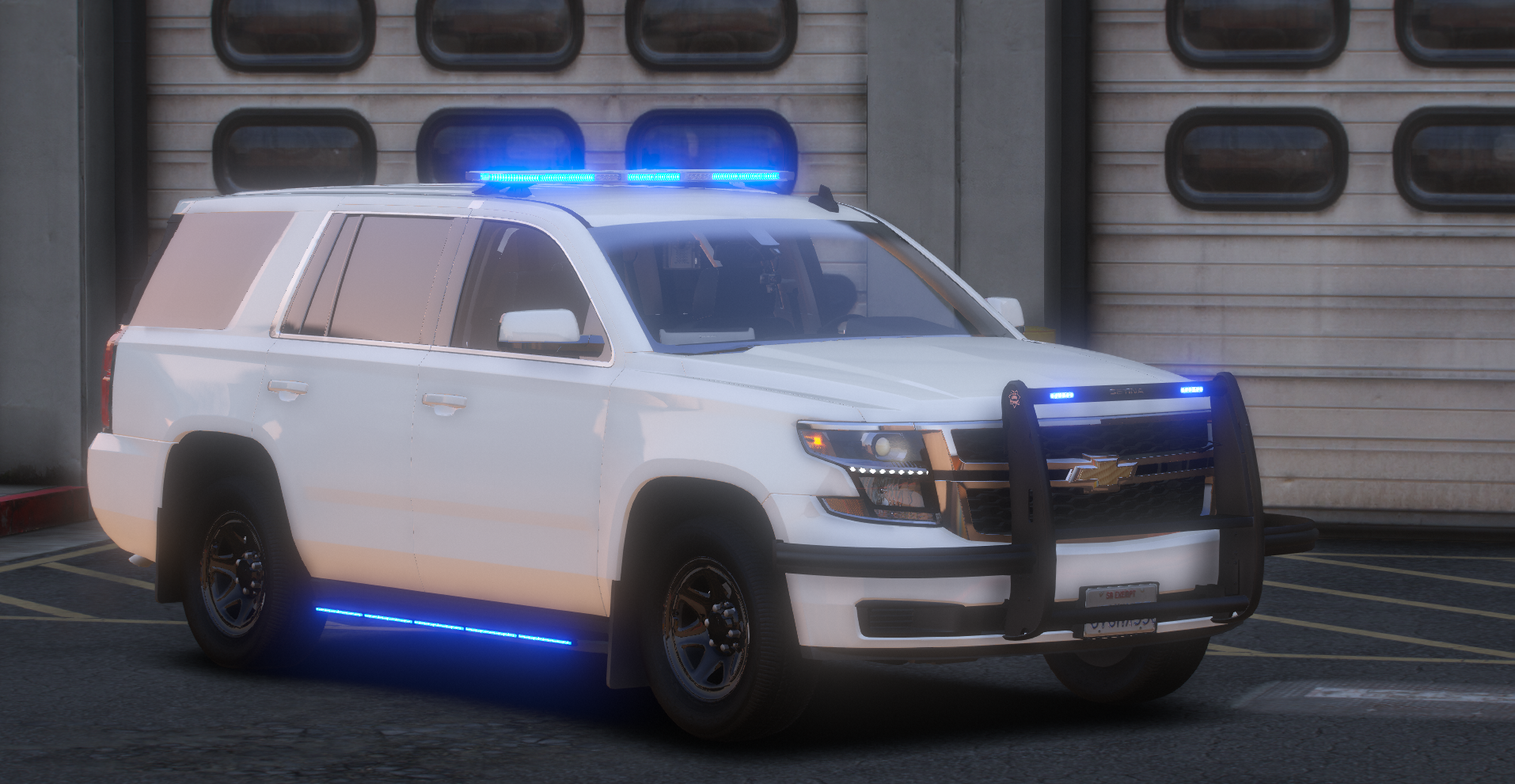
On 10/21/2024 at 9:53 AM, TacticalMerican said:
Is there any way to disable the custom plate texture?
Nope, the plate is part of the texture as there isn't an actual license plate model on these. You have to put your own plate texture on the livery in the .ytd if you want to change it
-
-
-
-
-
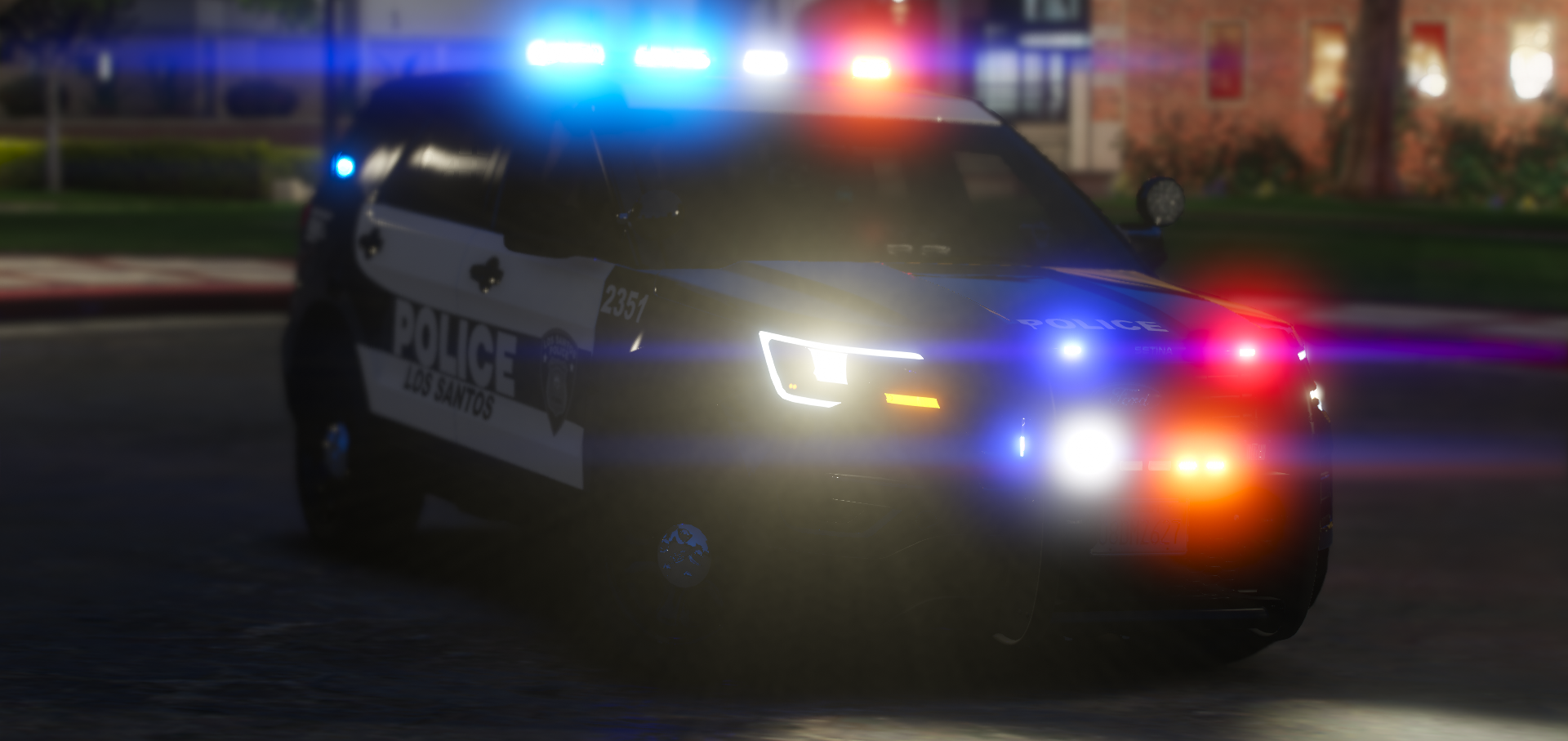
It's alright, but I wouldn't pay for it tbh. The skyline needs to be incorporated better with the wording, and the words need to stand out more. Needs some more pop and color too it, nothing too much, just subtlety. A little bit of dark blue, some white and more light grey would go a really long way on this. Overall it's decent, I give it a 7/10.
-
-
-
- Scorpionfam and 2smooth
-
 1
1
-
 1
1
-
-
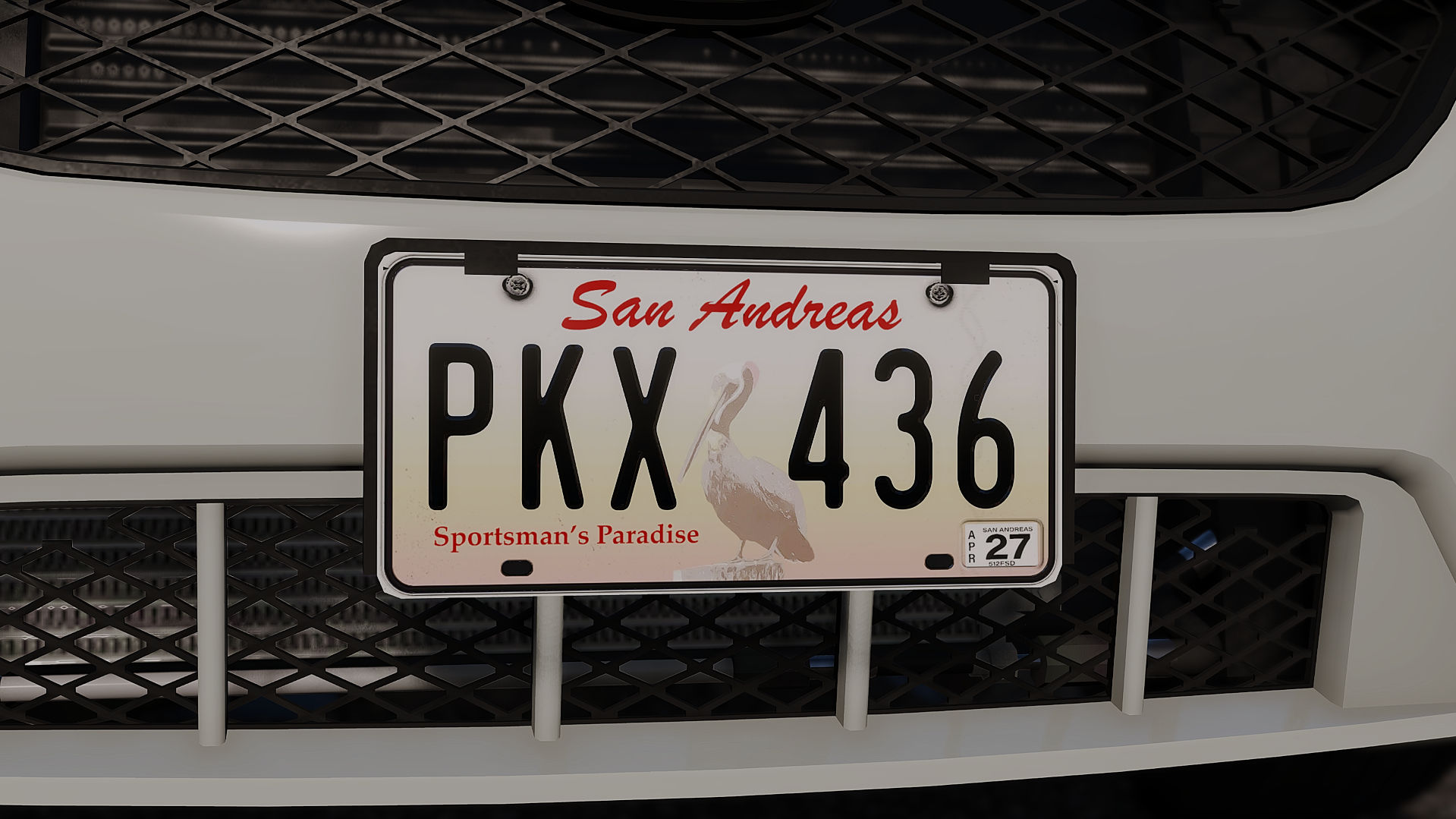 7 hours ago, Tom3k. said:
There will be Tennessee. Be patient. I'm in the process of updating the entire pack. It will take some time, but it will appear in one of the free updates 🙂
I love you Tom, you're my favorite dev
-
-
18 hours ago, Parzival.Zio said:
It look cool and all, but can you make it without a radio on the vest? there is a radio on the belt already so it wouldn't make sense to have two.
He didn't make the vest, just the texture
-
-
-
-
-
-
-
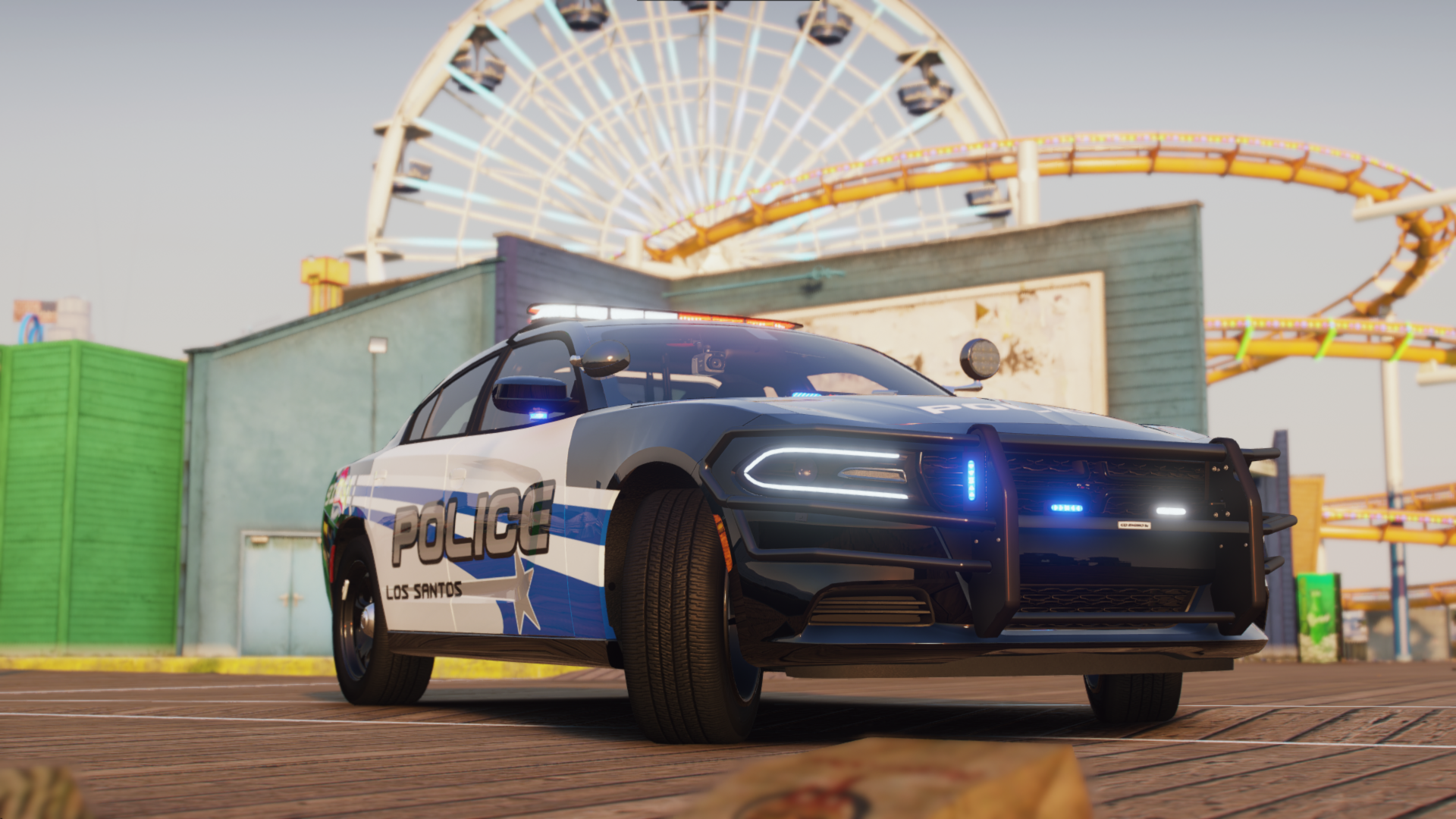
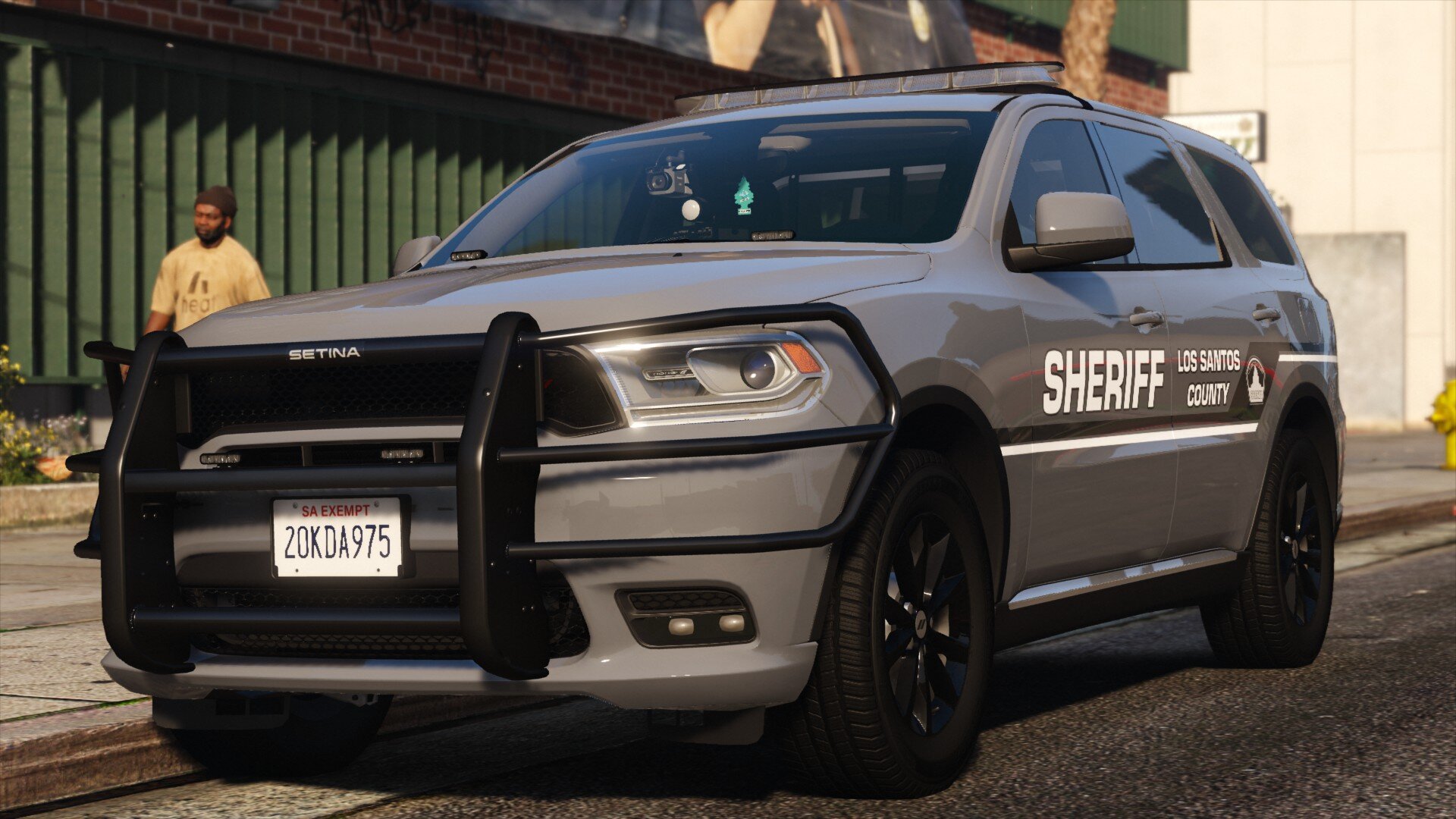
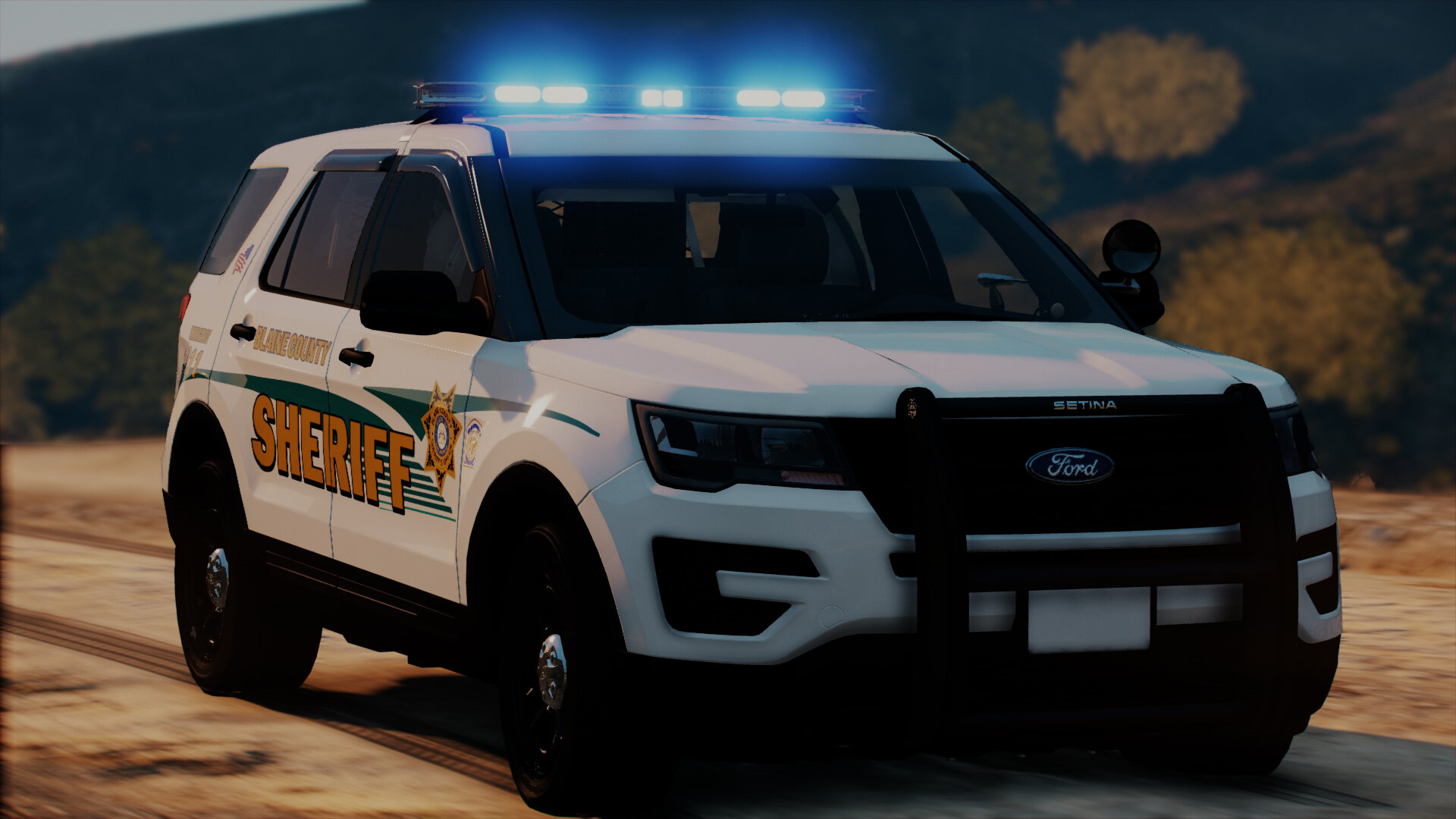
Holy moly RotorDaddy™ these are lovely. I know the answer is probably no, but would you ever consider revamping the LVMPD pack with the new cars?
-
-
-

.png.6278e33d37842f6ab888b5bc5294b4e1.png)


.png.25eaa138aaf962c81188afc66b7b3696.png)
San Andreas DLSv2 Starter Pack
in Vehicle Models
No, ELS relies on using extras to toggle lighting, this has 32 sirens that emit lighting. Converting to ELS isn't possible AFAIK