


SnakeBite
Members
-
Joined
-
Last visited
Everything posted by SnakeBite
-
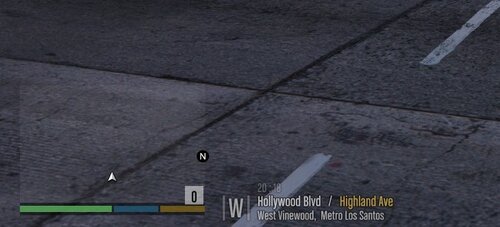 How come dispatch doesnt say the street name? Instead she say like Backup Requested in Davis.
 -
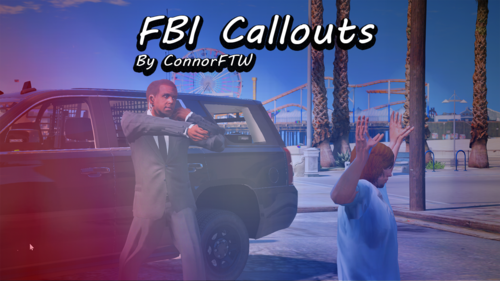 The one issue with the tank pursuit is since an army soldier is driving it the cops wont chase it, it will register as a pursuit but the cops will ignore it when you call for back up. Ive ran into that a few time
- 102 comments
- 11 reviews
-
-

- 1
-
-
Does this Tank Pursuit end the minute you arrive? There was this one Tank Pursuit and the minute you came close to it, the tank stopped and they guy got out.
- 102 comments
- 11 reviews
-
-

- 1
-
-
 The one thing I dont like, not sure if its fixable, when you are hiding behind a car or anything crouched and you call for backup you stand up and do the radio animation. I wish you could stay crouched when doing the radio animation instead of having stand up then crouching back down. Same when running when you call for back up if you are running you stop for a second.
- 403 comments
- 24 reviews
-
-
- 2
-
-
I love it! Ive been waiting for a mod like this forever! It really gives a feeling or realistic.
- 403 comments
- 24 reviews
-
-
- 2
-
-
When I call the fire department as back up, they dont have fire extinguishers. I have EUP Installed but not the Serve and Rescue at the moment. Could that be it? They just have fists out.
-
When I go to load EUP Menu up it says im missing Patchday20 but I have it installed I checked. Any fix?
