
Edmar
Members
-
Joined
-
Last visited
Everything posted by Edmar
-
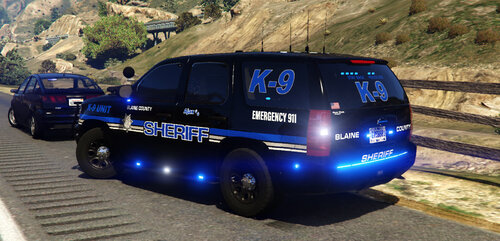
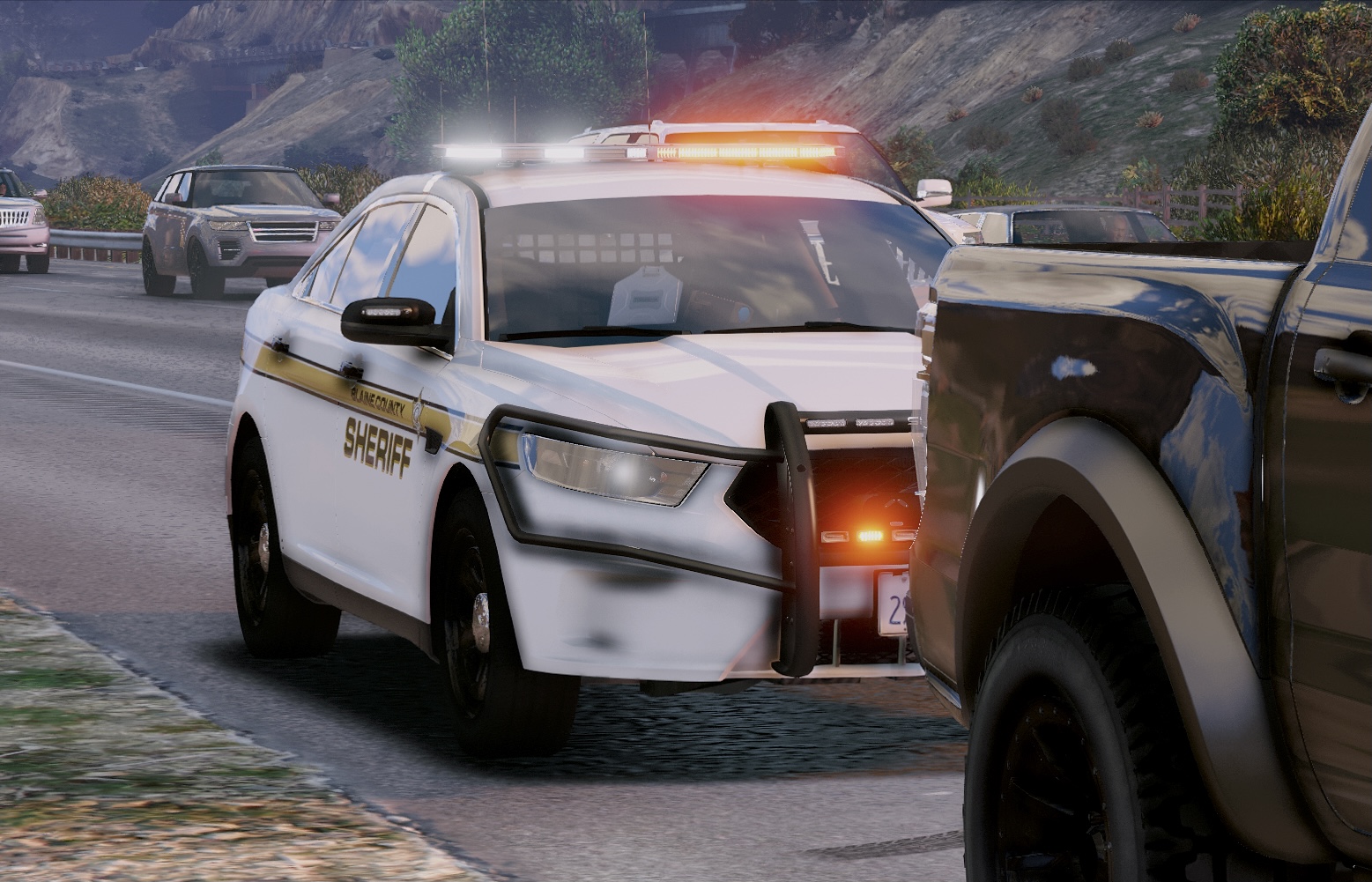
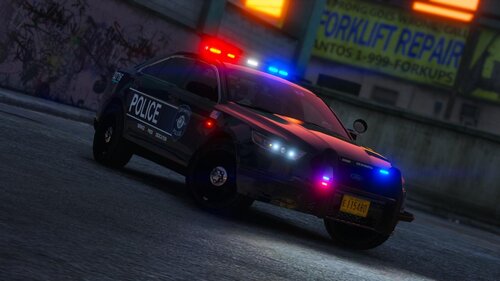 Beautiful cars beautiful lighting all around great pack used it for a few hours and I would recommend it 10/10
- 53 comments
- 13 reviews
-
-

- 1
-
-
 dlc state1 looks like this,you can change the livery with a menu but just wanted to let you know in case you didn't
- 164 comments
- 17 reviews
-