


Interstate1043
Members
-
Joined
-
Last visited
Everything posted by Interstate1043
-
.thumb.png.4d879abe0ec2e2de2cb819b3a27b6863.png) download 'Lux_vehiclecontrol' off of the forums. It fixes all siren problems in FiveM. I had that same issue.
download 'Lux_vehiclecontrol' off of the forums. It fixes all siren problems in FiveM. I had that same issue.- 7 comments
- 1 review
-
-
-
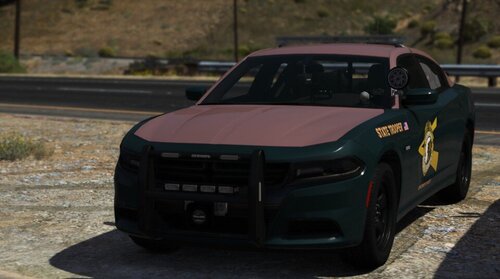 The New Hampshire State Police does not use red and blue lighting. The only red lighting they use is on the rear of their lightbar. Additionally, they do not have as much lights on their vehicles. Crown victorias are no longer in use and the tahoes are used for CCE - CVE. NHSP also doesn't use ALPR devices on the rear trunks. Other than equipment accuracy.. the skins are good.
- 20 comments
- 1 review
-
-

- 1
-
-
The New Hampshire State Police does not use that many lights. They also do not utilize the Crown Victoria anymore since it had been replaced by the older charger, which is now replaced by the newer chargers.
- 20 comments
- 1 review
-
-
- 1
-
-
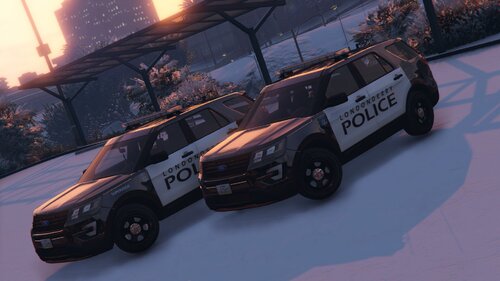 Keep up the good work! Very nice to see skins from my home state!

.thumb.png.4d879abe0ec2e2de2cb819b3a27b6863.png)
.thumb.png.78e11f05c068c8f838cc736c029f680e.png)
