


.jpg.9cdea3b00413559df937ff066995edd9.jpg)

alrightdude
Members
-
Joined
Everything posted by alrightdude
-
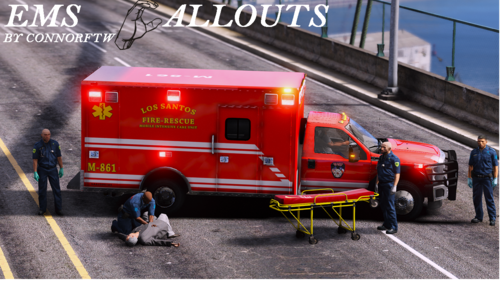 Ty soo much.. I always wanted to roleplay as FD/EMT.. so I downloaded "Coastal Callouts" and "Fire Callouts".. and now this ty soo much.. Will download it right now!!! ┬─┬ ノ( ゜-゜ノ) 🙂
 -
-
-
-
-
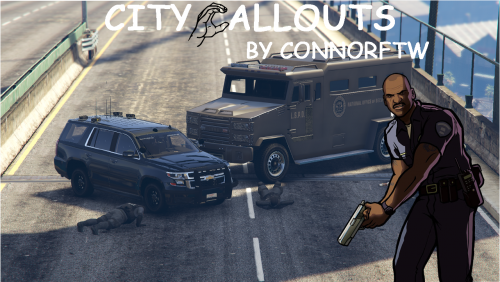 Congrats on your first release! Like it, keep it up!
 -
 Congrats for your first release. I like the 911 Hang Up Callout. Looking further to this Callouts Pack 👍could you by any chance add a "Pursuit Standoff" Call? Cause there are some Callout Packs with it, but they're only compatible with LSPDFR 0.3. Some are spawning in Blaine County.
- 115 comments
- 10 reviews
-
-

- 1
-
-
Im not the best in reading logs but... I think (correct me if it's wrong) your crash is caused by an callout. But I don't know which callout pack it is from. The callout name is "Warrant for Arrest"
-
 Will this by chance get any update for 0.4.7? It sounds good, but it isn't compatible for me.
- 110 comments
- 33 reviews
-
 You should update Pragmatic Callouts and United Callouts. You also should delete PSR and Traffic Policer. About Grammar Police: From what I can see the Grammar event is firing immediately, which means there is some input issue with your mic so if you are running any kind of audio program that handles your audio settings you need to shut the program down. Once you have these turned off then go and relaunch lspdfr using the ragehook.exe
- 1,351 comments
- 82 reviews
-
-
- 1
-
-
Do you have an Rage Log? Also check out the Grammar Police Discord Channel https://discord.gg/cnpUt8F
- 1,351 comments
- 82 reviews
-
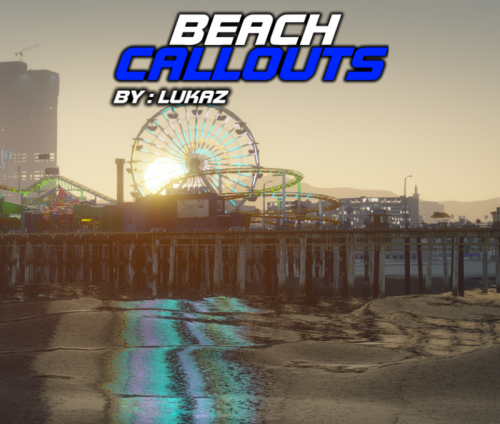 I like this Pack, finally something new. And I'm excited for the Shark Attack, and officer murdered under the pier. Keep it up 👍.
 -
Unfortunately the Microsoft System.Speech doesn't support Hebrew. It only supports English, French, German, Spanish, Japanese, and Mandarin..
- 1,351 comments
- 82 reviews
-
 Alone for the Description you are getting an thumps up from me. Will check it out right now! Keep up the amazing work...
- 59 comments
- 10 reviews
-
-
- 1
-
-
-
-
Hi, so Friday I could play GTA V without any problems, but since yesterday it started with an Black screen and like 4-5 sec.. Later it just crashed to desktop without any error. I tried many things but they didn't worked, so Today I just reinstalled GTA V, but now it just won't even start. If I look it up in Task-Manager it says it runs in background and then it just disappears from the list. If somebody had the same problem how did you resolve it? Any help will be appreciated. Thanks (Sorry for bad English) **EDIT** Nevermind I reinstalled for the third time, verified game and bang it works for some reason. Thanks.
-
-
-
-
-
-
I think you can do that. First go to Plugins/GrammarPolice/audio in there, there is a file called beep, just rename your own file in beep.wav and replace it.
- 1,351 comments
- 82 reviews
-
-
- 2
-
-
 Yeah me too I have the same problem they just drive normally no matter what I do.
- 238 comments
- 24 reviews
-
I found two little things that aren't right. In <AdviseCommands> it says >beraten werden<, that isn't right, even when Google Translator says so. Instead of this you can add <aufgepasst>, next at <Action>Busy</Actions> it says <string> ausser betrieb</string> that also doesn't sound right, instead you say <ausser dienst> Got the edited grammar here: grammar (de-DE).xml
- 1,351 comments
- 82 reviews
-
-
- 1
-

.thumb.jpg.37cdb54de83d6dee03b6b15e76b2f5fd.jpg)
