


Lux
Members
-
Joined
-
Last visited
File Comments posted by Lux
-
-
-
-
-
-
-
-
-
-
-

-
-
-
-
-
-
-
-
On 7/18/2021 at 3:51 PM, KristianWilk said:
Right now I'm not home a week but best believe when I'm back I will finnish a FPIS since I already had one in the works but just didnt finnish it yet aswell as a 14 tahoe and I was also thinking about a durango.
uhhh thats sounds nicee, or maybe a 14 FPIU 😍
-
-
15 hours ago, remzhc said:
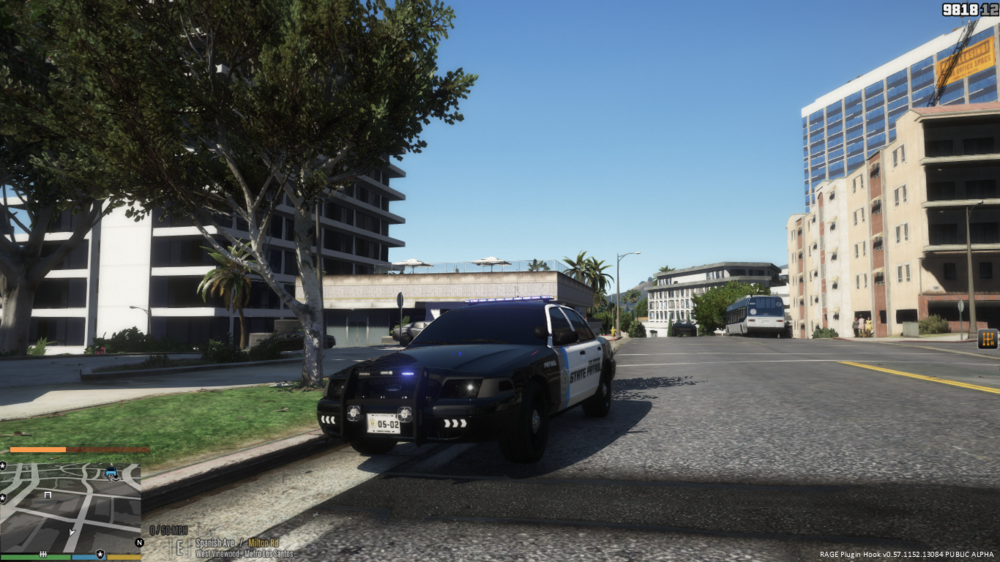
nice car bro, but how do i fix the car's lights and windows like that if i blacken it
 bbut how do i fix
1. Navigate to mods/update/update.rpf/common/data/levels/gta5, using OpenIV (Not File Explorer!). 2. Right click vehicles.meta and select Edit. Is that not working? Make sure you have Edit mode enabled (Look at the top right of OpenIV) 3. Find the vehicle model 4. Find <diffusetint> for that vehicle and replace that with "0x00FFFFFF".
-
-
-
-








Jefferson County Sheriff Based Livery Pack (Lore Added)
in Vehicle Textures
Hey, awesome Pack!
Can you do a Caprice and a police Livery for the f150?
Thanks bud