



Tom3k.
Members
-
Joined
-
Last visited
Everything posted by Tom3k.
-
-
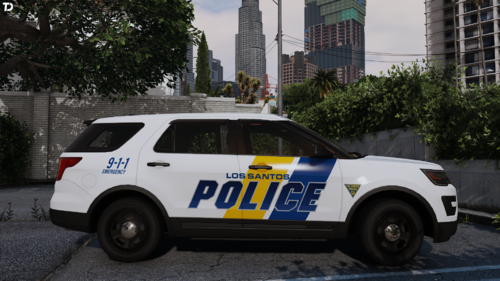 Discord Server The official Tom's Designs Discord Server is the best way to stay up to date with news and updates. If you want to be part of the community, need support, have suggestions or need to report a bug - click here! Join us today and elevate your visual experience! Included liveries: → GeorgieMoon's 2018 Ford Police Interceptor Sedan Regular Patrol Livery Ghosted Patrol Livery → GeorgieMoon's 2019 Chevrolet Tahoe Regular Patrol Livery → GeorgieMoon's 2019 Ford Police Interceptor Utility Regular Patrol Livery Ghosted Patrol Livery K-9 Unit Livery → Kane104's 2020 Ford Police Interceptor Utility Ghosted Patrol Livery
 -
-
 Yes, I know. That's the plan, but at the moment PR don't support Benny's customization.
- 367 comments
- 17 reviews
-
-

- 1
-
-
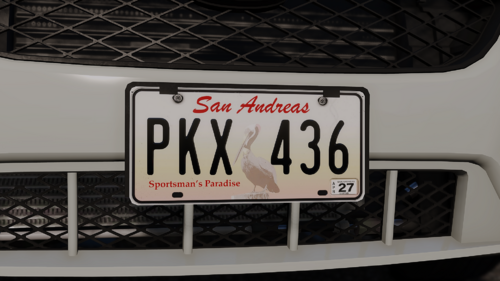 Oklahoma's time will come too :)
 -
 Discord Server The official Tom's Designs Discord Server is the best way to stay up to date with news and updates. If you want to be part of the community, need support, have suggestions or need to report a bug - click here! Join us today and elevate your visual experience! Included liveries: → Kane104's 2016 Ford Police Interceptor Utility Patrol Livery → GeorgieMoon's 2018 Ford Police Interceptor Sedan Patrol Livery → GeorgieMoon's 2018 Dodge Charger New Patrol Livery Patrol Livery → GeorgieMoon's 2019 Chevrolet Tahoe Patrol Livery → Kane104's 2020 Ford Police Interceptor Utility Patrol Livery → RAZ3R's 2023 Chevrolet Tahoe Patrol Livery
 -
Everything works fine for me. Maybe there was an error during installation. Try reinstalling.
-
I'll consider changing vehicles. 🙂 I have plans for the FIB Police and a few other new units in a future update
- 367 comments
- 17 reviews
-
-
-

- 2
-
-
It'll certainly remain until EUP 9.11. I'll consider it later, because I don't assume further support for the UB Read all the instructions attached to the files
- 367 comments
- 17 reviews
-
-
- 1
-
-
-
Probably in the next update I don't really focus on that. From what I know, anyone can do it themselves easily
-
-
-
-
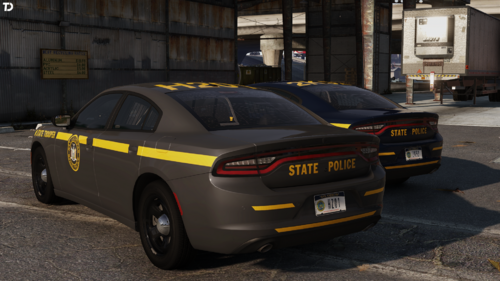
I'll be adding more states over time
-
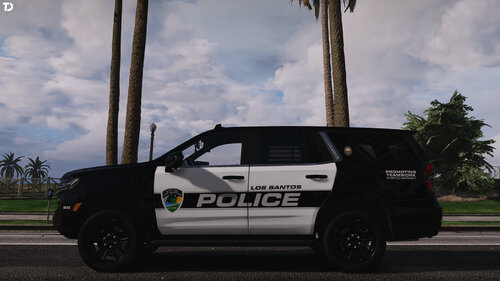 The pack will be updated and improved in the future
 -
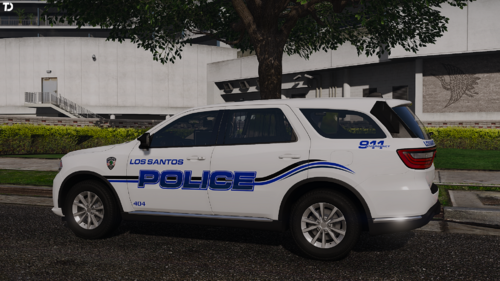 Discord Server The official Tom's Designs Discord Server is the best way to stay up to date with news and updates. If you want to be part of the community, need support, have suggestions or need to report a bug - click here! Join us today and elevate your visual experience! Included liveries: → GeorgieMoon's 2013 Ford Police Interceptor Utility Patrol Livery → Kane104's 2016 Ford Police Interceptor Utility Patrol Livery K-9 Livery School Resource Officer Livery → GeorgieMoon's 2018 Dodge Charger Black Ghosted Livery Grey Ghosted Livery → GeorgieMoon's 2018 Dodge Durango Patrol Livery K-9 Livery → Kane104's 2020 Ford Police Interceptor Utility Patrol Livery K-9 Livery → RAZ3R's 2023 Chevrolet Tahoe Patrol Livery
 -
-
-
Everything will be added in due time :)
-
-
-
Yes, it'll work. 9.9 contains only fixes and doesn't change anything major, so you can safely use these configurations for versions 9.7 to 9.9. As Venoxity mentioned, there is a beta on my Discord, but it contains simple improvements. After the work is completely finished, it'll of course go here.
- 367 comments
- 17 reviews
-
Yes, I will be adding more states in the next updates! The goal is to have all 50 :P
-
These configs are only responsible for the Ultimate Backup plugin. LSPDFR AI and presets for EUP Menu are separate configs. You will find them on the official EUP Discord Server.
- 367 comments
- 17 reviews

