

xBOUNTYxHUNTER
Members
-
Joined
-
Last visited
Everything posted by xBOUNTYxHUNTER
-
yes, high poly vehicles/skins. Switching from 4k to 2k. will updat e
-
I was able to fix was an issue in the edits I made to UltimateBackup....I am still having a lot of texture loss and sometimes loss of FPS after about 15 minutes of gameplay....is there anyway to identify which scripts are causing this? and anything I can do to help?
-
Can someone help me figure out why LSPDFR plug in is crashing on startup. I am not sure how to read logs and dont even really know where to find the info im looking for. It worked fine up until this morning. @A Stranger you on? I did recently add some add on vehicles but i dont see why that would cause LSPDFR plugin to crash....sems like if anything that would cause the whole game to crash if there was an issue there. Unless it had to do with changes made in Ultimate Backup and Jurisdictions+ @UnknownBastion you on?
-
I am having trouble finding any vehicle packs (or single vehicles for the matter) files that include all of the required files to add on in custom slot (carvariation, handling, vehicle). Anyone know of any/ have a link?
-
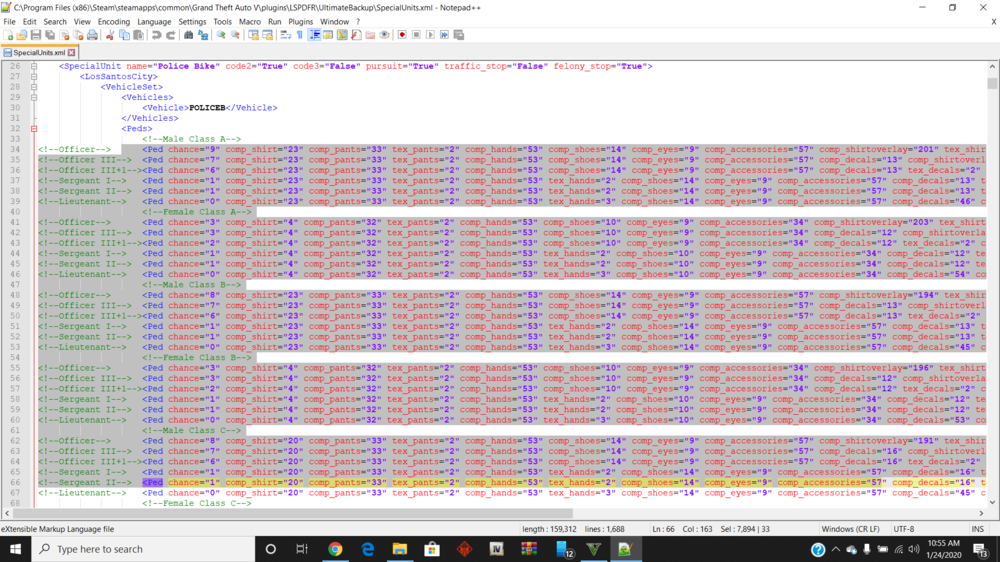
Hey guys, So i recently downloaded Jurisdictions+ and tweaked it to my liking. The only question I have is how to change the uniform NPC will wear when called as backup. I obviously see the section of the xml where this code goes I just dont really understand what it means and what I need to change. I have looked on YouTube and havent really found any solid answers. Any help or guidance is appreciated!
-
yall are dumb
-
Okay well I deleted the mods folder. Opened albo modding tutorial. The game now will launch. I will just need to go thru and reconstruct my mods folder and download all of my stuff again. Last question I guess. Is there anyway to download Coastal Callouts without LML? Because, again, when I downloaded LML it switched it to all the vanilla vehicles, which is what started this whole thing. Am I able to get coastal callouts without lml
-
in his tutorial he says to copy "update" and "x64" into the mods folder... that's what I did.
-
so what should I just delete my mods folder and redo it? I don't understand how to fix this so the game will laucnh
-
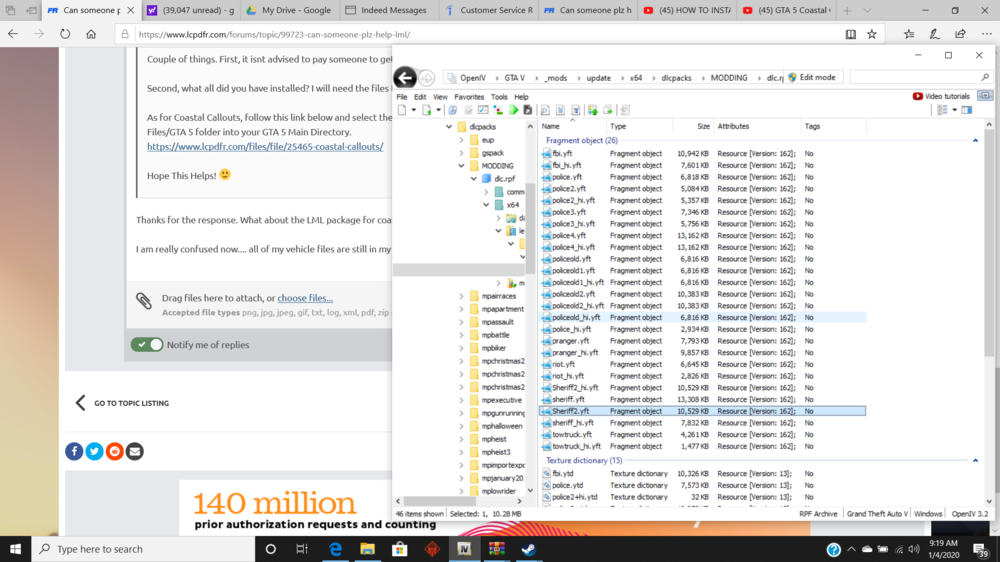
The update.rpf in the mod folder looks like the same update.rpf in the update folder I have never gone into any of those dlc packs so I don't think the problem would lie within those this is the only thing ive ever made changes in... you can see here the modding folder that my vehicles are in... theres an eup folder... and the gs pack is from security+ forgot to quote
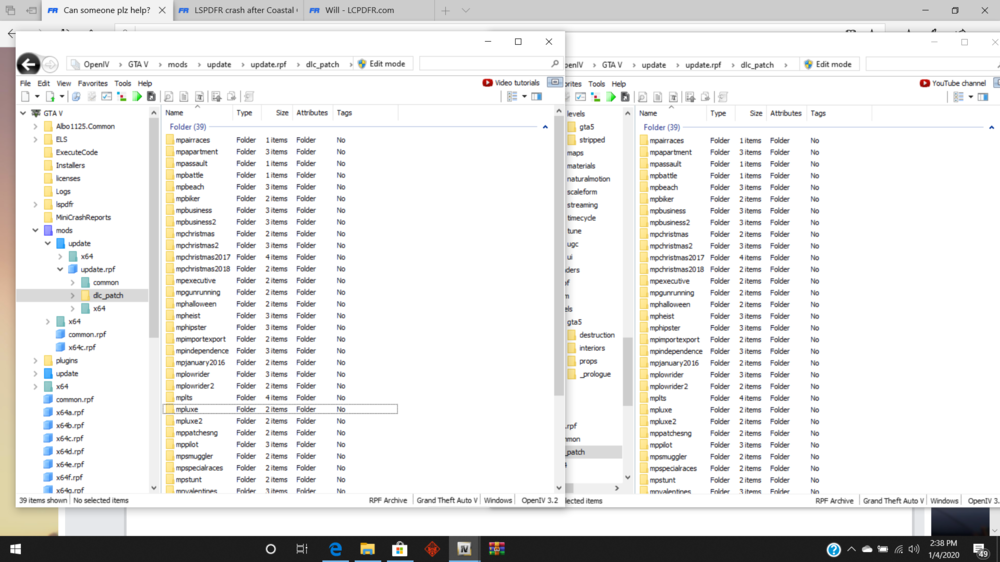
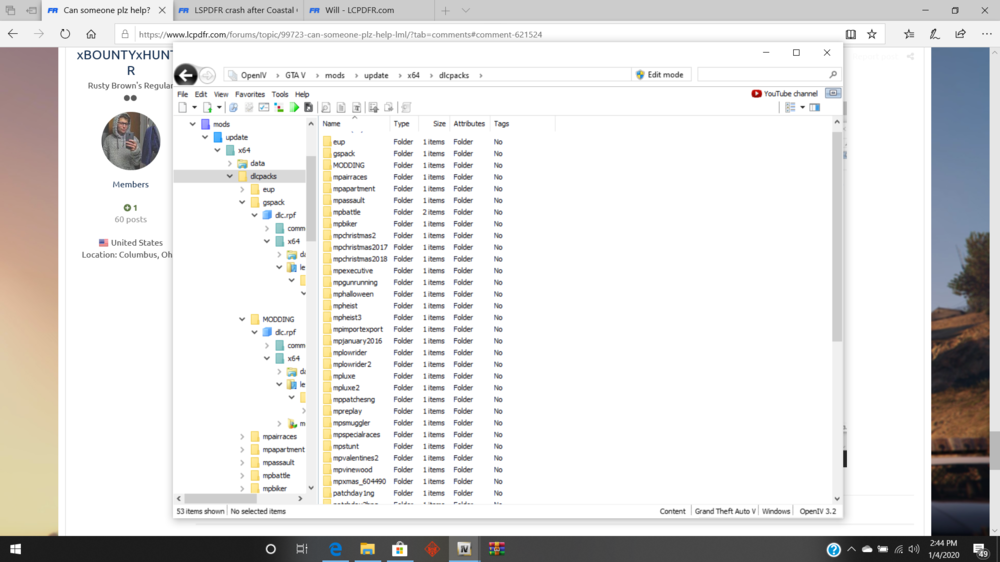
-
correct.... the question is how to fix the mods folder
-
as you can see in the topic I obviously was directed to try that by "Helping Stranger" so youre basically calling him moronic for that one lmfao
-
the game worked perfectly fine until downloading lml and coastal callouts so itd be pretty moronic to blame anything other than lml and cc
-
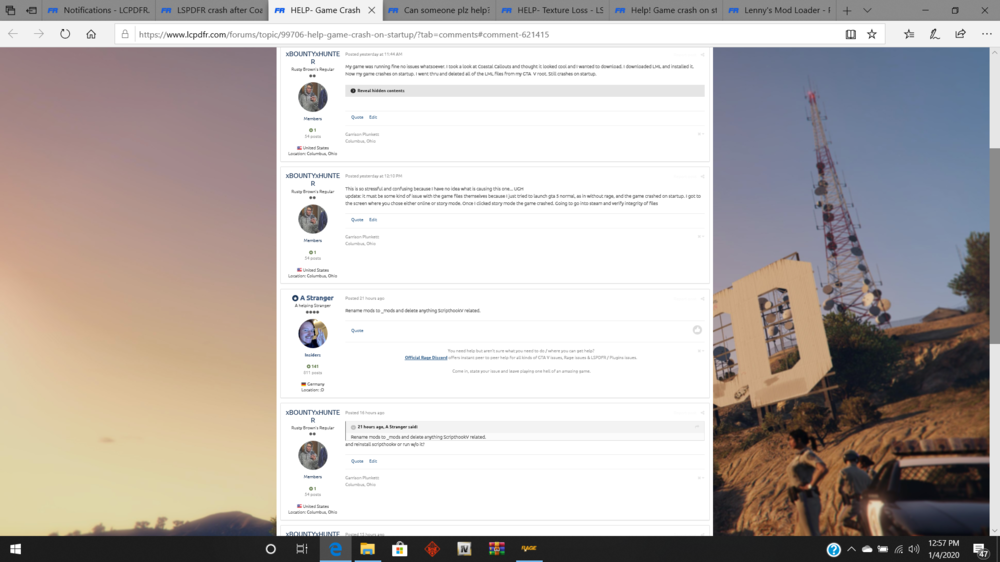
My game crashes on startup. Unsure what the problem is. After crash the rage window opened and I clicked generate crash report to get the following:
-
dinput8.dll is in there. I completely removed LML and coastal callouts. My issue now is that the game crashes on startup. No one can seem to give me and answer to why it is crashing.
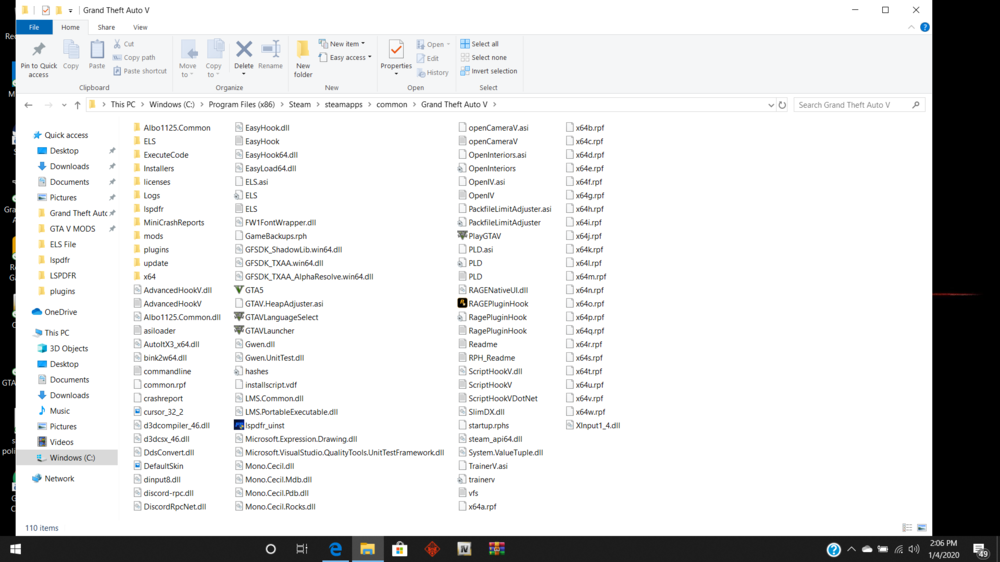
-
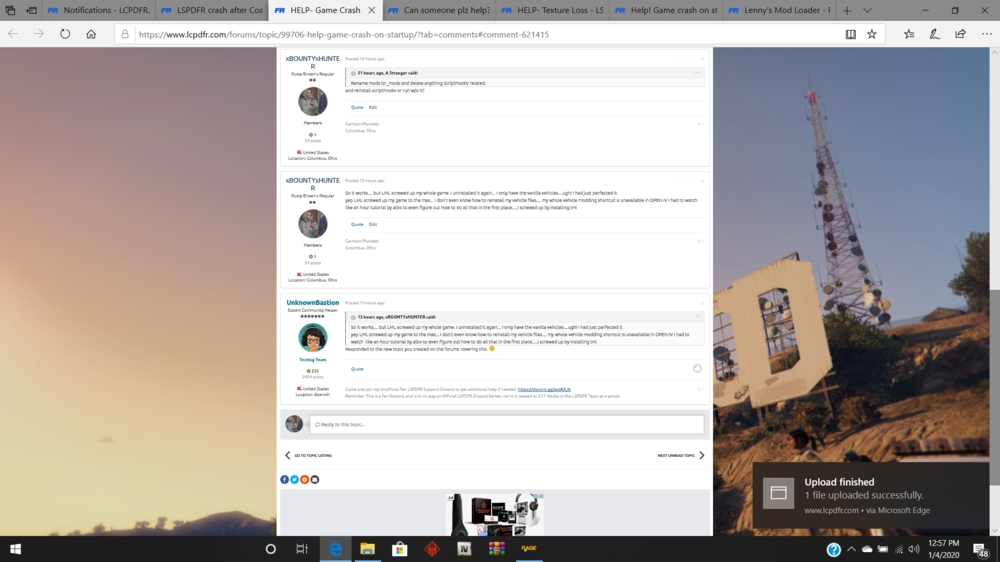
here is a crash report generated after it crashed on launch I only downloaded lml to download coastal callouts....so between CC and LML This is a list of everything I have done to my game. Something in this process is whats screwing it up. I tried to install CC....needed LML to do so.... big mistake betweent he two
-
okay well I just renamed it "mods" instead of "_mods" and now the game crashes on launch. Wont even start. Yes, the reason it was renamed was to get around the game crashing on launch. As I said, LML install completely ruined th egame
-
so it seems like lml just completely ruins the game and once you install it theres no way to undo it.. at least no one can seem to give an answer
-
any ideas?
-
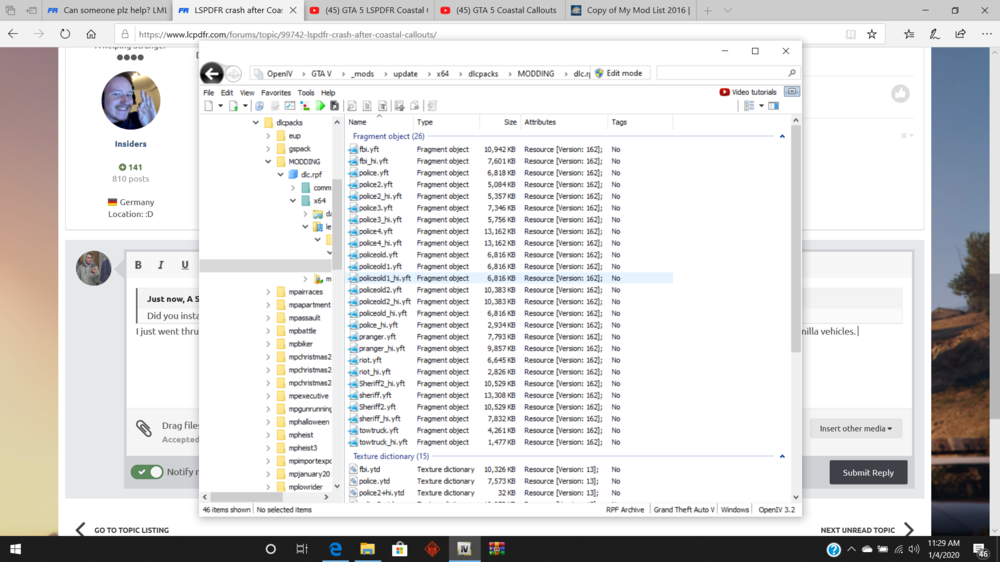
I just went thru and completely deleted Coastal Callouts and LML. I just need help getting my vehicle files back in. I don't understand why it is still spawning the vanilla vehicles. My files are still in my modding folder (C:\Program Files (x86)\Steam\steamapps\common\Grand Theft Auto V\_mods\update\x64\dlcpacks\MODDING\dlc.rpf\x64\levels\gta5\vehicles\vehicles.rpf\) LML like overwrote all of my files. I had stuff in there to take away the weapon reticle...my vehicle files...all of it went back to vanilla
-
I tried to install Coastal Callouts with LML. Everytime I go in game and LoadPlugin thru the console LSPDFR crashes. LML and Coastal Callouts screwed my game up so bad and im stressed because I don't know how to fix it 😕
-
LML messed so much stuff up.....trainer v wont even start....will try reinstalling
-
Thanks for the response. What about the LML package for coastal callouts? Isnt there vehicles and such that need to be installed? I am really confused now.... all of my vehicle files are still in my MODDING/dlc.rpf folder.... yet when I spawn in the game its all the vanilla vehicles
-
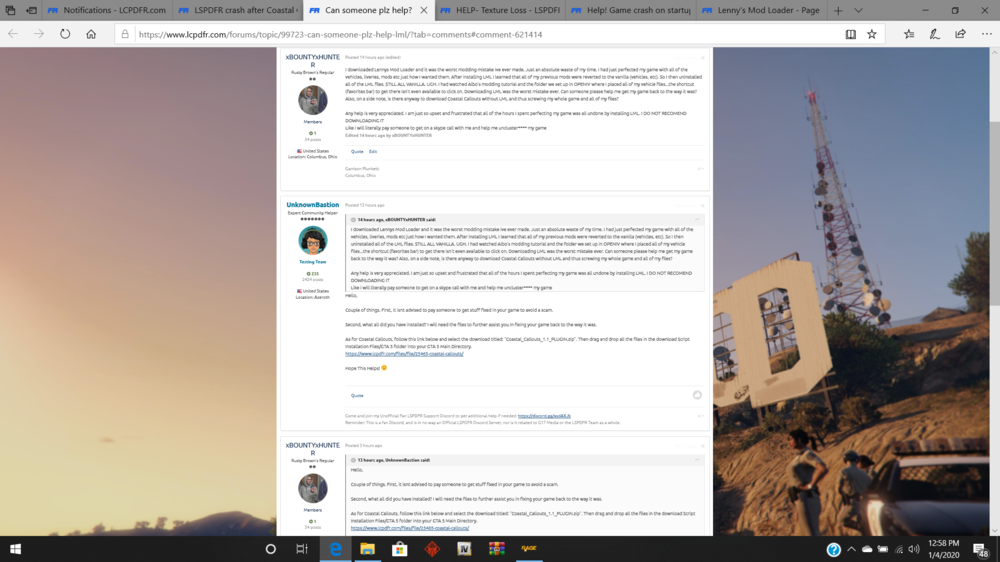
I downloaded Lennys Mod Loader and it was the worst modding mistake ive ever made. Just an absolute waste of my time. I had just perfected my game with all of the vehicles, liveries, mods etc just how I wanted them. After installing LML I learned that all of my previous mods were reverted to the vanilla (vehicles, etc). So I then uninstalled all of the LML files. STILL ALL VANILLA. UGH. I had watched Albo's modding tutorial and the folder we set up in OPENIV where I placed all of my vehicle files...the shortcut (favorites bar) to get there isn't even available to click on. Downloading LML was the worst mistake ever. Can someone please help me get my game back to the way it was? Also, on a side note, is there anyway to download Coastal Callouts without LML and thus screwing my whole game and all of my files? Any help is very appreciated. I am just so upset and frustrated that all of the hours I spent perfecting my game was all undone by installing LML. I DO NOT RECOMEND DOWNLOADING IT Like i will literally pay someone to get on a skype call with me and help me uncluster**** my game
-
So it works.... but LML screwed up my whole game. I uninstalled it again... I only have the vanilla vehicles....ugh! I had just perfected it yep LML screwed up my game to the max... I don't even know how to reinstall my vehicle files.... my whole vehicle modding shortcut is unavailable in OPEN IV I had to watch like an hour tutorial by albo to even figure out how to do all that in the first place.....I screwed up by installing lml