alpian
Members
-
Joined
-
Last visited
Everything posted by alpian
-
what's the name of that file?
-
i have problem this after i reinstall my windows 8.1 before reinstall, this work and can play it. after i reinstall , it always crash im using mod and make "mods" folder, after i moved that folder still got crash. what should i do?
-
im just re-installing LSPDFR, and im installing add-on plugin like traffic policer, stop the pad, etc. it got crash. but when im not installing that, its okay. anybody can help me? sorry for bad english
-
i have bad english, sorry for that. but i want to ask, if LSPDFR need some spec requierement to play ? when im playing LSPDFR mode, the FPS drop to 20-25 fps. but when im playing story mode, FPS back to normal at 45-59FPS
-
finally, its done, thankyou sir, u really make my day :"))
-
did u mean this is sir? RagePluginHook.log
-
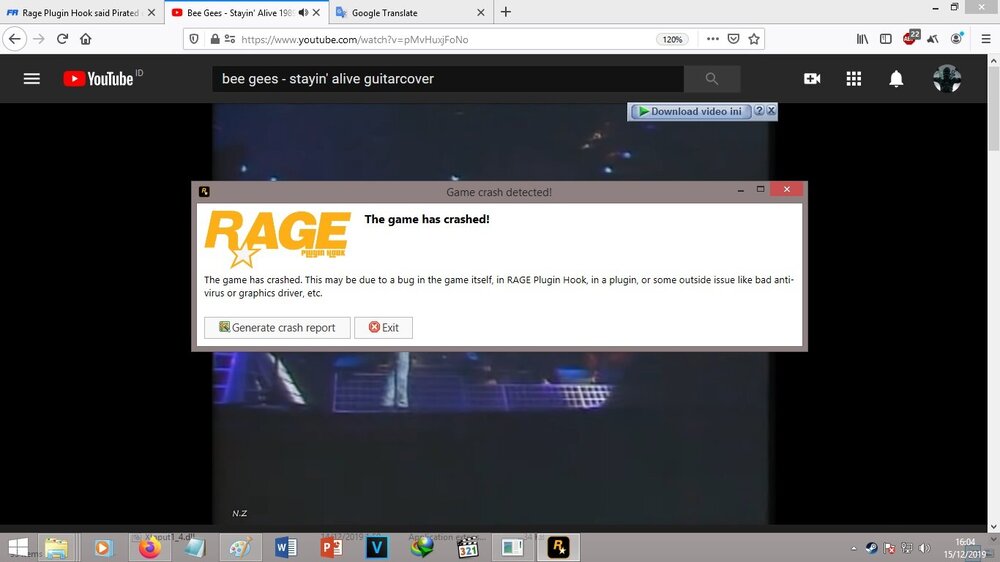
sir , do u know what the problem is? i tried to play before i make this topic, and when i press and hold E to civillian, it got crash, i think bcuz, steam_api64 (pirated), after i deleted it, still got crash but a different message like this. it just a bug from the lspdfr or game?
-
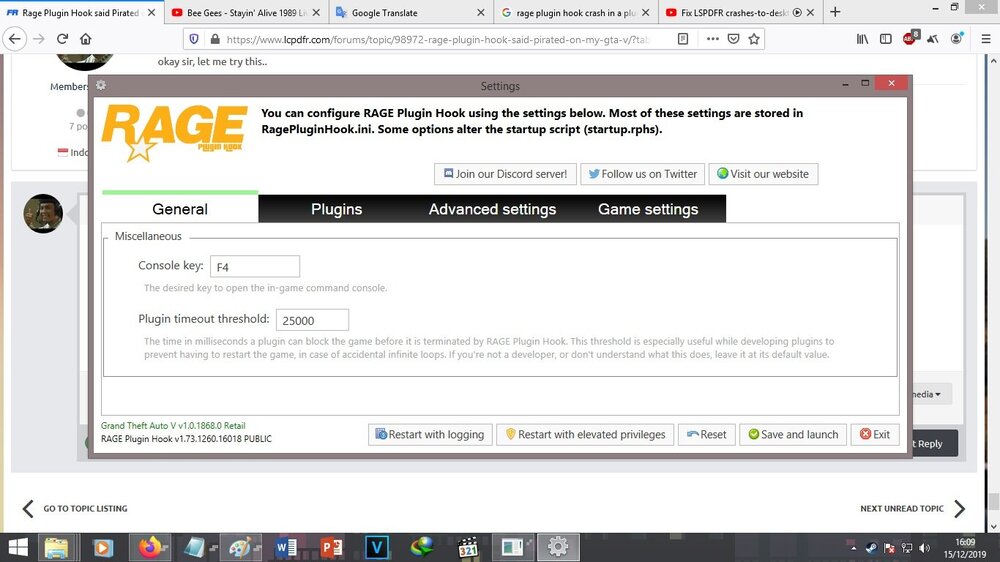
okay sir, let me try this.. it worked , thankyou so much, let me try the game 🙂
-
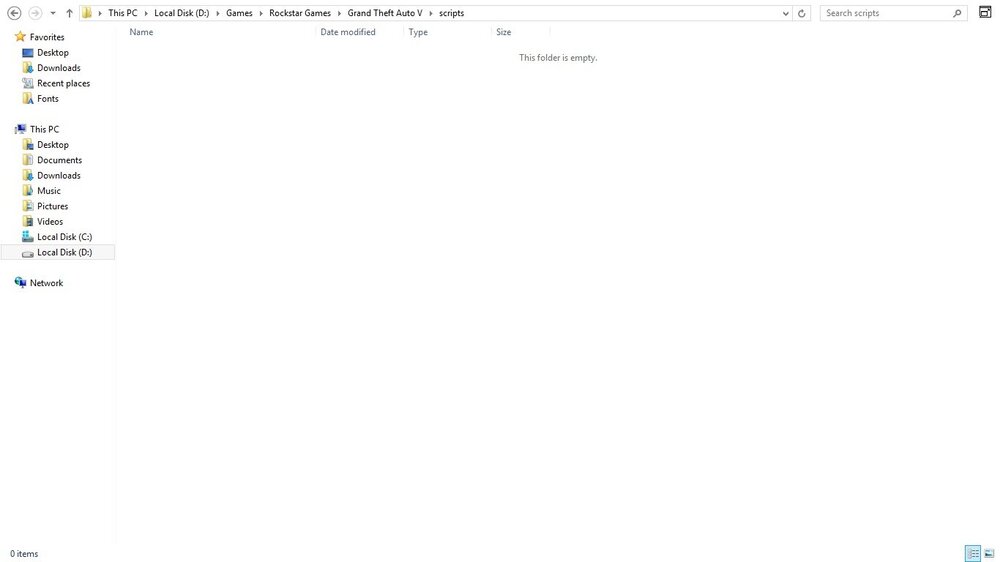
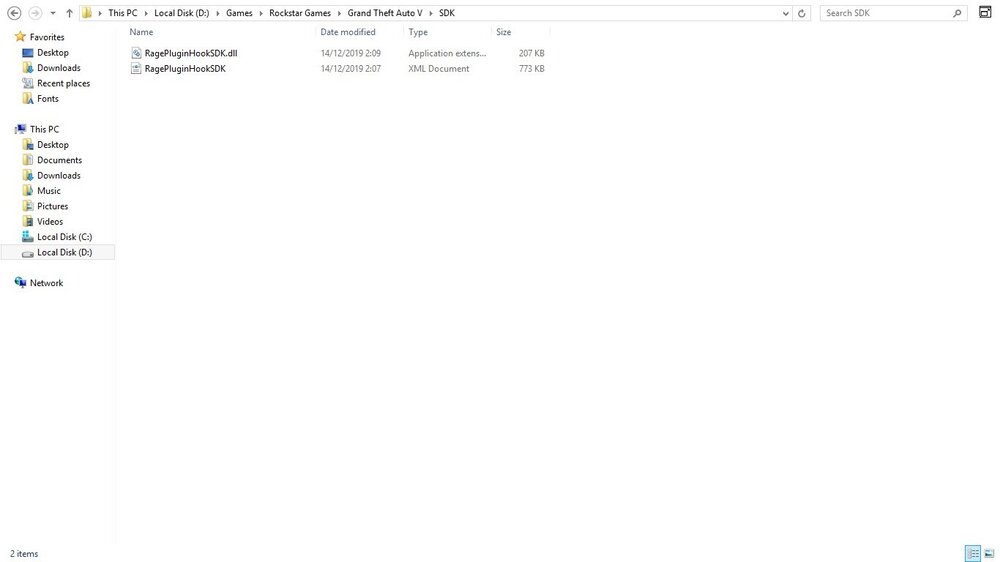
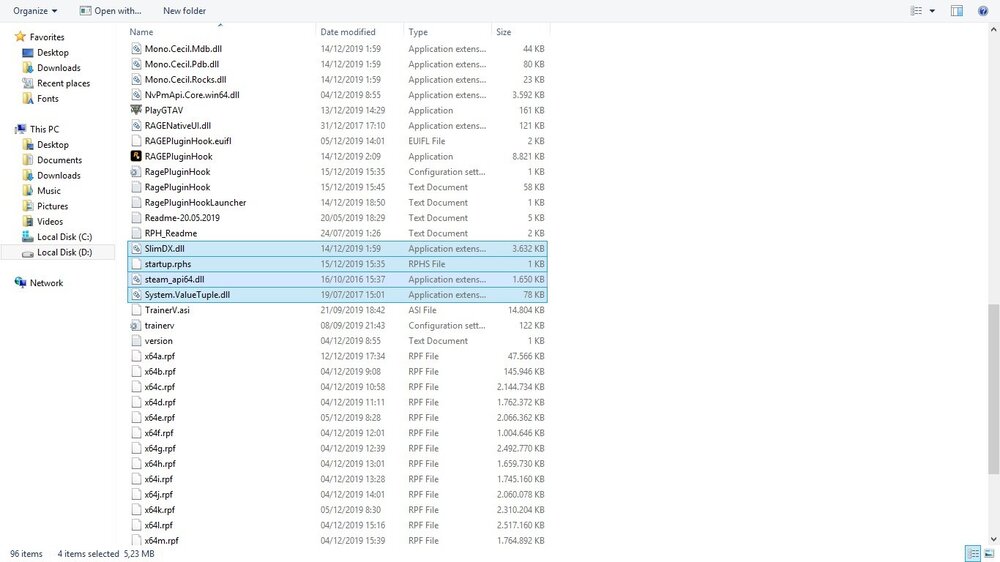
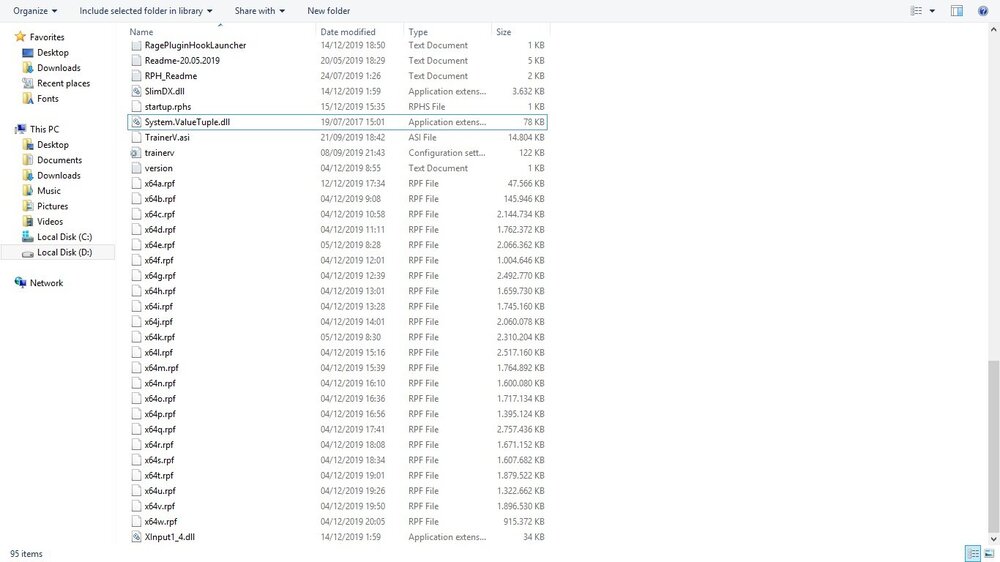
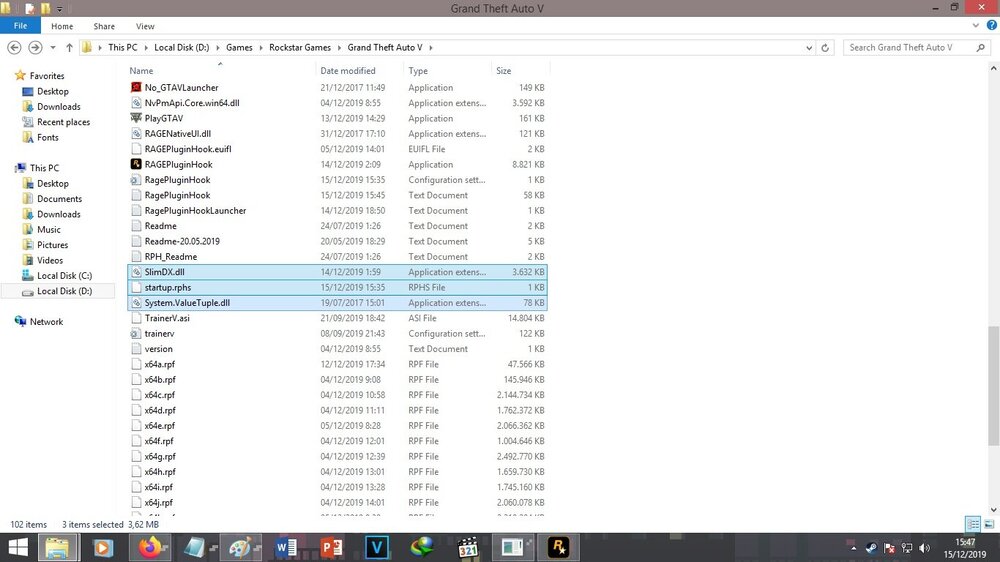
im sorry, my pc got lag here it is all my file that start with S , and i just found of nowhere this files in here, it just hiding (Steam_api64)
-
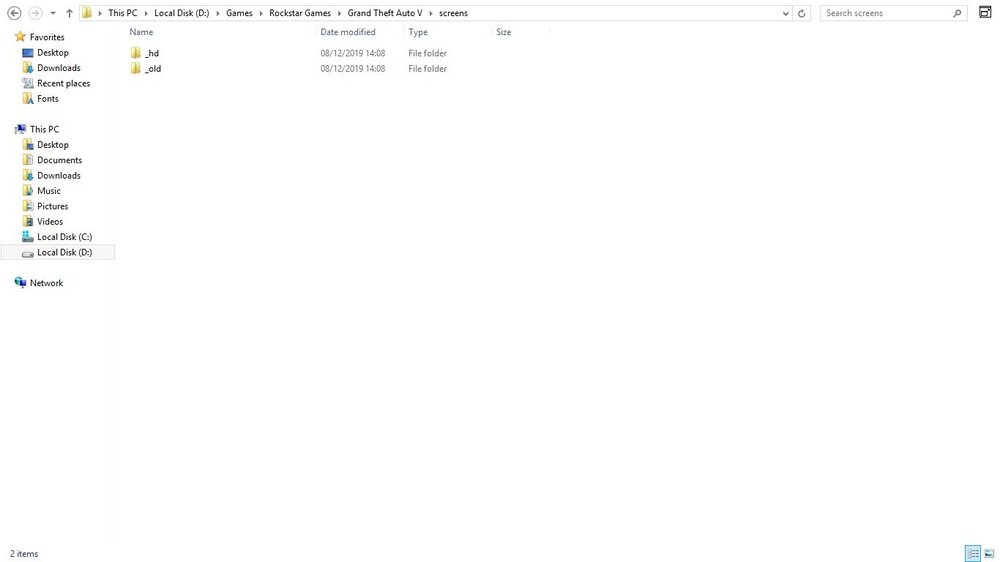
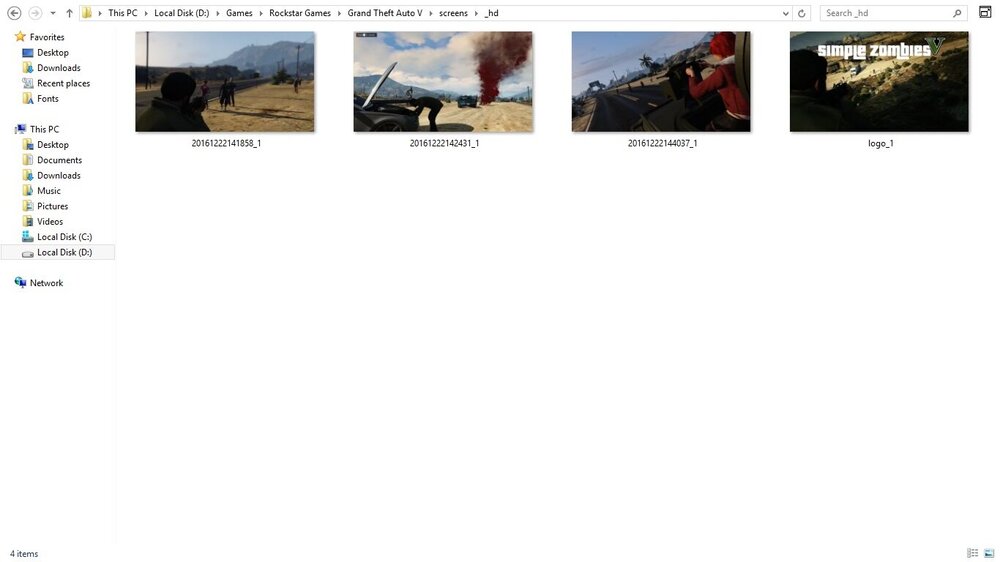
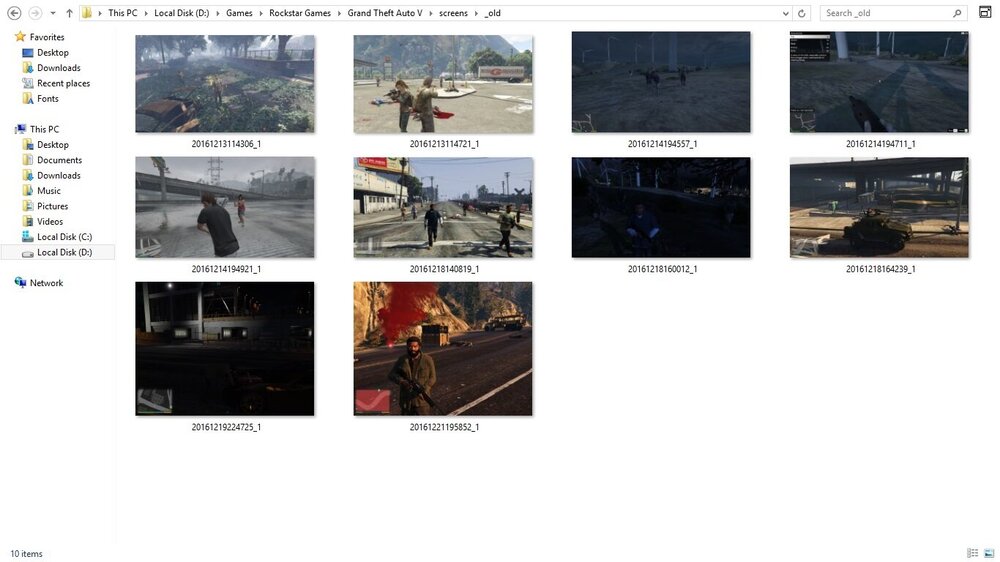
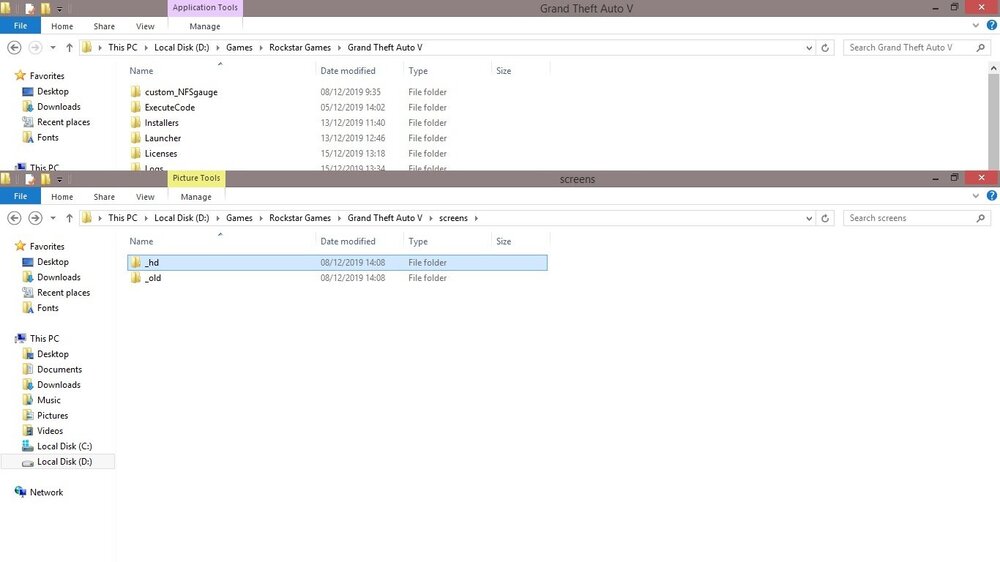
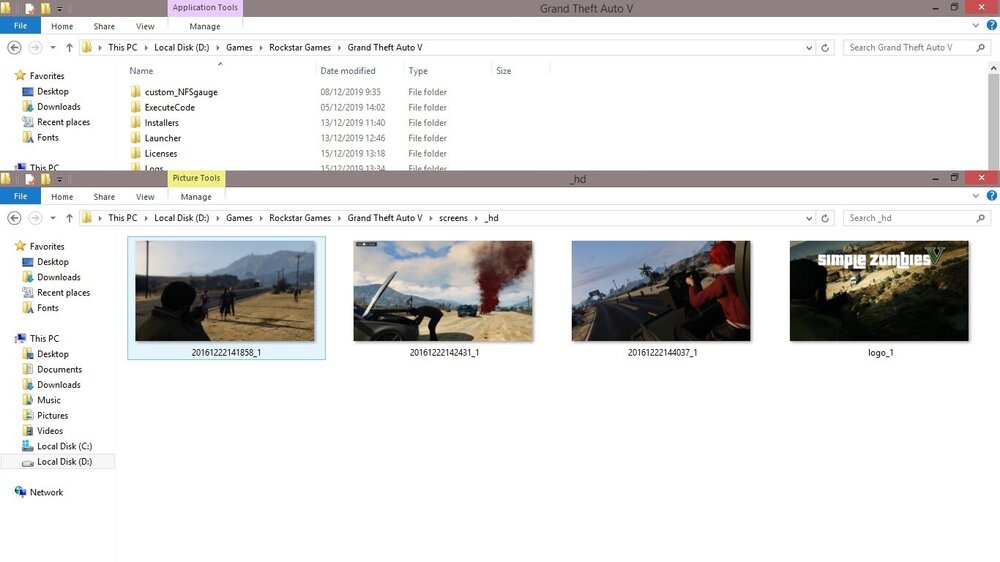
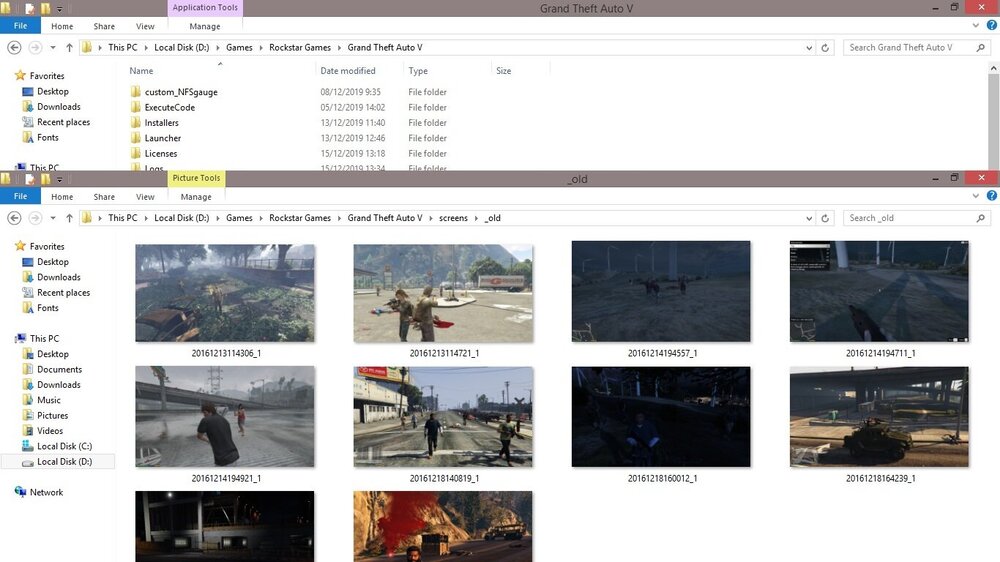
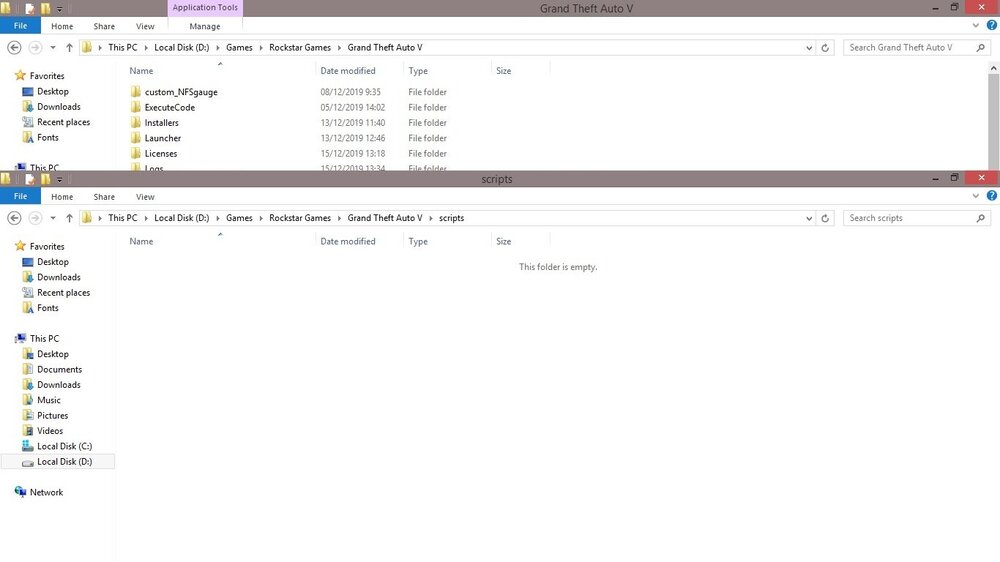
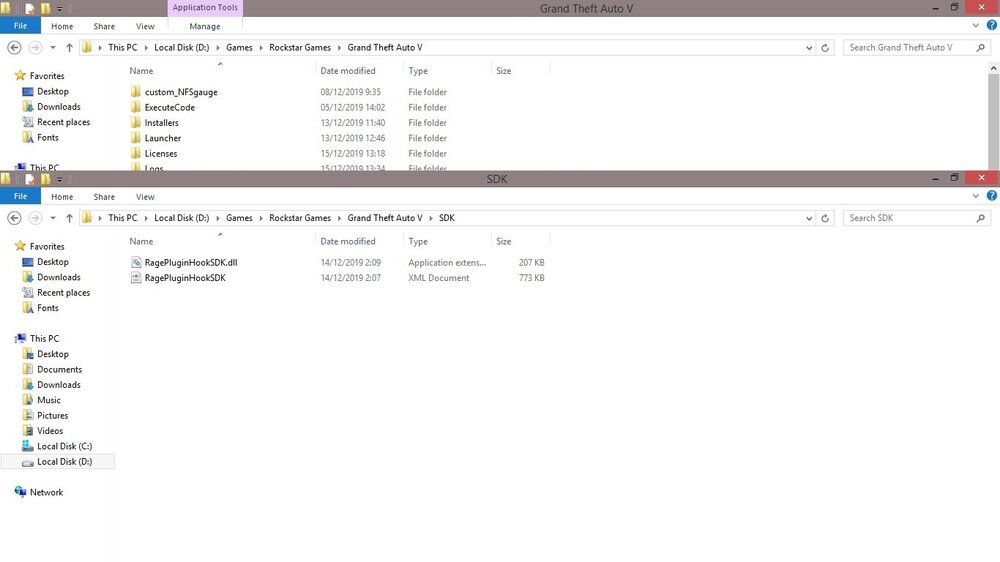
here it is, all file and folder that start with S screen folder from screenshot apocalype zombie mod hey, i just found file name steam_api64 and it just got hide for no reason, should i delete this one?
-
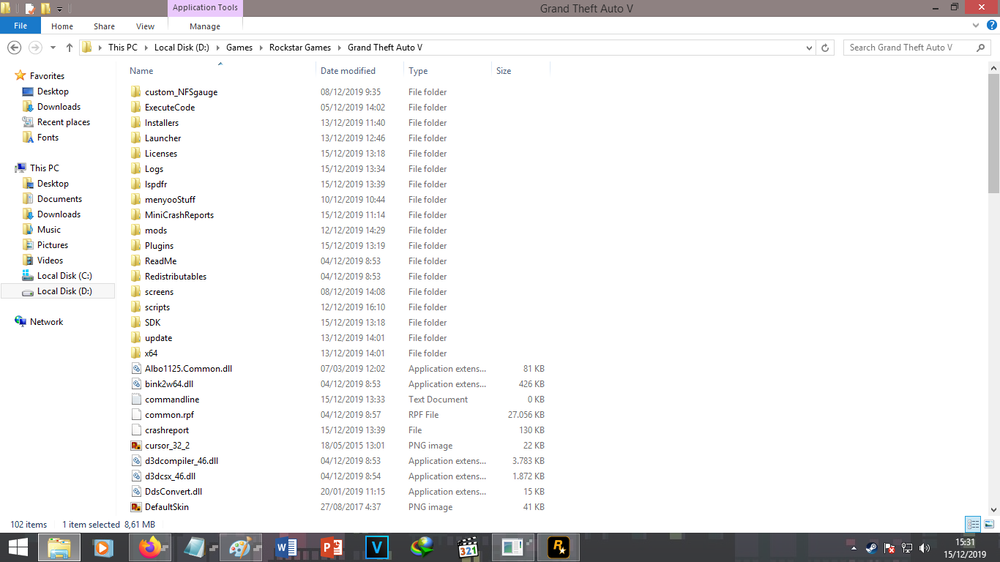
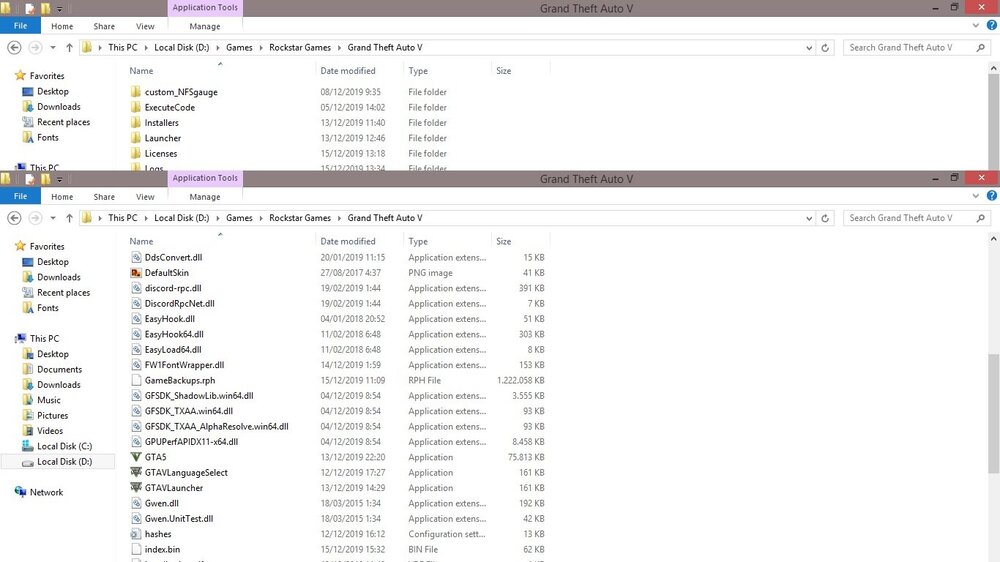
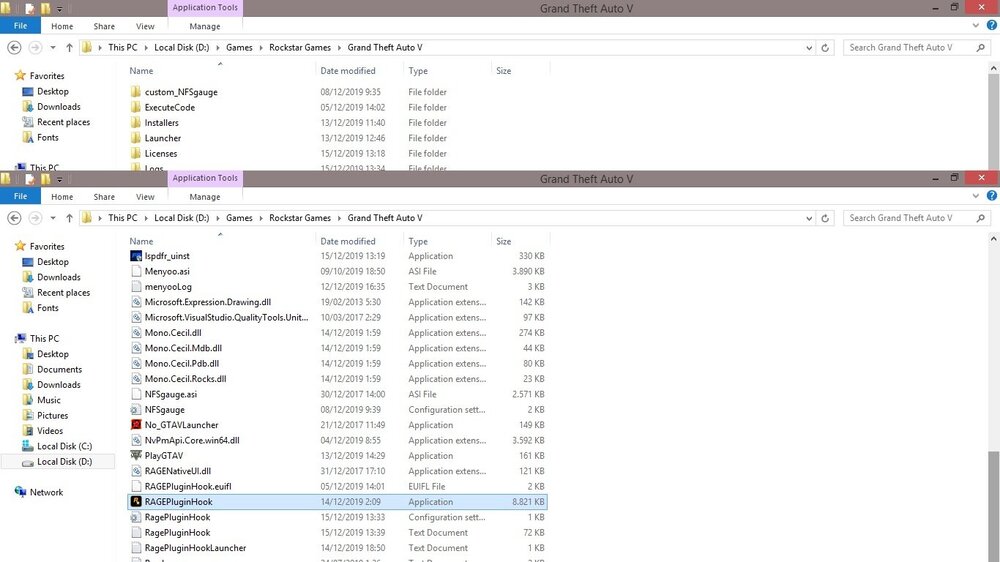
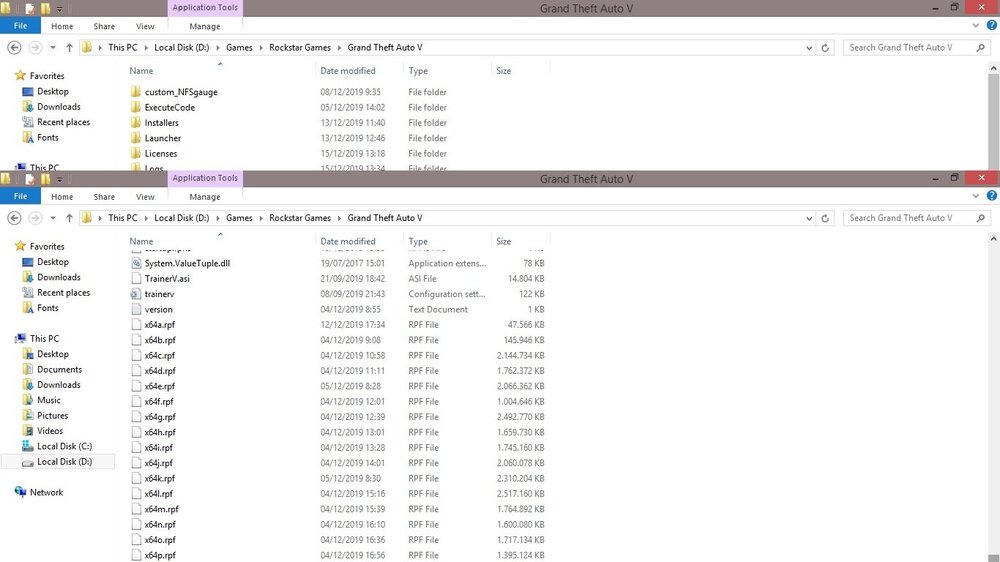
im sorry, im bad english, did u mean "s" section is about the file with the first name 'S' ? or Folder with first name 'S'? i think i already take screenshot of all my file on my folder gta v
-
this is all my file on my folder gta v, i just wanna play LSPDFR 😞
-
all files of my GTA V folder? wait a minute
-
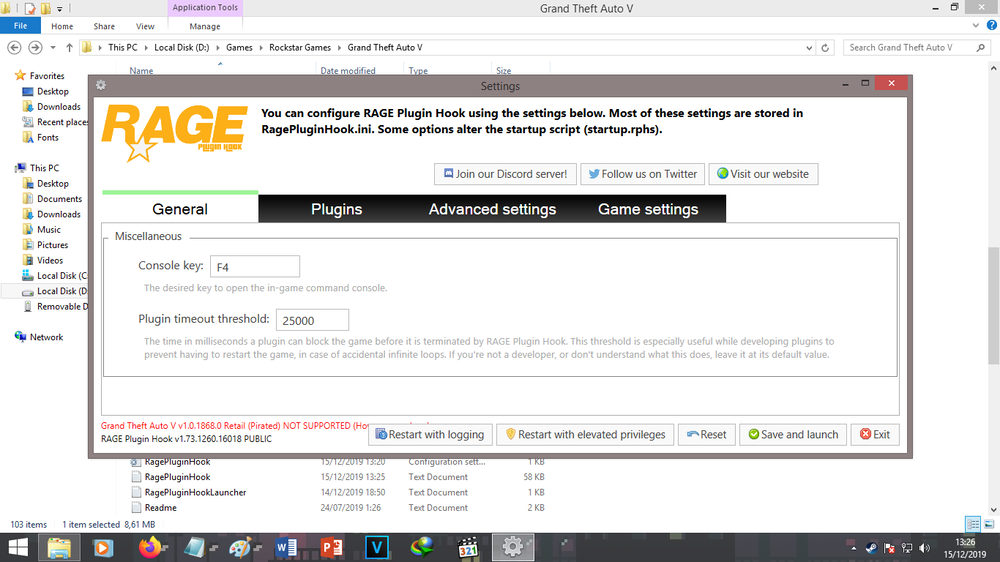
i dont know is it right to make this topic on this forum, but i dont know what should i do. i just buy Grand Theft Auto V via Rockstar Launcher, and became like this how to fix it? plz help me!