
Th1nBlue
Members
-
Joined
-
Last visited
Everything posted by Th1nBlue
-
-
-
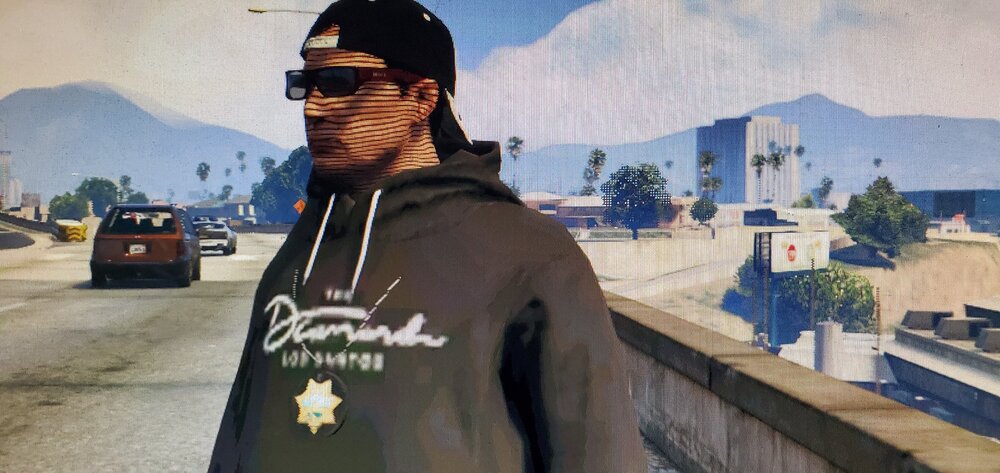
Not sure how to get rid of the lines of the skin and certain outfits.
-
Here is your fix. https://www.youtube.com/watch?v=oeGeXpkvil8&t=10s
-
Like @Lauren Watts said above, you can FORCE CALL OUTS, but it does usually happen to me too. I use Ultimate Callouts, so I show myself available to dispatch and they usually start flowing in.
-
You might need a software/program that allows you to unzip it. Such as (WinZip) It's free to download. Do a quick search and go to their website to download Winzip and use it.
-
-
-
I looked everywhere here and on Youtube and cannot find a fix. During a traffic stop, the ped will gun it and drive straight into whatever is in its path and crash. Usually you can complete the stop, but it's pretty annoying. I have a youtube video for it. Here is the link: https://youtu.be/oeGeXpkvil8
-
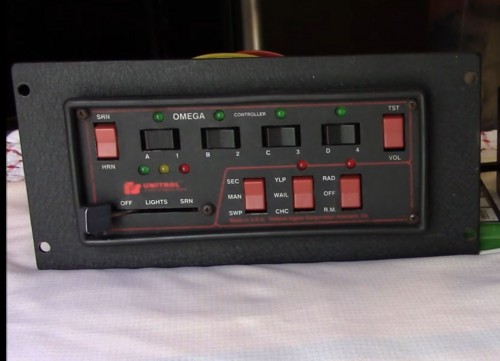 Love this siren! Used it in my latest video: https://www.youtube.com/watch?v=55IZdsqHLgY
- 19 comments
- 5 reviews
-
any solutions. i go thru the same?