Skip to content
View in the app

A better way to browse. Learn more.

LCPDFR.com

A full-screen app on your home screen with push notifications, badges and more.

To install this app on iOS and iPadOS
  1. Tap the Share icon in Safari
  2. Scroll the menu and tap Add to Home Screen.
  3. Tap Add in the top-right corner.
To install this app on Android
  1. Tap the 3-dot menu (⋮) in the top-right corner of the browser.
  2. Tap Add to Home screen or Install app.
  3. Confirm by tapping Install.
Due to overzealous filtering on Microsoft’s side, some emails to Outlook and Hotmail addresses may not be delivered. If you’re affected, please use a different email address or try again later.

bjackson1991

Members
  • Joined

  • Last visited

  1.    drumright reacted to a comment on a file: [ELS] LSPD Legacy Pack
  2. Confused what this is? and how it doesn't already exist?
  3. M1ax started following bjackson1991
  4.    bjackson1991 reacted to a comment on a file: RealisticNPCs
  5.    bjackson1991 reacted to a comment on a file: NewsHeli
  6. LAPDFR GET started following bjackson1991
  7.    bjackson1991 reacted to a comment on a file: Officer Radio Status
  8.    bjackson1991 reacted to a comment on a file: Officer Radio Status
  9.    bjackson1991 reacted to a comment on a file: Officer Radio Status
  10.    bjackson1991 reacted to a comment on a file: Officer Radio Status
  11.    bjackson1991 reacted to a comment on a file: Officer Radio Status
  12.    bjackson1991 reacted to a comment on a file: Officer Radio Status
  13. MAKE SURE YOUR KEYBOARD NUMPAD IS ON/OFF lol... helps the whole process lmao
  14. .... yeahhh this is a solid for the fivem community. Thanks for sharing it freely.
  15. interior pics or and a video of lights would be nice for the community?
  16. feel stupid for asking this, but does it work for SinglePlayer? my old rumbler doesn't want to work in LSPDFR after the latest update.
  17. SharksModifications started following bjackson1991
  18. Dev to Dev, I want to download your 2022 K9 FPIU and the K9 FPIS lol, beautiful updated builds, your attention to detail for the cages and equipment is 🤌
  19. iLuxify started following bjackson1991
  20. IT'S 2024 guys, I'm starting to build a New Update for a 2024 MAY 29th free release for my birthday. We need new fleet units and updates to the already existing fleet, like a new computer and light brackets for IONS in some spots depending on the build, id also love to include the opening trunk feature🍻
  21. If you go into OpenIV using the pathways I provided in my download files, you can change the vehicle defuestint line for all vehicles so there's no window tint messing up the light reflections, doing this will make sure all vehicles spawn in with their lights showing, same for any other vehicle pack, IT FIXES THE LIGHTS. I'd also advise to reset your ELS FOLDER with my pinned comment settings so they shine bright from a distance.
  22. When it comes to the STP Plugin, I wouldn't get rid of it, you need a updated version that has better questions and feedbacks, and or use a AI plugin or software to speak to them.
  23. This first photo is Hurks K9 Dodge Charger Shandy Shores PD skin. I turned it into a Blaine County Sheriff livery. His- Mine-
  24. loganroy started following bjackson1991
  25. Lol thanks, the charger has been updated since these photos though and it's even more of a beast now. Here's the link to my vehicle pack🍻
  26. Yeah dev to dev, and as a K9 vehicle dev myself... I would also love to see this with a K9 cage... bout to msg you.
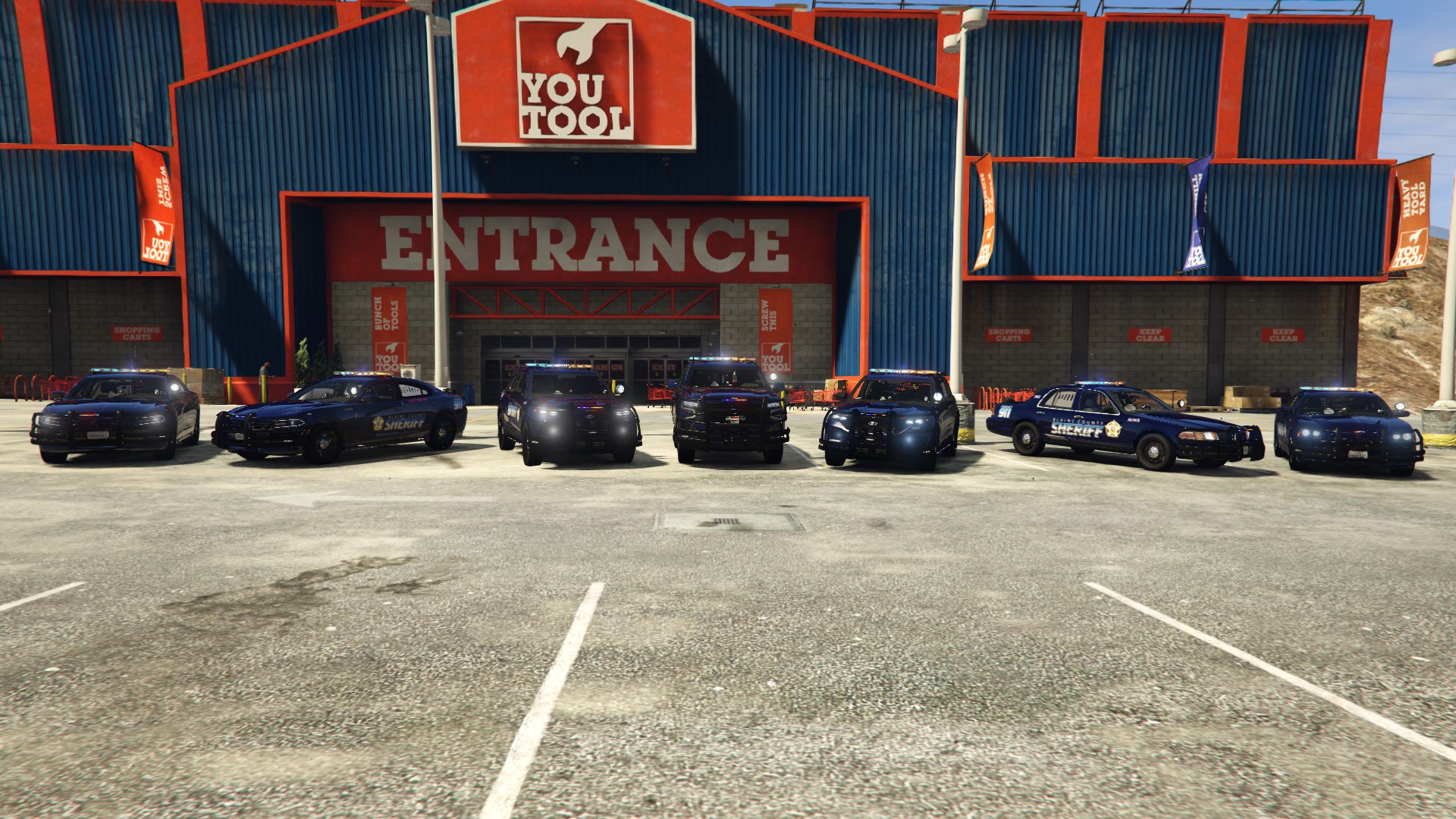
  27. Figured I'd post these here since I removed them from my vehicle photos and replaced them with updated ones. But LSPDFRPICS did a awesome job taking these photos for me.
  28. twf1995 started following bjackson1991
  29. @Reddington might be able to help, unless its a z3D texture issue.

Account

Navigation

Search

Search

Configure browser push notifications

Chrome (Android)
  1. Tap the lock icon next to the address bar.
  2. Tap Permissions → Notifications.
  3. Adjust your preference.
Chrome (Desktop)
  1. Click the padlock icon in the address bar.
  2. Select Site settings.
  3. Find Notifications and adjust your preference.