


Janan
Members
-
Joined
-
Last visited
Everything posted by Janan
-
thanks
-
how do i update or check if police mod is updated?
-
ITS FIXED HAD TO DOWNLOAD THE UPDATED VERSION
-
Downloaded it and it works! Thanks!!
-
Where can I update it?
-
it crashes 😞
-
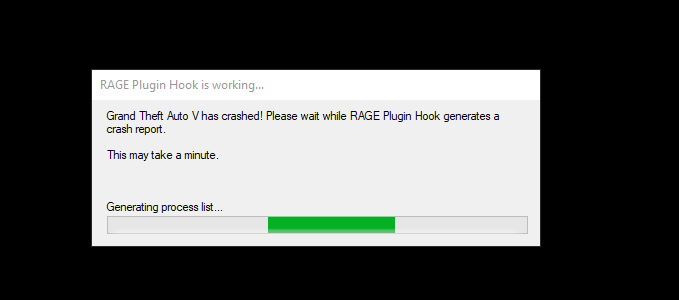
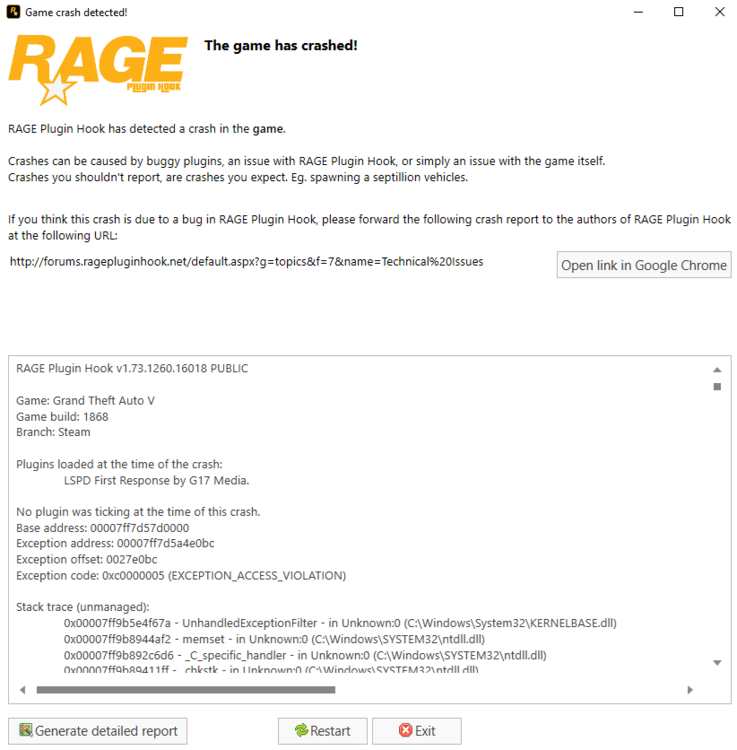
Game loads up well, no problems and no lag. I'm able to go on duty and stuff and roam around as a cop. However, when I pull someone over and try interacting with them the game suddenly crashes. It also crashes when I try answering to calls. This appears:
-
It works now, just needed it to be updated.. but... I can roam perfectly fine, go on duty and whatnot but I can't actually pull people over or answer calls.. 😞 I have a clean copy of GTA V without mods just police mod
-
I can roam around and all that but can't actually pull people over/answer calls without it shutting down 😞 Here's crash report if anyone's interested.. http://forums.ragepluginhook.net/default.aspx?g=topics&f=12&name=Technical Issues
-
First off, I have no mods, nothing. It's a clean fresh GTA V. Everything loads up as it should, although, I'm able to patrol and whatnot, but when I accept calls or go in to arrest someone, the game crashes.
-
When will it come?
-
"Installed game version: 1868 Latest game version: 1737 Supported game versions: 1737" What do I do, and where do I get the 1737 version?

