



Ben1CYM
Members
-
Joined
-
Last visited
Everything posted by Ben1CYM
-
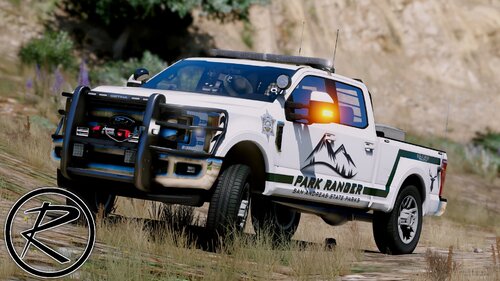 Great SASP vehicle pack with amazing attention detail, such as the puddle lights that activate when you open the doors at night on the F250. The livery is really good and realistic however, I think the "game warden" bit on the back sorta lets the realism down a bit so I changed that (as seen in picture below). But apart from that 5 out of 5, would highly recommend.
- 52 comments
- 13 reviews
-
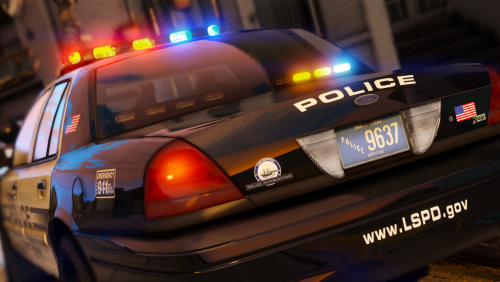 One of the best CVPI's I've ever installed! The lights are very realistic and with the exception of the POLICE livery I don't think it could be made any better. If you're pondering on whether to install it, I would highly recommend it!!
- 32 comments
- 34 reviews

