Vincentsgm
Friends of LSPDFR
-
Joined
-
Last visited
Everything posted by Vincentsgm
-
-
 You maybe should include a more detailed description, or a showcase video. Also including "FiveM" in the page title
 -
 Please join my Discord server or DM me on forums so that we can discuss about it
- 118 comments
- 17 reviews
-
-
 Join my Discord server if you want, I have a section called "coding-help" there with some code snippets, also a channel for developers ^^
- 115 comments
- 10 reviews
-
For the callouts starting at a certain range, I suggest you let the user define that range in a settings file. Some people get pissed when callouts start far away, some don't care and will want to do the callout anyway.
- 115 comments
- 10 reviews
-
-

- 1
-
-
Hi, I'll see what I can do about it, but at moment I can tell you that the key press verification is done at every frame. RAGENativeUI (what is used for the menu) is going to get updated soon by alexguirre. For STP, I think that it takes time because it checks for things to add in the menu before opening it. I can probably add a delay if one of the keys is from the DPad but sometimes keys might not be reactive (especially for low fps computers) and people would have struggle opening the menu
- 118 comments
- 17 reviews
-
-
- 1
-
-
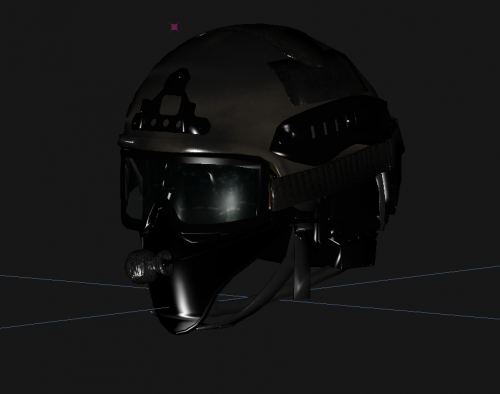 No I don't have it, had to ask a friend for my last month and I don't want to ask him again
 -
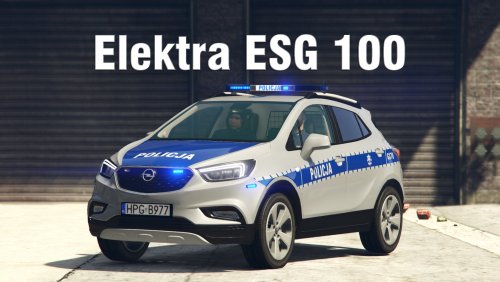 Yes I know but it'd make it easier for a lot of people
 -
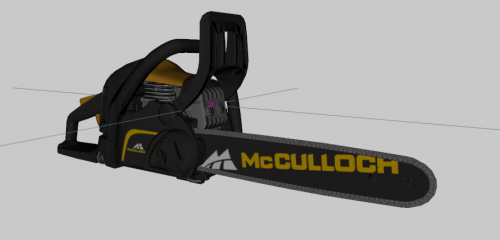 Would have suited the development section more ^^
 -
Can't wait to get back a ZModeler license
-
these voices don't contain megaphone audio the author of GrammarPolice recently joined my Discord server, i can talk to him about that
- 118 comments
- 17 reviews
-
-
- 1
-
-
It sounds amazing, but can you upload a folder with only the new sounds? It'll be great for people who don't want to replace all their sounds
-
 the radio definitely isn't vanilla. i just installed a whelen cencom sapphire yesterday but there are so many versions on the site, quiet/loud, crispy/not crispy etc, this one definitely sounds different than the one i got ^^
 -
and for the siren too!
-
-
 I've been using this for months now and I'm a total addict of it. No need to override all your previously installed vehicle. Can install FiveM vehicles in single player. Can install most dlcs. Meta files overriding so if you're sceptical about breaking your game, you can always go back with LML Easy to install new props/clothes. Not always needing to restart the game to try out a mod. It's a dream
- 317 comments
- 17 reviews
-
-
- 1
-
-
I am aware of the issue with the megaphone staying stuck in the hand for those who have UseMegaphoneProp = true, I'll fix it in next update Also MegaphoneUI.dll/MegaphoneUI.pdb/MegaphoneUI.ini all go into plugins/LSPDFR folder and not plugins! I've missed a folder when creating the ZIP
- 118 comments
- 17 reviews
-
-
Do you mean the megaphone object stays in the hand? Or does it not create it?
- 118 comments
- 17 reviews
-
 To clear confusion : Adding ELS files to Non-ELS does not permit you to change the lighting patterns. Here is what it allows you to do - Assign different siren tones/change horn without modifying carvariations.meta - Mute/unmute siren - Switch between 4 siren tones for each vehicle (6 if you use 2 manual sirens) - Customisable wig-wags (front & rear) - Define which extras that will be permanently on
- 13 comments
- 2 reviews
-
I had made that feature for Beta Testers on my Discord server, but it was glitchy as the driver would come back in his car, leave it, and repeat it a few times, probably an interference with StopThePed. If I ever find a solution I'll make the feature available. This is from March
- 118 comments
- 17 reviews
-
I'll make it customizable inside the .ini in the next update, along with the surrender time for Stop your vehicle
- 118 comments
- 17 reviews
-
Thanks! And yes it has been slowed down, see in the changelog "- Added a 2.5s delay after you speak before the effects take place, for added realism" The effects were taking place right after you pressed the button, which wasn't realistic as your character didn't finish talking, also humans have a reaction time
- 118 comments
- 17 reviews
-
-
- 1
-
-