Skip to content
View in the app

A better way to browse. Learn more.

LCPDFR.com

A full-screen app on your home screen with push notifications, badges and more.

To install this app on iOS and iPadOS
  1. Tap the Share icon in Safari
  2. Scroll the menu and tap Add to Home Screen.
  3. Tap Add in the top-right corner.
To install this app on Android
  1. Tap the 3-dot menu (⋮) in the top-right corner of the browser.
  2. Tap Add to Home screen or Install app.
  3. Confirm by tapping Install.

MatthieuSpie

Members
  • Joined

  • Last visited

Everything posted by MatthieuSpie

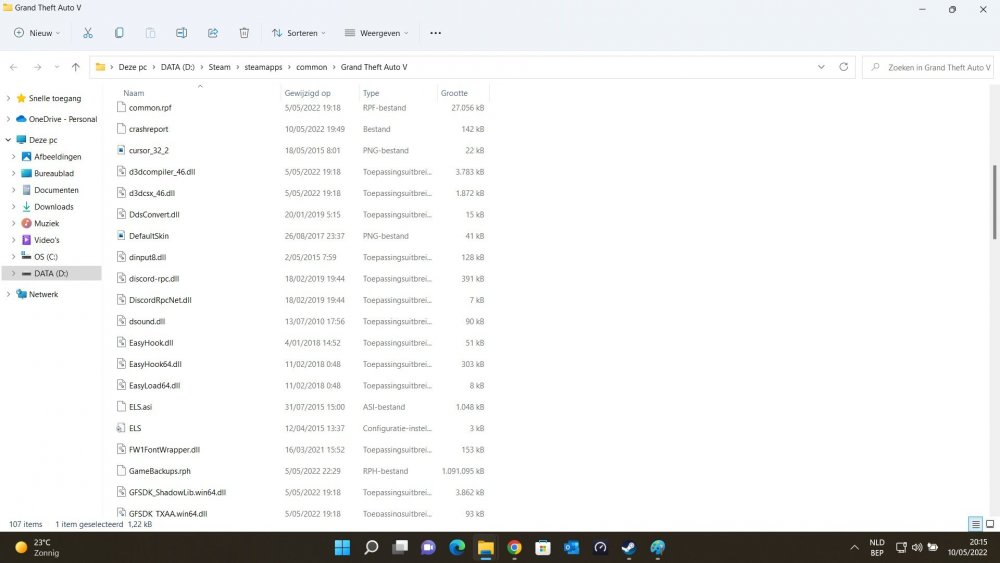
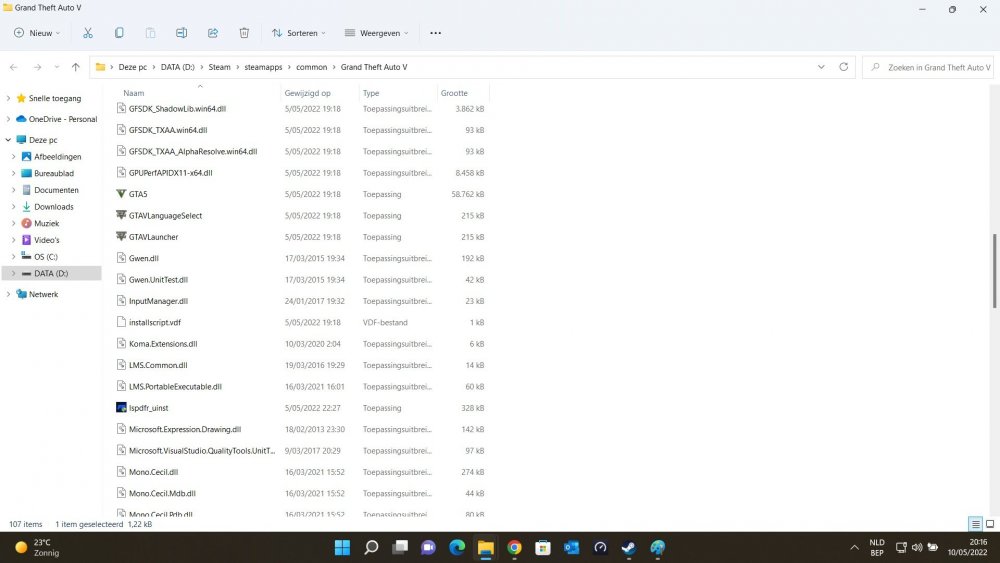
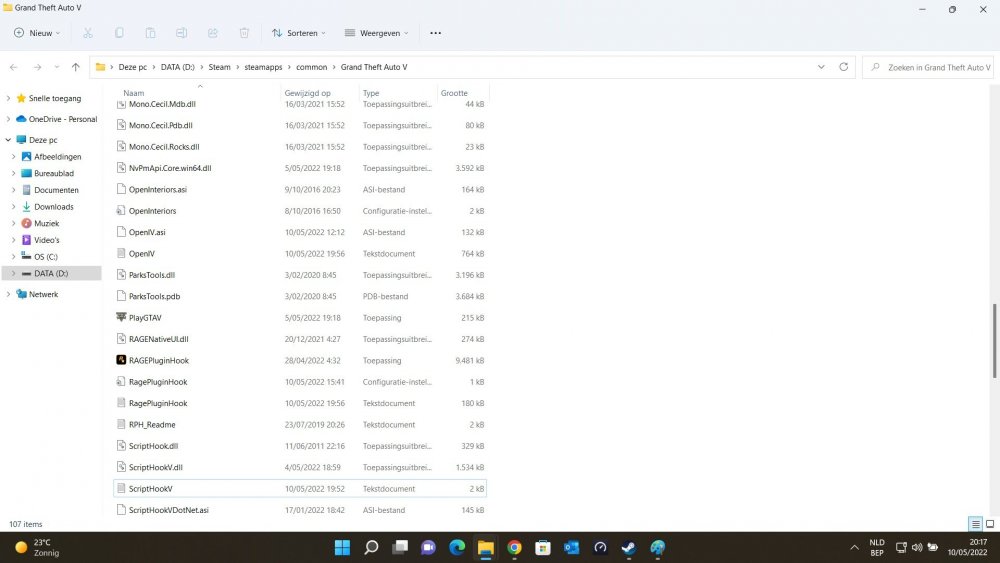
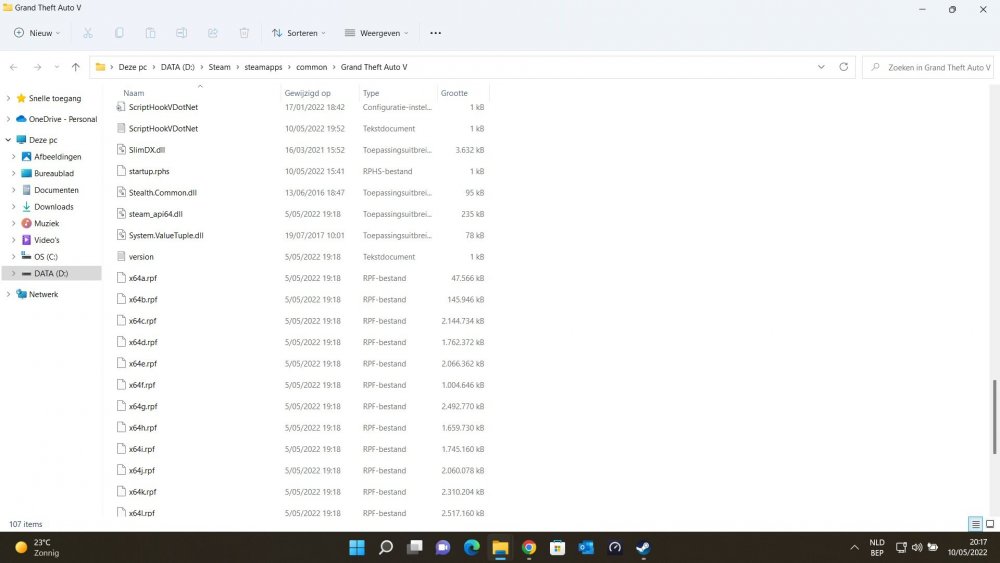
  1. Not sure, found it by reading through other "ELS don't work" Topics. Should I remove it?
  2. Ok, attached 🙂 EDIT : It looks like most ASI's are loading now. Just the ELS.asi is still failing..
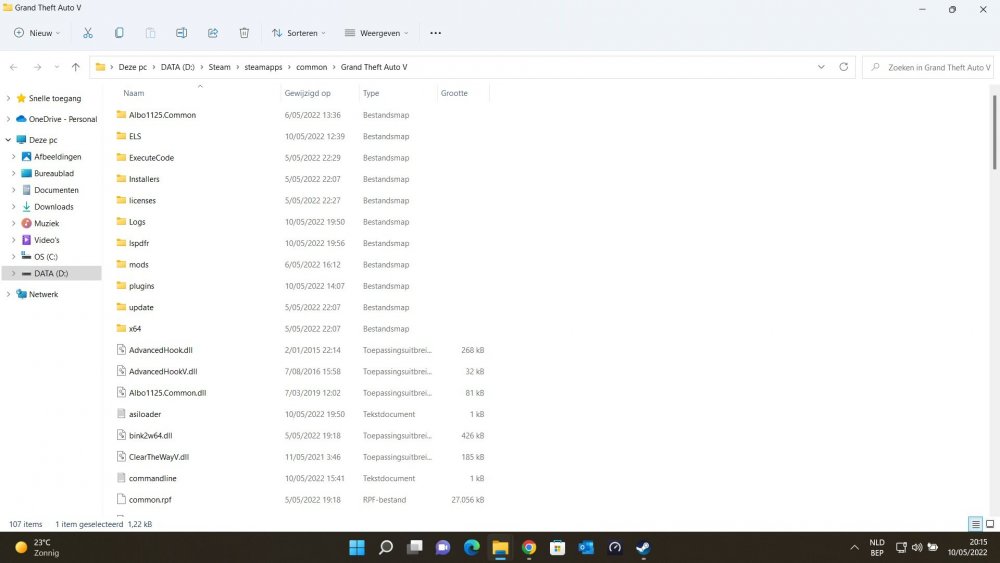
  3. Yes I did. ScriptHookV is version 1.0.2612.1 Also the AdvancedHooks are up to date.
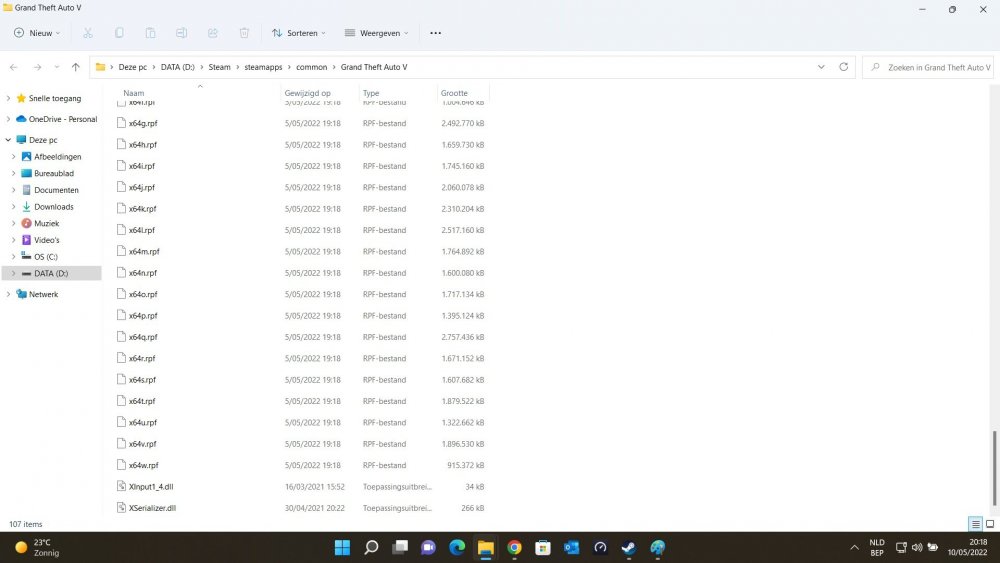
  4. Hi, anyone know how to solve this? Seems to fail to load most .asi. I have AdvancedHook.dll and AdvancedHookV.dll in my main GTA V directory. All worked fine for months, untill the last GTA-patch, with the updated LSPDFR and RageHook. I play via Steam. I've been through most (if not all) other topics relating "ELS.asi not loading" etc, but haven't managed to find a working fix. Thanks.

Account

Navigation

Search

Search

Configure browser push notifications

Chrome (Android)
  1. Tap the lock icon next to the address bar.
  2. Tap Permissions → Notifications.
  3. Adjust your preference.
Chrome (Desktop)
  1. Click the padlock icon in the address bar.
  2. Select Site settings.
  3. Find Notifications and adjust your preference.