Skip to content
View in the app

A better way to browse. Learn more.

LCPDFR.com

A full-screen app on your home screen with push notifications, badges and more.

To install this app on iOS and iPadOS
  1. Tap the Share icon in Safari
  2. Scroll the menu and tap Add to Home Screen.
  3. Tap Add in the top-right corner.
To install this app on Android
  1. Tap the 3-dot menu (⋮) in the top-right corner of the browser.
  2. Tap Add to Home screen or Install app.
  3. Confirm by tapping Install.

civicwarrior91

Members
  • Joined

  • Last visited

About Me

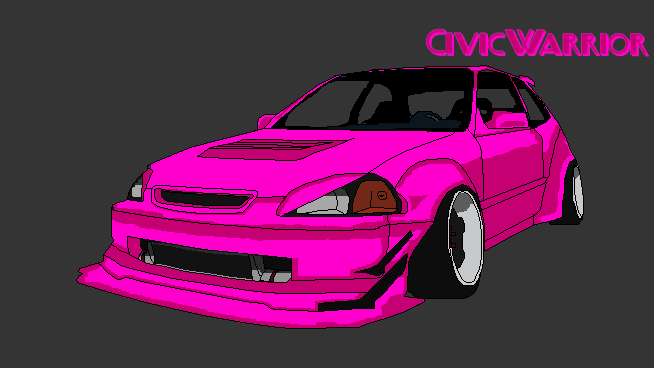
Hi i am civicwarrior call me civic 🙂 

i am a twitch/facebook streamer i dont have many regulars that come and hang out but i soldier on like u gotta to make your dream a reality i cant remember where i found this mod but it looked interesting and i wanted to try it out, if any of y'all wanna get to know me i am always available 🙂 hope to talk to u all soon

Account

Navigation

Search

Search

Configure browser push notifications

Chrome (Android)
  1. Tap the lock icon next to the address bar.
  2. Tap Permissions → Notifications.
  3. Adjust your preference.
Chrome (Desktop)
  1. Click the padlock icon in the address bar.
  2. Select Site settings.
  3. Find Notifications and adjust your preference.