



Made Lucky
Members
-
Joined
-
Last visited
Everything posted by Made Lucky
-
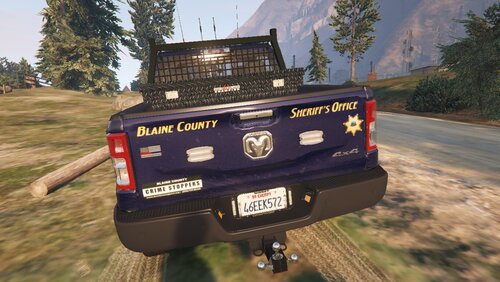
From the album: My Screenshots
-
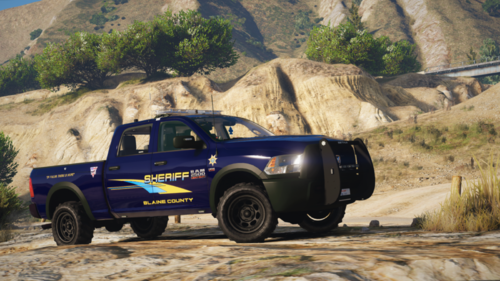 Be sure to Join the Discord to get Updates and Textures! We also have Private Releases if your interested: https://discord.gg/5NJQ8BT Got the idea from DOJRP. Had to remake the whole skin to be able to fit the first Released Dodge Ram that actually looks nice. No offence to the other devs, we appreciate your work. Cheers You can find the model that goes with this below! You may now use this livery, vehicle listed below:
 -
-
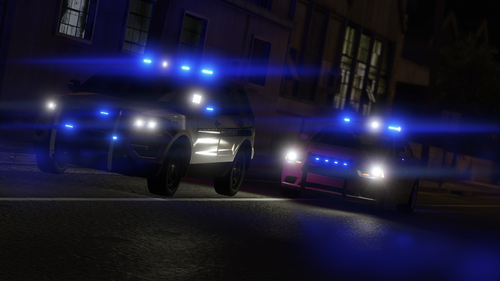 Can you please give some credit to the people who made the Car Models? First it isn't nice not to include the creator of the base model and some people might want more of that model so please do put the creators of the base models.
- 33 comments
- 18 reviews
-
 YEa send the download for the truck. we got berely any trucks


