


ItsBaxim
Members
-
Joined
-
Last visited
Everything posted by ItsBaxim
-
There seems to be a problem persisting at the moment so all you can do is wait, some people like me are fine and able to play the game but for others like you it seem to be having some difficulty.
-
Okay this could solve your issue, Simply add these lines to your lspdfr.ini which is located at GTA/LSPDFR: WorldEvents.MaxNumberOfEvents = 0 (this one should already be in there so you just have to change it from 1 to 0) AmbientSpawn.SpawnFrequency = 0
-
Okay, the best thing i recommend is just to wait, for the mean time can you send a picture of your plugins folder.
-
Remove EUP, try to launch and if it works reinstall EUP.
-
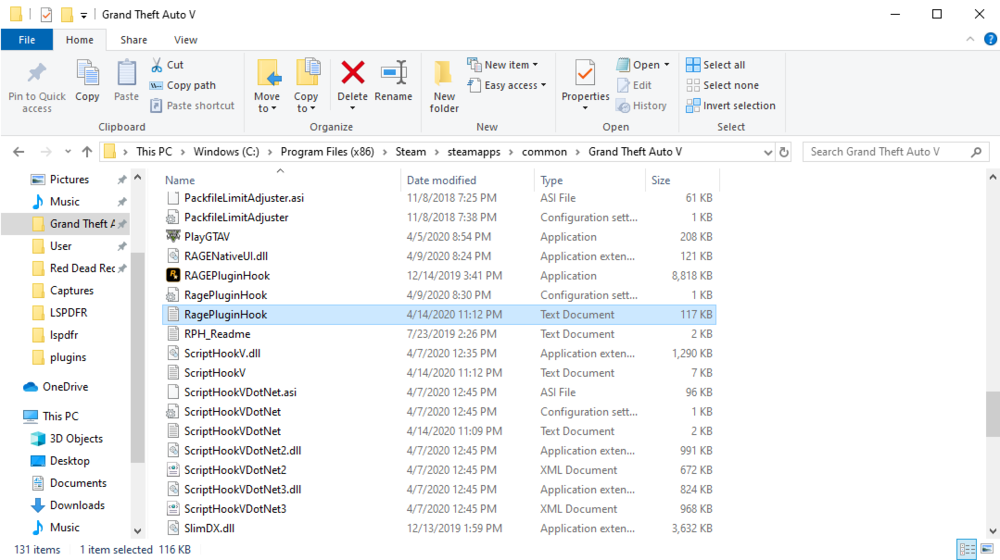
Please include your ragepluginhook.log
-
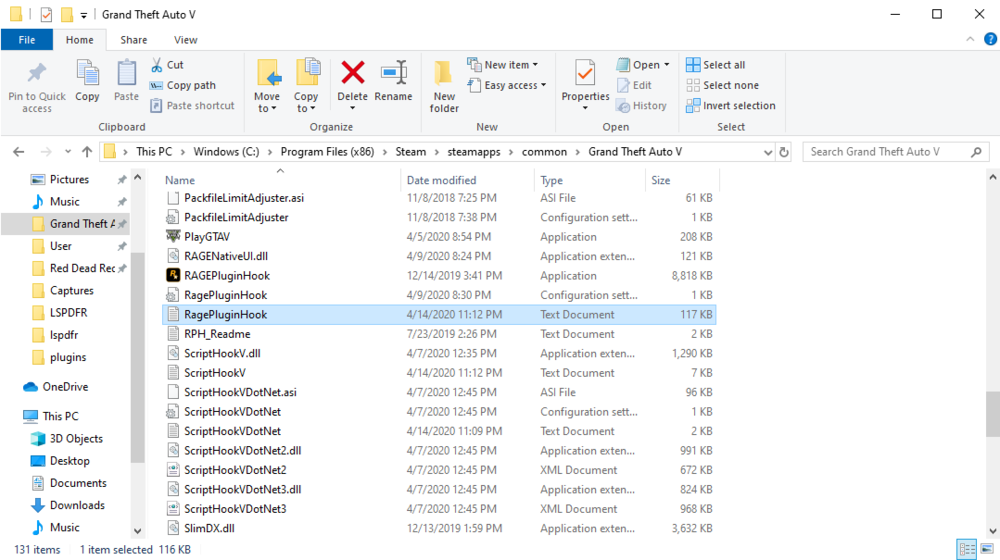
When you reply to me please click choose files and navigate to your GTA V directory and select your ragepluginhook.log
-
Perfect! Stay safe.
-
Plese include your Rageplugin.log
-
Uninstall it then try to launch.
-
Please include your Rageplugin.log
-
I recommend installing EUP, and EUP Law and Order which is an addon for the menu. If you want the AI to wear custom uniforms use the xml linked at the bottom with Ultimate Backup. EUP: Use this with the Ultimate Backup plugin: The topic i just posted above may help you aswell.
-
Perfect, stay safe.
-
Heres what you need:
-
Can you send a picture of you plugins folder and your RPH log.
-
Natural Vision remastered is also an option.
-
If your talking about the menu's conflicting, edit Arrest Manager INI and set the traffic stop interact button (by default it should be E) to "none" or a different unused Key.
-
Please send your rageplugin log.
-
Perfect! Have a good one.
-
I recommend using ultimate backup. https://bejoijo256.wixsite.com/bejoijo/post/ultimate-backup
-
Yes. The way to fix this is to navigate to Mods/update/x64/dlcpacks/NVR_emissive. Once in there search police,fbi,sherrif and you may saftley delete the files, you will need OPEN IV for this which you most likely have. This way you may still have NVR installled. Hope this helped if you still have questions all you have to do is reply.
-
No problem, all you have to do is edit the Arrest manager INI like you said and remove or change the interact button, by default it should be E. I also recommend the topic below, it covers some plugins and callouts that are outdated and could cause your game to crash. Feel free to contact me via LSPDFR's messaging system if you require more help.
-
I recommend going over the post linked below, not all plugins on that list cause the game to crash but its worth taking a look at it.
-
might as well.
-
Im guessing that you need to remove Traffic Policer from LSPDFR/audio/scanner, and then remove Police smart radio.
-
Im guessing that you need to remove Traffic Policer from LSPDFR/audio/scanner, launch game, if that doesnt work try removing Variety callouts.


