



Deputy Konosuke
Members
-
Joined
-
Last visited
Everything posted by Deputy Konosuke
-
From the album: FiveM
-
From the album: FiveM
-
From the album: FiveM
-
From the album: FiveM
-
From the album: FiveM
-
From the album: FiveM
-
From the album: FiveM
-
From the album: FiveM
-
.png.56ffa81378ecd6c7d86911b16402010f.png)
From the album: FiveM
-
From the album: FiveM
-
From the album: FiveM
-
From the album: FiveM
-
-
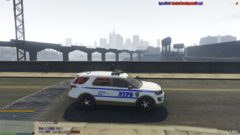
From the album: FiveM
-
irl or memes
-
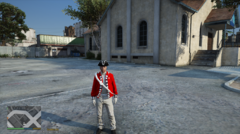
From the album: Random stuff
-
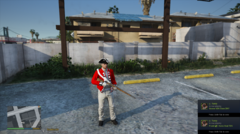
From the album: Random stuff
-
applied tourniquet for EUP

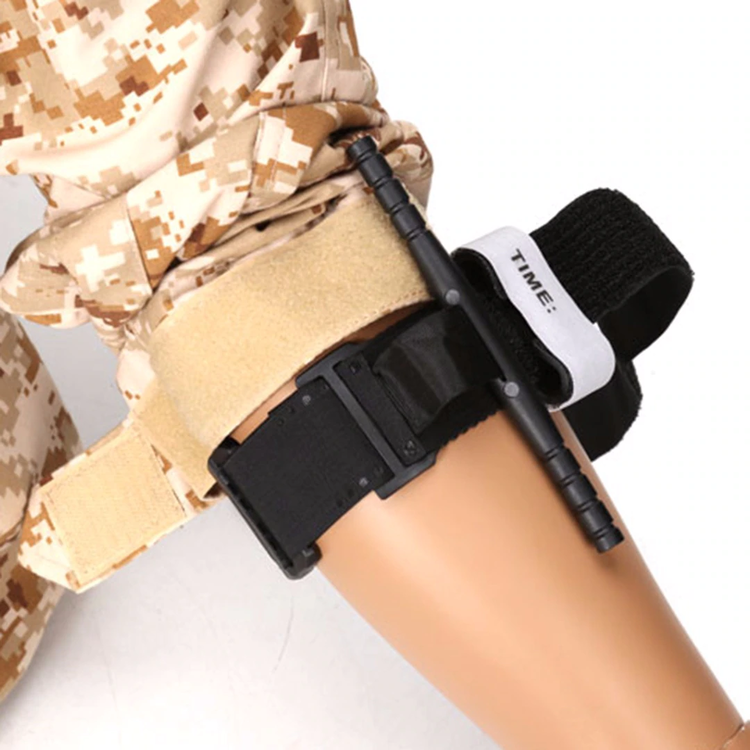
-
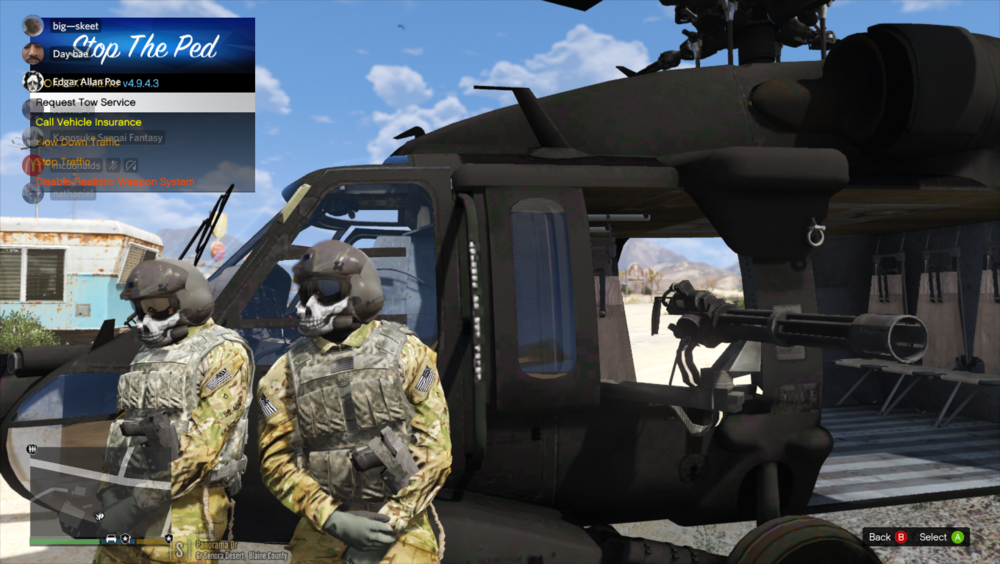
made a helmet for blackhawk crew
-
 thanks lol , laggo could help you probs
 -
ay you're starting to get into the glow sigh popularity
-
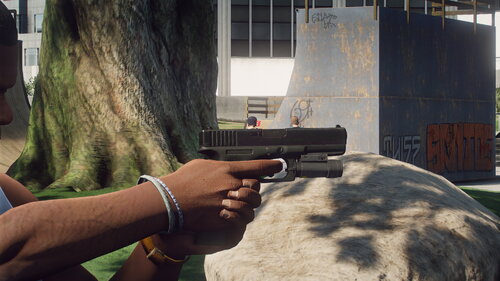
 um little issue when switching to taser or long rifle the Glock doesn't get put back in holster unless switching to then putting it away also anyway with tasers holsters on belts also in the future i seen empty taser holsters on belts in default eup files
- 560 comments
- 97 reviews
-
hii Taylor , also welcome back MoonShine
-
-
 guns should replace the ones in patchday8ng , models ,weapons


.png.56ffa81378ecd6c7d86911b16402010f.png)


.png.040e5a1b3815955e6531f25033824201.png)


