
biggzcod
Members
-
Joined
-
Last visited
Everything posted by biggzcod
-
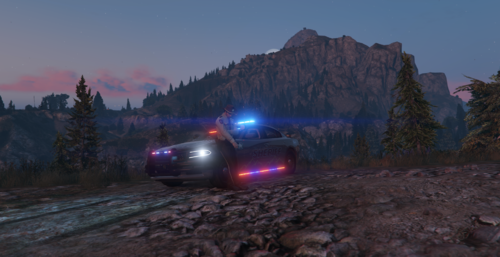 thank you man i will be returning to making cars very soon i have a full pack of over 12 vehicles on stand by but had to transfer all zmodeler files i had and most got corrupted so slowly making my way back to making sure i can release a lot of vehicles!!
 -
You got the els folder installed correctly? and car in patchday 25?
-
you just click my profile it should take you to my profile then you should be able to click send message
-
awesome! i am always free my man you can msg me on either discord or ofc lcpdfr im always on either one
-
thank you!! i appreciate that i will be releasing a full bcso pack shortly 🥳
-
thank you man i appreciate that!
-
thank you my boy i appreciate that!
-
the unmarked charger in the video is replica of Kane Jr's 2015 irl charger and will sadly not be released to anyone other than him i will however make more unmarked cars like 2018 um charger once i finish my current project which is 2021 bcso dodge durango pursuit!
-
thank you man! Thank you brotha!!
-
This is my first ever project If there are any issues please lmk so i can try to fix them also lmk My Discord: Biggz#0001 SPECIAL THANKS TO @Drew F For helping me with making the lights and textures work and for everything he has helped me with also big thank you to @Prestoniskey for helping me learn how to do shit! other than that hope you like the car SIDE NOTE.... Make sure you have prm and wrn set to scan in order to use my light patterns!!