


Mr. robo-coper
Members
-
Joined
-
Last visited
Everything posted by Mr. robo-coper
-
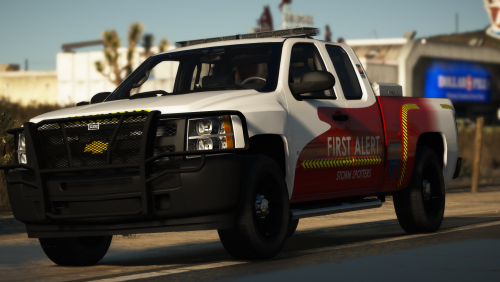 Hey guys! I'm the guy that made the livery you see in the photos. I also made a DoT skin for it, but it didn't get published, sadly. So, I uploaded it myself! Feel free to grab it and slap it on!
 -
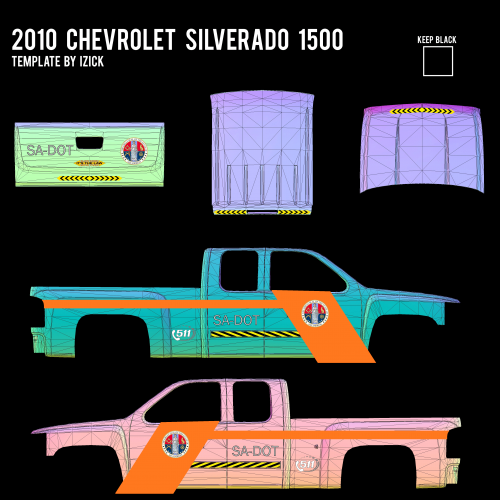 San Andreas Department of Transportation Skin - 2012 Chevrolet Silverado 1500 Hello everyone. I had worked with Kryptonic when he was developing this truck near the beginning of this year. We had first planned for it to be just all-amber Storm Chasing vehicle. However, in order for us to put it in the server and be granted by the administrators, a DoT skin was needed as well. So, I went to work and made a San Andreas DoT skin for it. I had thought that he uploaded this with the model, but he did not. So, I'm here now releasing it to the public. Original Model file by KryptonicBCSO can be found here:
