fasdfasdf
Members
-
Joined
-
Last visited
Everything posted by fasdfasdf
-
 Just the unmarked Ram, Tahoe and Charger. ... again beautiful pack thank you for sharing btw.
 -
amazing work. I'm just having a tiny issue, at night the ELS lights don't shine or reflect off of surfaces, only the rear but its very minimal.
-
Is there a way to make DUI's extremely rare? I've tried resetting my probabilities in STP and Traffic Policer to near 0 or very low, and although it helped a bit, almost every traffic stop seems to be a DUI alcohol or drugs. I only use stop the ped (and traffic policer) as I basically just play traffic cop, no other call out packs.
-
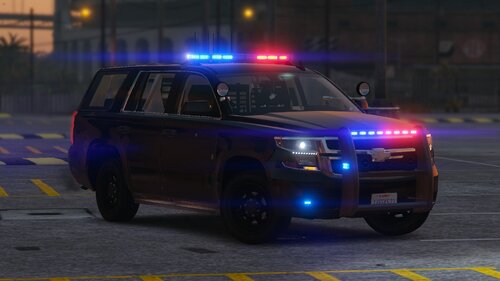
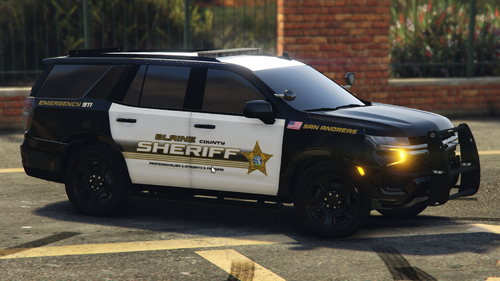 what happened to the tahoe pack ? the daso23 addon suv pack ? does anyone know
 -
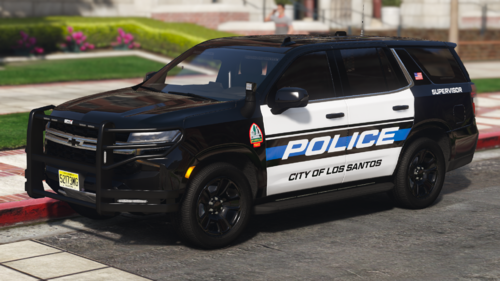 I know its too much to ask but is there any way you could make a version without the side running board lights ? either way fantastic work
 -
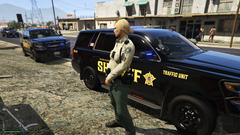
From the album: BCSO txinsp
-
-
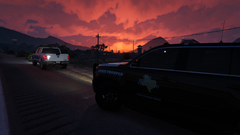
Grand Theft Auto V Screenshot 2024.02.16 - 02.39.32.97.png
-
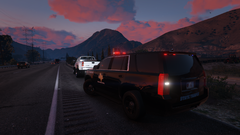
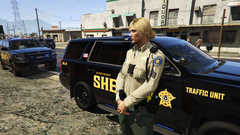 Grand Theft Auto V Screenshot 2024.02.16 - 02.40.08.40.png
-
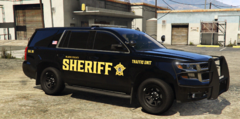 Grand Theft Auto V Screenshot 2024.02.16 - 02.52.46.40.png
-
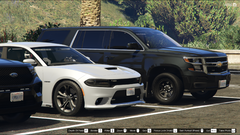 Grand Theft Auto V Screenshot 2023.12.11 - 21.43.43.48.png
-
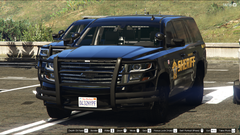 Grand Theft Auto V Screenshot 2023.12.11 - 21.43.48.11.png
-
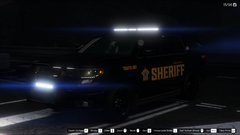 Grand Theft Auto V Screenshot 2023.12.11 - 21.48.28.18.png
-
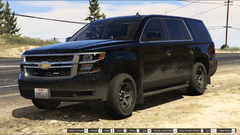 Grand Theft Auto V Screenshot 2023.07.17 - 19.14.22.84.png
-
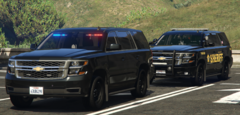 Grand Theft Auto V Screenshot 2023.12.11 - 21.52.23.65.png
-
-
From the album: BCSO txinsp
-
From the album: BCSO txinsp
-
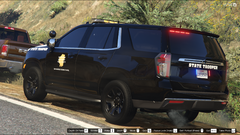
From the album: TX DPS 2021 Tahoe
-
-
From the album: BCSO txinsp
-
From the album: BCSO txinsp
-
From the album: BCSO txinsp
-
From the album: BCSO txinsp
-
From the album: BCSO txinsp
-
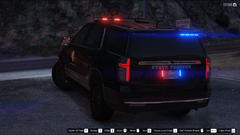
From the album: TX DPS 2021 Tahoe
-
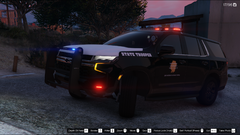
From the album: TX DPS 2021 Tahoe
-
-
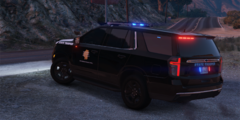
From the album: Texas State Troopers , Texas Highway Patrol
-
-
-
 YES! took me a while to figure it out. the issue is in the DefaultRegions.xml file the creator left some addon vehicles even though its the "default vehicles" version you have to edit the default regions file, first find "Blaine County Sheriff's Office" underneath that, delete all of this <Vehicle chance="10" pax_chance="30" pax="1" livery="1">BCSOALAMO</Vehicle> <Vehicle chance="10" pax_chance="30" pax="1" livery="1">BCSOALAMO5</Vehicle> <Vehicle chance="10" pax_chance="30" pax="1" livery="1">BCSOFUGITIVE</Vehicle> <Vehicle chance="10" pax_chance="30" pax="1" livery="1">BCSOGRANGER</Vehicle> <Vehicle chance="10" pax_chance="30" pax="1" livery="1">BCSOLANDSTALKER</Vehicle> <Vehicle chance="10" pax_chance="30" pax="1" livery="1">BCSONALAMO</Vehicle> <Vehicle chance="10" pax_chance="30" pax="1" livery="1">BCSONALAMO2</Vehicle> <Vehicle chance="10" pax_chance="30" pax="1" livery="1">BCSOSCOUT</Vehicle> <Vehicle chance="10" pax_chance="30" pax="1" livery="1">BCSOSCOUT2</Vehicle> <Vehicle chance="5" pax_chance="30" pax="1" livery="1">BCSOSTANIER</Vehicle> <Vehicle chance="5" pax_chance="30" pax="1" livery="1">BCSOSTANIER3</Vehicle> and replace it with this <Vehicle chance="50" pax_chance="30" pax="1">SHERIFF</Vehicle> <Vehicle chance="50" pax_chance="30" pax="1">SHERIFF2</Vehicle> may be confusing but hope that helps.
- 367 comments
- 17 reviews
-
-

- 1
-
-
-